Manuals & guides
SC02 user manualOpen resource SC02 frequently asked questionsOpen resourceVideos
No product video is currently listed.
Ask for setup helpFile transfer
Use the transfer instructions for your exact model and hardware revision. The required connection, software and computer support depend on the device.
Find the matching guideIf the device is not recognized, include your computer operating system, the connection used and any message shown in your support request. Do not send private recordings.
Troubleshooting
Can I review footage without a computer?
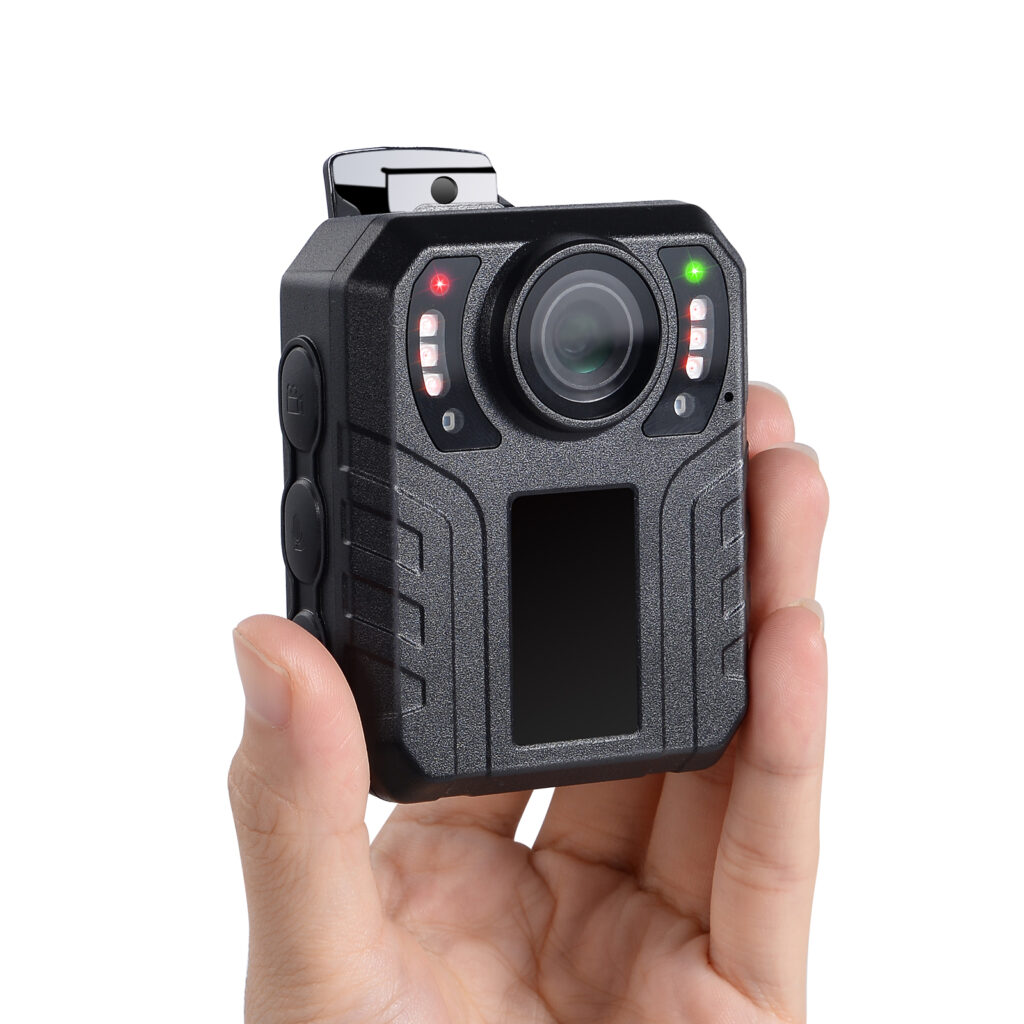
Yes. SC02 has a built-in screen for local playback.
Does loop recording preserve every file?
No. Loop recording can overwrite older files as storage fills. Export important recordings before they are overwritten.
Getting started
Check the full model name on the device label and use the matching guide for charging and setup. Describe the task, what happened and any message on the screen when requesting help.
Software & firmware
Confirm the version first.
Firmware must match your exact model and hardware version. Contact support before installing an update. A manual version or upload date does not identify a compatible firmware release.
Ask about firmwareWhat to include in a support request
- The full model name from the device label, including any suffix or variant.
- The current software or hardware version, if the device shows it. Leave it unknown when unavailable.
- What you were trying to do, what happened, and any message on the screen.
- For transfer issues, the computer operating system and connection used. For Amazon purchases, the purchase channel and order reference can help identify the package.
Do not include passwords, payment information or private recordings in the initial request.
Need more help with your SC02?
Tell us your model and what you need help with.
Start a conversation
Let's talk about your needs.
Product questions, OEM/ODM projects or help with your camera. Tell us what you have in mind.
[email protected]+86 13798434740Peter Pen
Sales Manager & Co-Founder

Scan to connect with our team.