Body Camera Uses: Find a Guide for Your Work or Everyday Needs
Find guidance for your role, from private security and delivery work to personal recording and care settings.
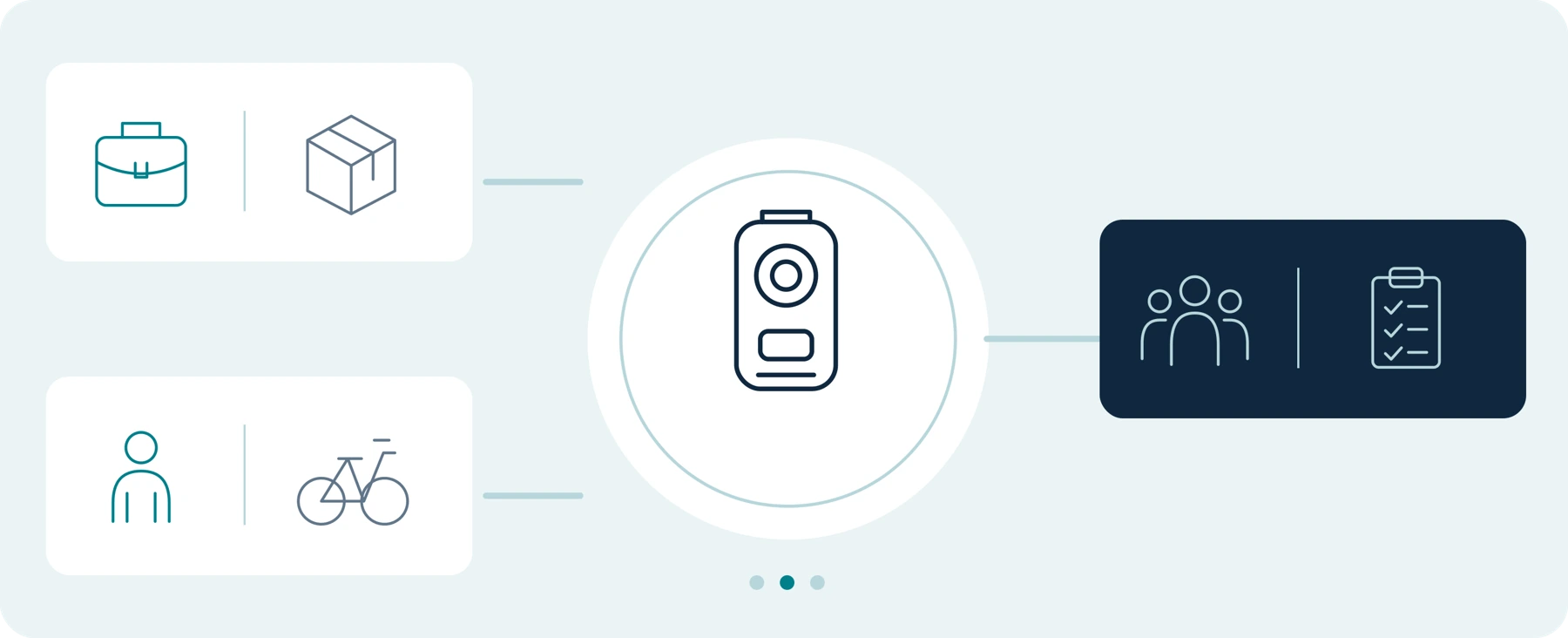
Editorial guidance, not legal advice or a model-specific performance promise. Check the rules and requirements that apply to your location and use.
Find Your Starting Point
Start with the situation you need to record—not the camera you are thinking of buying.
Are you assessing a camera for a security shift, a delivery route, a property visit, or everyday personal recording? The first decision is what you need the recording to accomplish. Then ask whether your existing phone, fixed cameras, or vehicle camera already meets that need.
Use this hub to find a guide for your work or daily routine. Each route starts with a practical question: Do I need a wearable camera, what should I test, and what will I do with the footage afterward?
A good outcome may be a suitable body-camera setup. It may also be a better use of equipment you already own—or a decision not to record.
| Your starting point | Where to begin |
|---|---|
| I am considering a camera for myself. | Everyday and personal recording: walking, commuting, cycling, or documenting a specific concern. For a purchase connected to your job, use the relevant work guide instead. |
| I want to use a camera at work. | Work and service roles: security, delivery, retail, property visits, rideshare driving, hospitality, and events. |
| I am choosing equipment for other people. | Buying for a team: define the roles, recording requirements, approvals, and file-handling responsibilities before comparing quantities or prices. |
Considering healthcare or home-care use? Start with the separate privacy-first assessment, not a general workplace buying recommendation.
Explore Work and Service Roles
 B01 READ GUIDE | Security Guards and Private Security Teams Your first question: Can the setup fit an approved shift and footage-handover process? Start here for access control, patrols, and other authorized private-security tasks. Evaluate operation through your workwear, the recording period you actually need, relevant lighting and sound, and the handover after an event or shift. Separate buying a device for yourself from choosing equipment your organization will approve and manage. Guide: Body Cameras for Security Guards: What to Look For |
|---|
 B02 READ GUIDE | Delivery Drivers and Couriers Your first question: Can you capture the intended delivery activity without obstructing your work? Follow the task from collecting a parcel to carrying it, placing it, and completing the handover. Test the lens position with your usual packages and clothing, while keeping your phone available for the work you need it to do. Check employer and platform requirements separately; do not assume additional video replaces a required delivery-confirmation process. Guide: Body Cameras for Delivery Drivers: What to Check Before You Buy |
|---|
 B03 READ GUIDE | Retail Staff and Store Managers Your first question: What recording need remains after you assess the store's existing CCTV? Begin with a map of your fixed cameras and the tasks performed at entrances, checkouts, and service desks. Consider whether a wearable view would add useful information, which roles would need it, and how staff would identify recordings from the same incident. The decision may be to add selected devices, improve the existing arrangement, or keep it unchanged. Guide: Body Cameras for Retail Staff: Do You Need Them Alongside CCTV? |
|---|
Scene images are AI-generated concepts, not actual customer deployments or product-performance claims.
Property, Driving and Hospitality
 B04 READ GUIDE | Property Managers, Maintenance Teams, and Field Service Workers Your first question: Are you documenting a task or collecting information beyond that task? Distinguish common-area inspections from work inside a private home. Consider whether photographs or a completed work order already provide the required record, and define any remaining need before evaluating wearable video. For UK organizations, the ICO calls for stronger justification for body-worn recording in sensitive settings such as private homes and care homes. That is a jurisdiction-specific consideration, not a worldwide permission or prohibition.[1] Guide: Body Cameras for Property Managers and Field Service Workers |
|---|
 B05 READ GUIDE | Rideshare and Taxi Drivers Your first question: Do you need a wearable camera in addition to your existing vehicle cameras? Identify the separate tasks: recording the road, recording the cabin where appropriate, and documenting relevant activity away from the car. Check whether transferring a device between those tasks creates an unacceptable gap or extra work. Review the applicable platform rules as well as local requirements. Uber's U.S. community guidance distinguishes submitting ride recordings from public sharing and restricts the latter. Its dashcam provisions are not blanket approval for every wearable setup.[2] Guide: Do Rideshare and Taxi Drivers Need a Body Camera? |
|---|
 B09 READ GUIDE | Hospitality and Event Staff Your first question: Which role has a specific recording need? Evaluate reception, entry control, venue security, and event handovers separately rather than proposing cameras for every employee. Plan representative light and sound tests, check the actual uniform and mount, and decide how temporary staff or successive shifts would return equipment and hand over recordings. Keep private and sensitive spaces outside any assumption of routine recording. Guide: Body Cameras for Hospitality and Event Staff: What to Consider |
|---|
Read the guides in this series. Source markers link to the references below.
Explore Everyday and Personal Recording
 B06 READ GUIDE | Walking, Dog Walking, and Commuting Your first question: What would a wearable camera do that your current phone does not? Start with a defined recording task rather than a general expectation of protection. Compare practical operation, clothing and bag placement, required recording time, and file retrieval. Keep recording requirements separate from your plans for communication or getting help, and test whether the equipment you already own is sufficient. Guide: Body Cameras for Personal Safety: Walking, Dog Walking, and Commuting |
|---|
 B07 READ GUIDE | Harassment and Neighbor Disputes Your first question: Can you document the concern appropriately without escalating it? Start with personal safety, applicable rules, and an appropriate way to report or organize the information—not a shopping list. Focus on an event timeline, original files, verified backups, and private submission where appropriate. Do not follow someone, provoke contact, or prolong a confrontation to obtain footage. Put safety and suitable local assistance before recording. Guide: Using a Body Camera to Document Harassment and Neighbor Disputes |
|---|
 B08 READ GUIDE | Cycling and Road Recording Your first question: Which permitted mounting arrangement captures the view you need in your normal riding position? Compare chest and helmet positions through a controlled test, including posture, movement, framing, sound, and the required duration. Check the camera, mount, and helmet manufacturers' instructions before selecting an attachment. Set up and inspect equipment while stopped; do not modify a helmet to make an otherwise unsuitable mount fit. Guide: Body Cameras for Cycling: Chest vs. Helmet Mounting |
|---|
Context scenes are illustrative. They do not promise protection, legal permission or a certified mounting arrangement.
Healthcare and Home Care
Begin with a Privacy-First Assessment

| PURPOSE + ALTERNATIVES | PEOPLE + PRIVACY | ACCESS + RETENTION |
|---|
Figure 02 | Assess the proposed use before selecting a device. This is a planning concept, not regulatory approval.
Your first question: Is recording appropriate for this service and setting at all?
Treat hospital security, clinical care, and home-care visits as separate proposals. Begin with the organization's responsible decision-makers and assess the purpose, alternatives, people affected, and arrangements for access and retention before comparing cameras.
For US organizations subject to HIPAA, the Security Rule addresses administrative, physical, and technical safeguards for electronic protected health information. A camera's feature list alone cannot establish whether the complete arrangement meets those obligations.[3]
This route is for deployment assessment, not individual staff members buying a camera and beginning to record patients on their own.
Guide: Body Cameras in Healthcare and Home Care: Privacy Before Purchase
Before You Record: Check the Use, Not Just the Equipment
For any route, identify the applicable rules for the location and circumstances. Check video and audio separately, clarify any workplace or platform requirements, and decide who will access the recordings and when they will be removed. Do not assume that owning a camera, entering a property, or obtaining an employer's approval settles every recording question.
For UK organizational use, the ICO's body-worn guidance addresses necessity, privacy information, audio, and the management of recorded files. Its page is marked as under review.[1] For an EU starting resource, consult the European Data Protection Board's Guidelines 3/2019 on processing of personal data through video devices, alongside the relevant national guidance.[5]
This hub helps you choose a research path. It does not determine whether a particular recording is lawful, whether footage will be accepted in a dispute, or whether a device is appropriate for a regulated setting. Obtain qualified local advice for uncertain uses.
Buying for a Team?
Define the Process Before the Quantity
Start with the relevant work guide, then write down how the proposed system would operate across the team. Our recommendation is to resolve these five questions before requesting a multi-camera quote.

| PURPOSE | USERS | TRIAL | FILES | COST |
|---|
Figure 03 | Five planning questions to resolve before a multi-camera quote; no deployed system is represented.
| Planning question | What your answer should establish |
|---|---|
| What is the recording purpose? | The task, the people affected, and when recording should begin and end—not a default of recording everything. |
| Who needs equipment at the same time? | The roles, overlapping shifts, sharing arrangements, and handover expectations. |
| What must a trial demonstrate? | Approved use, practical wearing and activation, the required recording period, and usable saved files. |
| Who handles the footage? | Responsibility for retrieval, access, retention, backups, and appropriate sharing. |
| What does the complete arrangement cost? | Necessary hardware, mounts, transfer equipment, software or services, support, and staff handling time. |
Keep the camera proposal separate from the wider worker-safety arrangements. The UK's HSE includes training, supervision, contact procedures, and emergency arrangements in its guidance for lone workers. Evaluating a recording device does not replace evaluating those measures.[4]
A small, authorized trial should test the entire proposed process, including the person who receives the files—not only the person wearing the camera. This is a suggested planning approach, not a claim that a particular device or deployment has been tested.
Test the whole process, including the person who receives the files.
Still Choosing the Equipment?
Use the Buying Guides
Choose a scenario first, then use the relevant buying guide to answer the equipment question. There is no need to read every article in sequence.

| YOUR SCENARIO | EQUIPMENT QUESTION | VERIFIED FIT |
|---|
Figure 04 | Choose a relevant scenario, investigate the equipment question, then verify the proposed setup.
| Your equipment question | Companion guide |
|---|---|
| Where should I begin with a first camera? | A01 Body Camera Buying Guide: How to Choose the Right One |
| Will I have to keep paying for software or services? | A02 Do Body Cameras Require a Subscription? Fees Explained |
| How much should the complete setup cost? | A03 How Much Does a Body Camera Cost? A Buyer's Budget Guide |
| Could an action camera meet the same need? | A04 Body Camera vs. Action Camera: Which Should You Choose? |
| Is my existing phone enough? | A05 Body Camera vs. Smartphone: Do You Need a Separate Camera? |
| Is the main requirement recording inside a vehicle? | A06 Can a Body Camera Replace a Dash Cam? |
| Should I consider used professional equipment? | A07 Buying a Used Police Body Camera: What to Check |
Explore the buying and comparison guides below.
There is no need to read every article in sequence. Start with the question you need to answer.
Describe Your Task Before Asking for a Model
When asking SpikeCam about a product or a team purchase, begin with a short description of the intended use. For example:
I am evaluating a camera for [task] in [country and state or region]. I need to record [what matters] for [required duration], while wearing [clothing or mount]. I already use [phone, vehicle camera, CCTV, or other equipment]. There will be [number] simultaneous users, and recordings need to go to [approved device or storage destination]. Please confirm which parts of this requirement the proposed model and package support.
Describe the requirement without sending patient information, customer records, private footage, or personal details of people involved in a dispute. Product suitability can be discussed without those materials.
Choose the guide that matches your task. Keep what already works. Consider additional equipment only when it addresses a need you have identified and can verify.
Recording Needs Worksheet
Fill in the fields below. Describe requirements without attaching private footage or personal records.
| Requirement | Your notes |
|---|---|
| Primary task + country / state / region | Not specified |
| What needs to be recorded + required duration | Not specified |
| Clothing / mount + typical conditions | Not specified |
| Equipment already available | Not specified |
| Simultaneous users + handover arrangements | Not specified |
| Approved file destination + responsible person | Not specified |
| Requirements the supplier must confirm | Not specified |
A written requirement is a starting point for model-specific confirmation, not proof that any product already supports it.
Sources and Scope
Sources checked September 23, 2026. This navigation page provides editorial starting points, not product rankings, legal determinations, or hands-on test results. Listing a use case does not certify that a particular SpikeCam model is suitable for it. UK, EU, and US references have their stated scopes; platform guidance is not a general permission to record. The cited ICO page was marked as under review when checked.
Reference Sources
[1] Information Commissioner's Office, Body Worn Video (BWV)
UK organizational guidance; marked as under review when accessed.
[2] Uber, General Community Guidelines
United States selection, “Recording video and/or audio.” Used only to distinguish submission of ride recordings from public distribution; not to certify a wearable device or another platform's policy.
[3] US Department of Health and Human Services, Summary of the HIPAA Security Rule
Applies to the regulated entities and electronic protected health information described by the source.
[4] Health and Safety Executive, Lone working: Training, supervision and monitoring
UK employer guidance.
final-version landing page, January 30, 2020. Included as a starting resource, not a fresh analysis of the full guidelines.
Illustration and Editing Notes
Contextual scene images are AI-generated. Diagrams are editorial concepts, not product photographs, real deployments, certifications, safety guarantees or test results. No scene should be read as permission to record.
Related articles

Buying a Used Police Body Camera: What to Check
Check ownership, system release, software access, battery condition and the complete recording workflow.
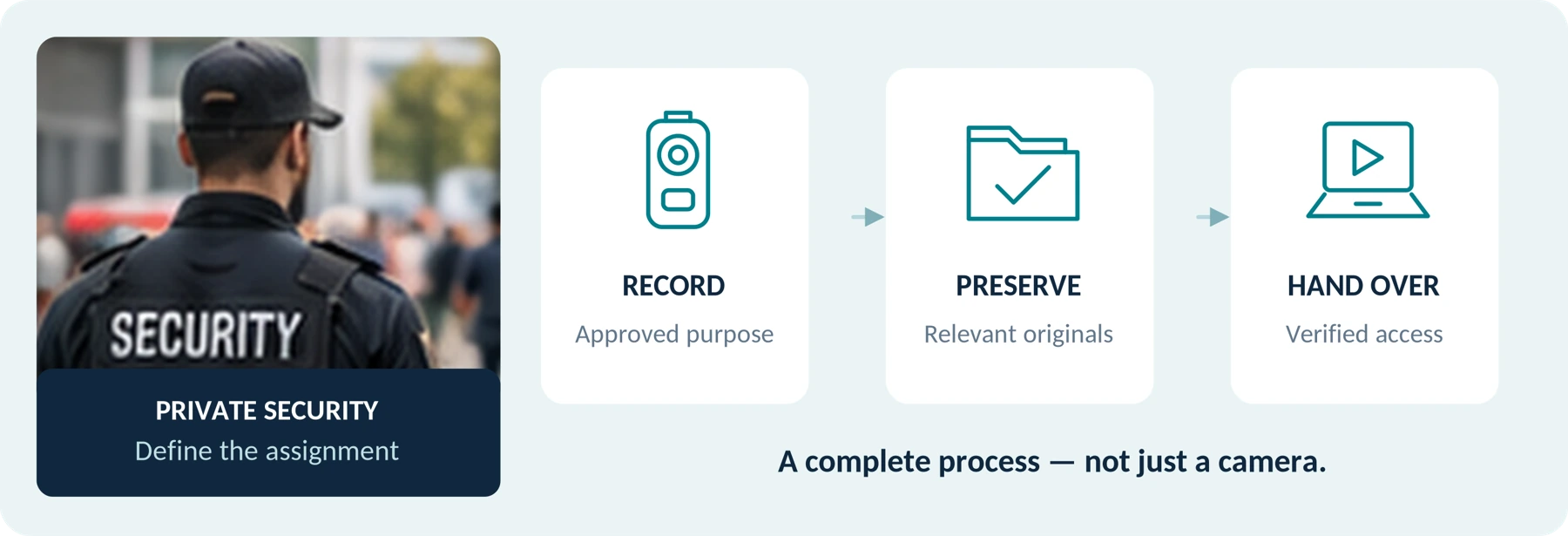
Body Cameras for Security Guards: What to Look For
Plan around the security assignment, approved recording process and handover of incident footage.
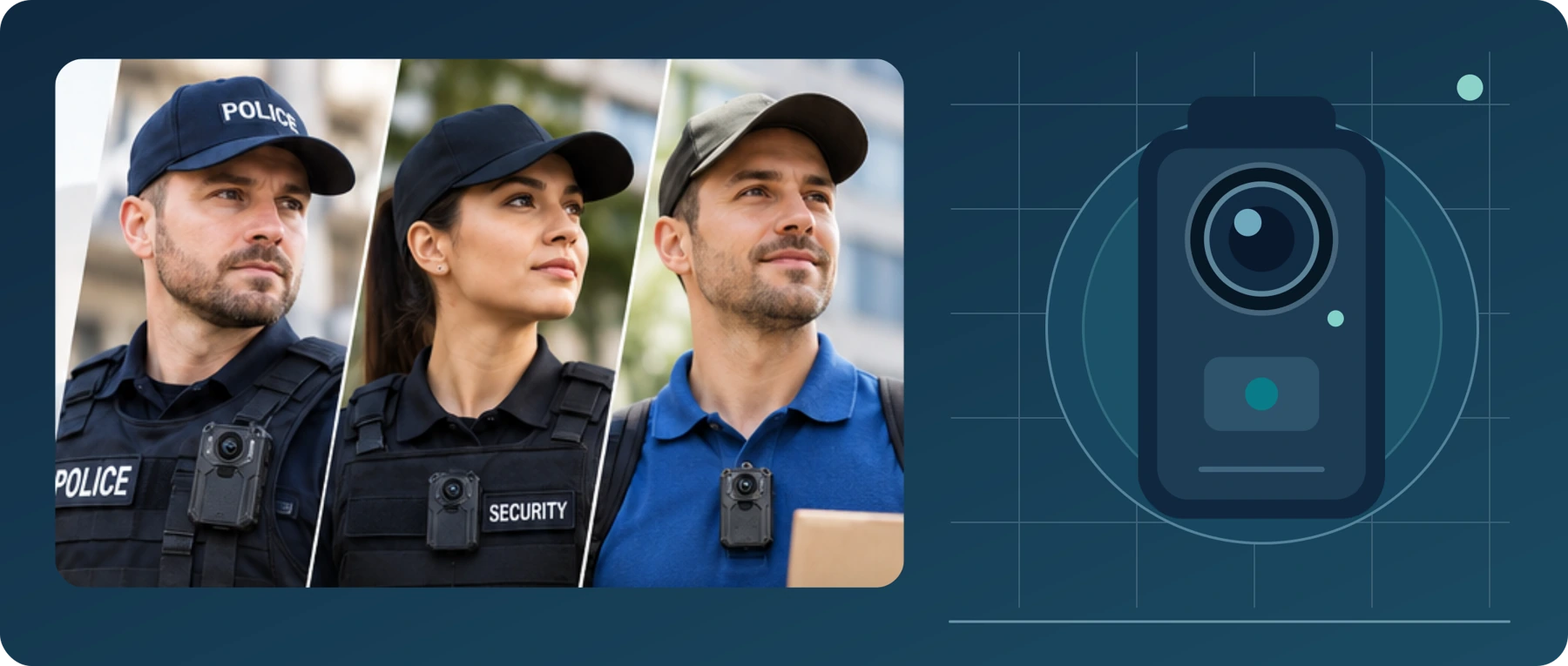
Body Camera Buying Guide: How to Choose the Right One
Choose a camera around recording controls, battery life, file access and your actual working routine.
