Body Cameras for Residential Security Guards: Patrols and Resident Encounters
Map residential patrol recording boundaries, compare local and remote workflows, and use a practical incident and file-handover register.
Editorial guidance, not legal advice or a model-specific performance promise. Check the rules and requirements that apply to your location and use.
Overview
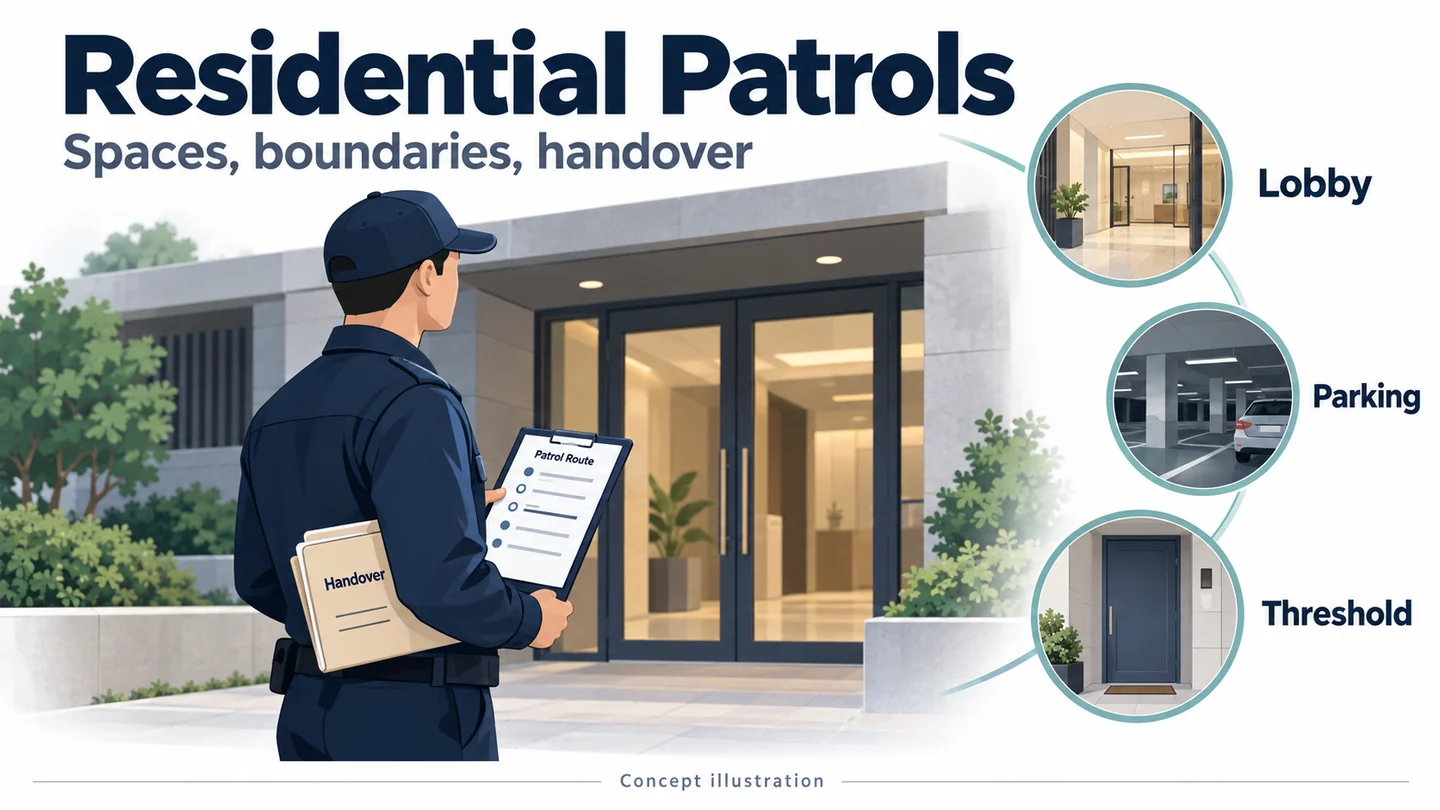
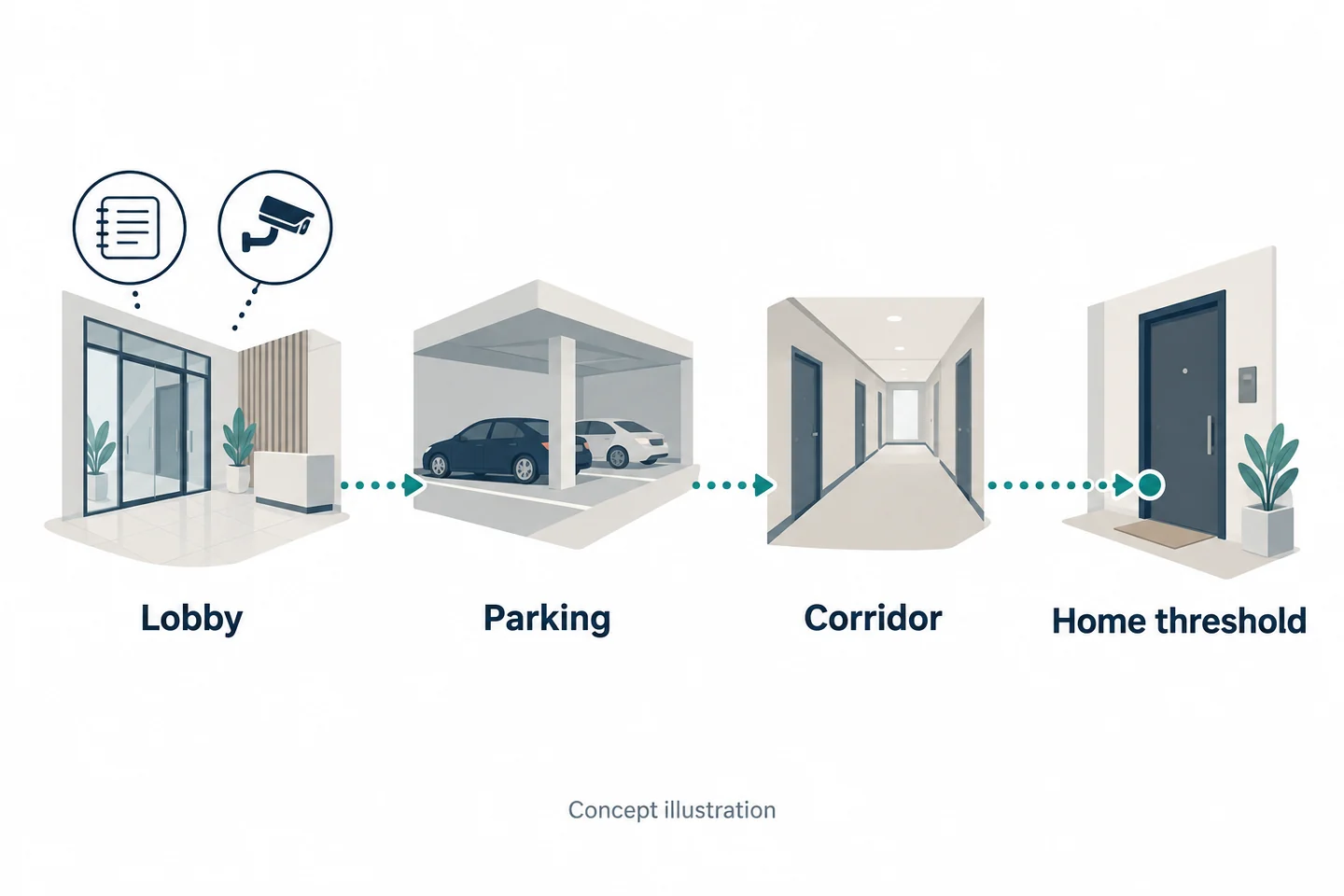
A residential patrol moves through places with different purposes: a lobby, a parking area, a corridor, and the threshold of someone's home. Treating that route as one continuous recording task overlooks the decisions that matter most. What information is missing at each location? When does the recording purpose change? Who receives a file when a contractor's guard finishes a shift at a managed property?
A useful body-camera trial answers those questions before choosing a connected or local-only configuration. This guide provides a route-based method, a fictional three-stop exercise, and a patrol-to-handover register. It does not assume that all common areas should be recorded or that a wearable device replaces existing patrol, communication, or access-control procedures.
Map the Residential Patrol Before Adding a Camera
Lobby, parking area, corridor, and the threshold of a home
Begin with an anonymized route sketch. Use node names such as Lobby A and Parking B rather than resident names, real unit numbers, or access codes. Mark the guard's actual tasks: answering a visitor question, observing a reported problem, passing through a corridor, or responding at a doorway.
For each node, write the information needed by the next shift or an authorized reviewer. A patrol completion mark answers whether a route was logged; it does not necessarily explain an interaction. Likewise, a video showing a corridor does not establish what happened beyond a closed door.
The HSE's lone-worker guidance addresses supervision and contact arrangements. That UK guidance supports keeping a deliberate staff-contact process; it does not make a camera a protective service or establish US requirements.
Compare patrol notes, CCTV, phones, and wearable video
Assign each medium a job before adding another one.
| Source | Question it may answer | Route-specific gap |
|---|---|---|
| Patrol note | What did the guard observe or follow up? | Detail is written, not necessarily recorded |
| CCTV | What occurred within a fixed view? | The encounter may move outside it |
| Authorized phone photograph | What specific condition was photographed? | It may omit a conversation or transition |
| Body video | What happened during an approved recorded encounter? | The view moves and can be obstructed |
If a photograph and work-order note already document a maintenance issue adequately, do not count a longer video as an automatic improvement. Use the security-guard guide for general equipment considerations; keep this evaluation tied to the route's actual information gaps.
Write the Rule for Each Change of Space
Visitor conversations and an approved incident trigger
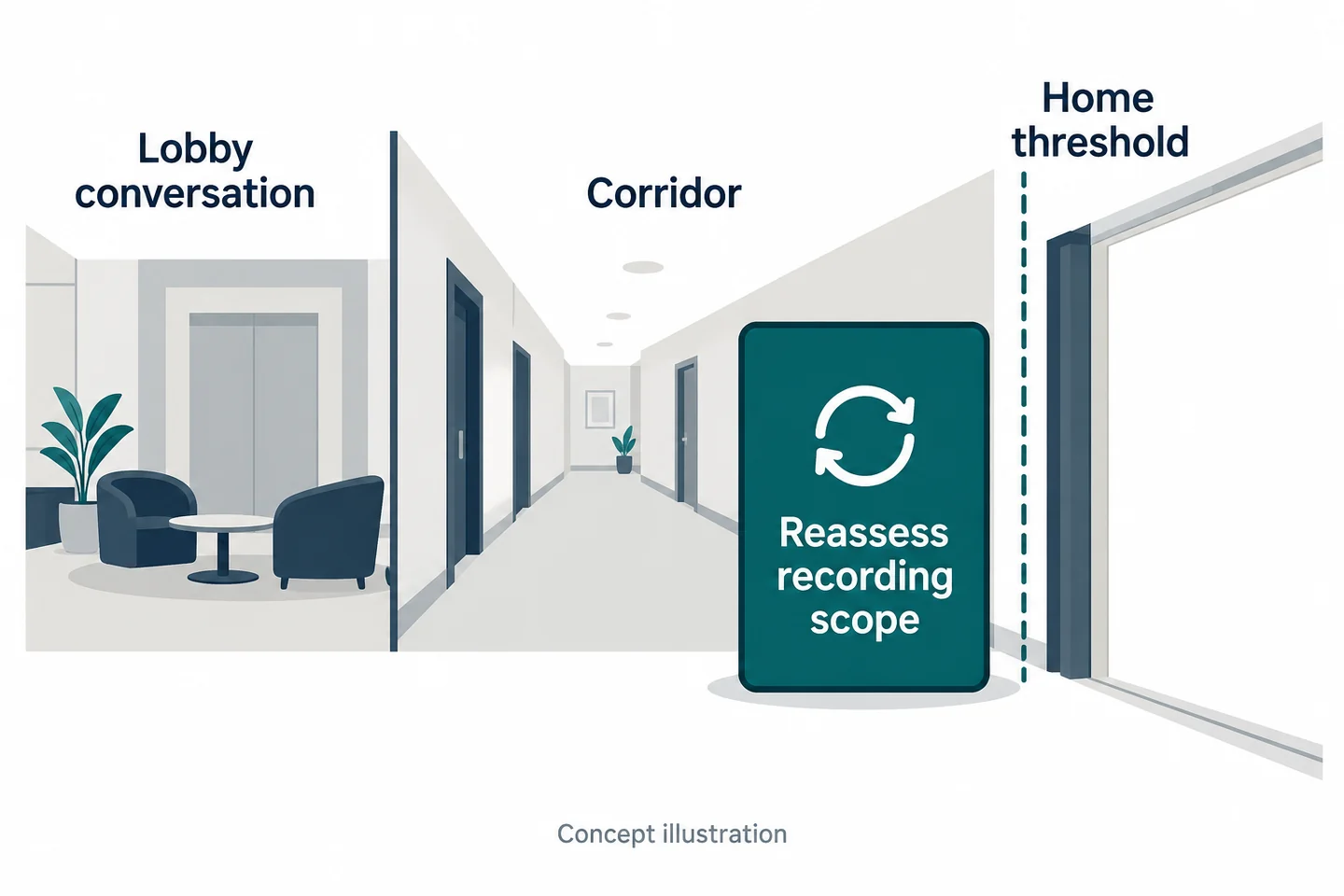
Translate the route into decisions. At the lobby, distinguish routine directions or a delivery question from an event the organization has approved for recording. A visitor's presence in a shared space is not, by itself, a complete explanation of the recording purpose.
The organization should supply the applicable rule, notice procedure, stop condition, and escalation route. The ICO's UK BWV guidance addresses purpose, privacy information, and access. It is currently under review and does not supply recording permission for another jurisdiction.
For a rehearsal, put the approved decision on a route card. Ask the guard to identify the trigger before starting the sample and to describe the saved interval afterward. This tests recognition of the boundary as well as operation of the device.
A resident opens a door or moves toward a private area
The doorway deserves its own checkpoint. A conversation that began in a corridor can suddenly reveal the inside of a home or shift into a sensitive matter. Permission to enter a building should not be treated as blanket permission to record every activity inside it.
Use a preapproved rule for this change: whether to stop, remain outside, narrow the interaction, or seek guidance. The article cannot decide that rule for the property. Staff should know how to document a stop or uncertainty without filming additional private information to explain it.
| Transition | Decision to define before the trial |
|---|---|
| Lobby question to specific incident | Purpose, trigger, and notice |
| Parking area to corridor | Whether the original purpose still applies |
| Corridor to open doorway | Recording boundary and escalation |
| End of interaction | Stop and required record |
The property and field-service guide offers broader context. Here, the practical addition is a distinct decision at each route transition.
Check Mounting During Real Patrol Movements
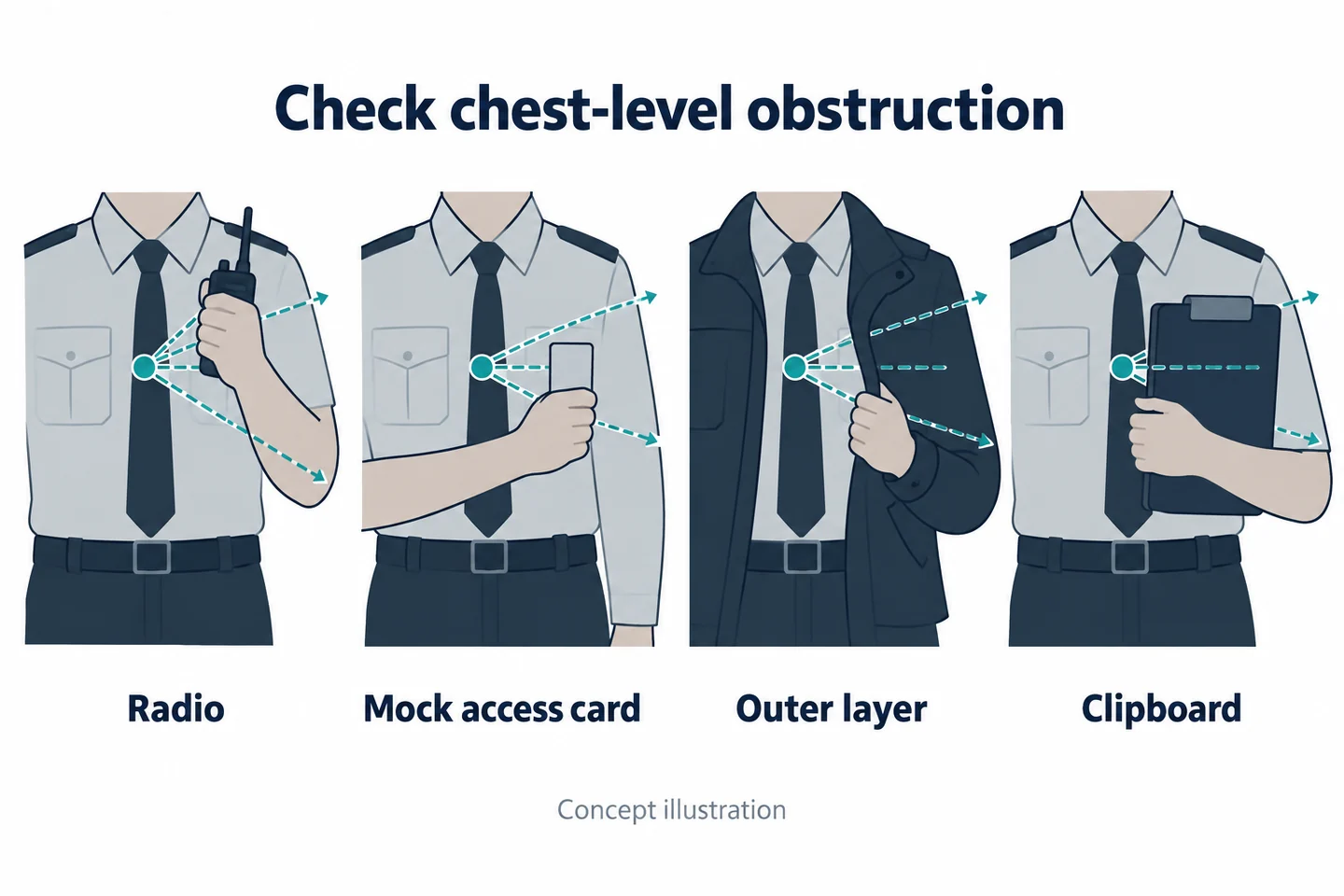
Use a radio, access card, outer layer, and clipboard
Rehearse a representative route with normal equipment. Have the guard use a radio, present a mock access card, consult a clipboard, and change an outer layer if that occurs during the shift. Use dummy credentials and a controlled training arrangement; do not put real codes or residents into the exercise.
Inspect the saved file after each action. An arm raised to a reader can block the lens. A jacket can shift the mount. A clipboard can hide the very exchange the camera was intended to document. The objective is not to train staff to pose for the camera, but to find whether it works during ordinary movements.
The Home Office technical guidance includes mounting and obstruction considerations. It is a 2018 technical reference, not a certification of a current sample.
Review glare, dark corridors, and lift transitions
Include representative lighting changes: a bright lobby, a darker corridor, and entry into an elevator. Do not assume a camera that works at reception will capture the same detail everywhere on the route. Ask the reviewer whether the specific action or exchange remains usable.
If remote viewing is proposed, log connection observations at the same nodes, separately from local recording results. A moment without a remote picture may or may not have a corresponding local-file gap; verify both rather than infer one from the other.
| Node | Physical test | Separate observation |
|---|---|---|
| Lobby | Conversation with clipboard | View and understandable speech |
| Access point | Mock card and radio use | Arm or equipment obstruction |
| Corridor/elevator | Normal transition | Light change and remote connection, if used |
Preserve the sample ID, mount, settings, clothing, and original references so a failed condition can be repeated after a justified adjustment.
Choose Local Recording or a Staffed Remote View
State what a control-room viewer will do
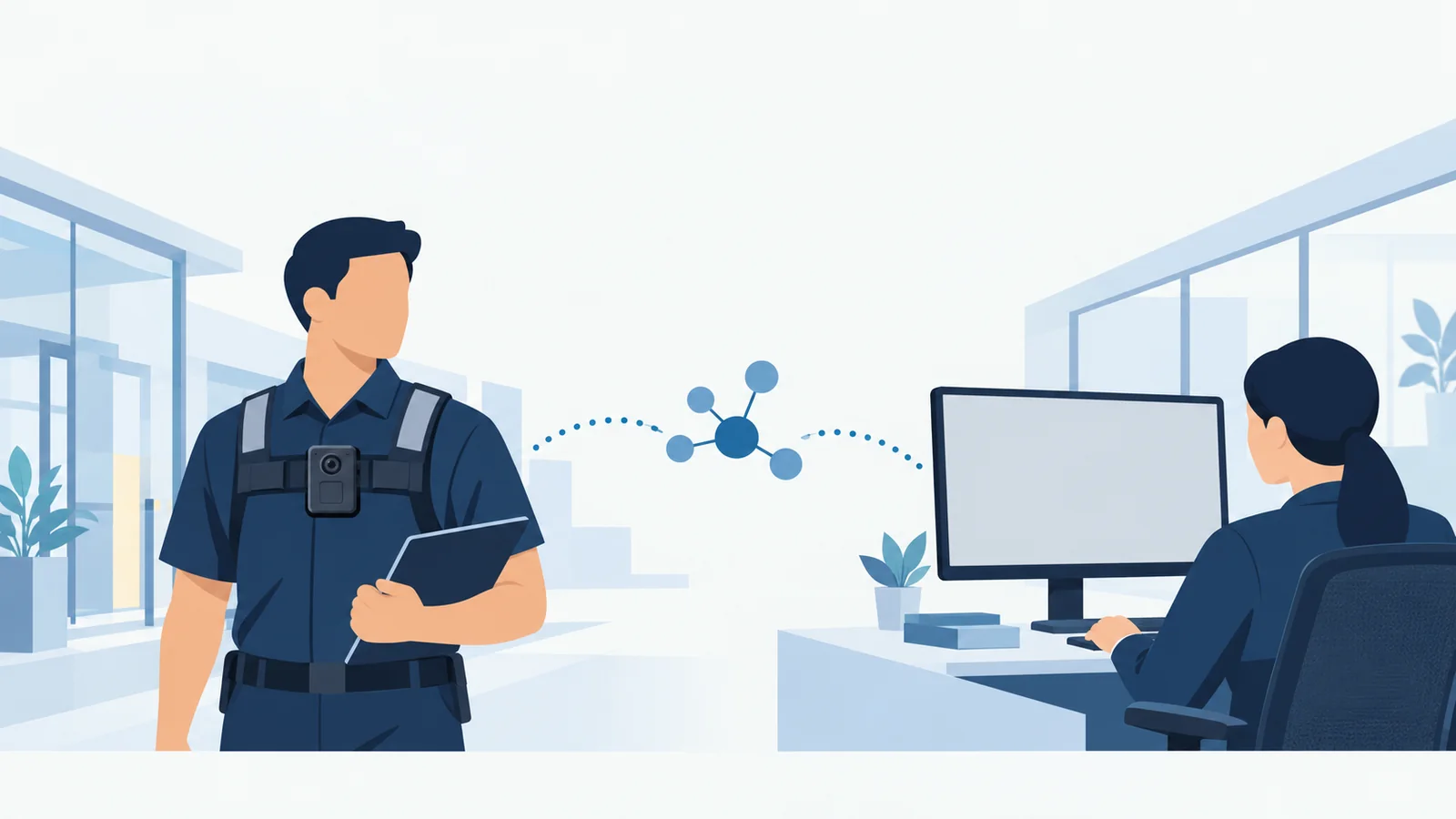
Start with the receiver's job. “A supervisor will review an approved incident later” is a local-file requirement. “A staffed desk needs a permitted live view of this specific event” adds a connection requirement. Neither statement should be silently expanded into whole-shift surveillance.
For remote viewing, identify the person or role on duty, the permitted viewing purpose, the expected action, and the fallback when no picture arrives. Check whether the receiving process remains staffed during breaks and shift changes. A stream that nobody is responsible for watching cannot satisfy a requirement for an acknowledged response.
Test the real route and receiving arrangement. Record whether a view arrived, whether it was usable for the defined task, and how an interruption was recognized. The live-streaming deployment checklist provides a fuller connection worksheet.
Keep check-ins and help arrangements independent
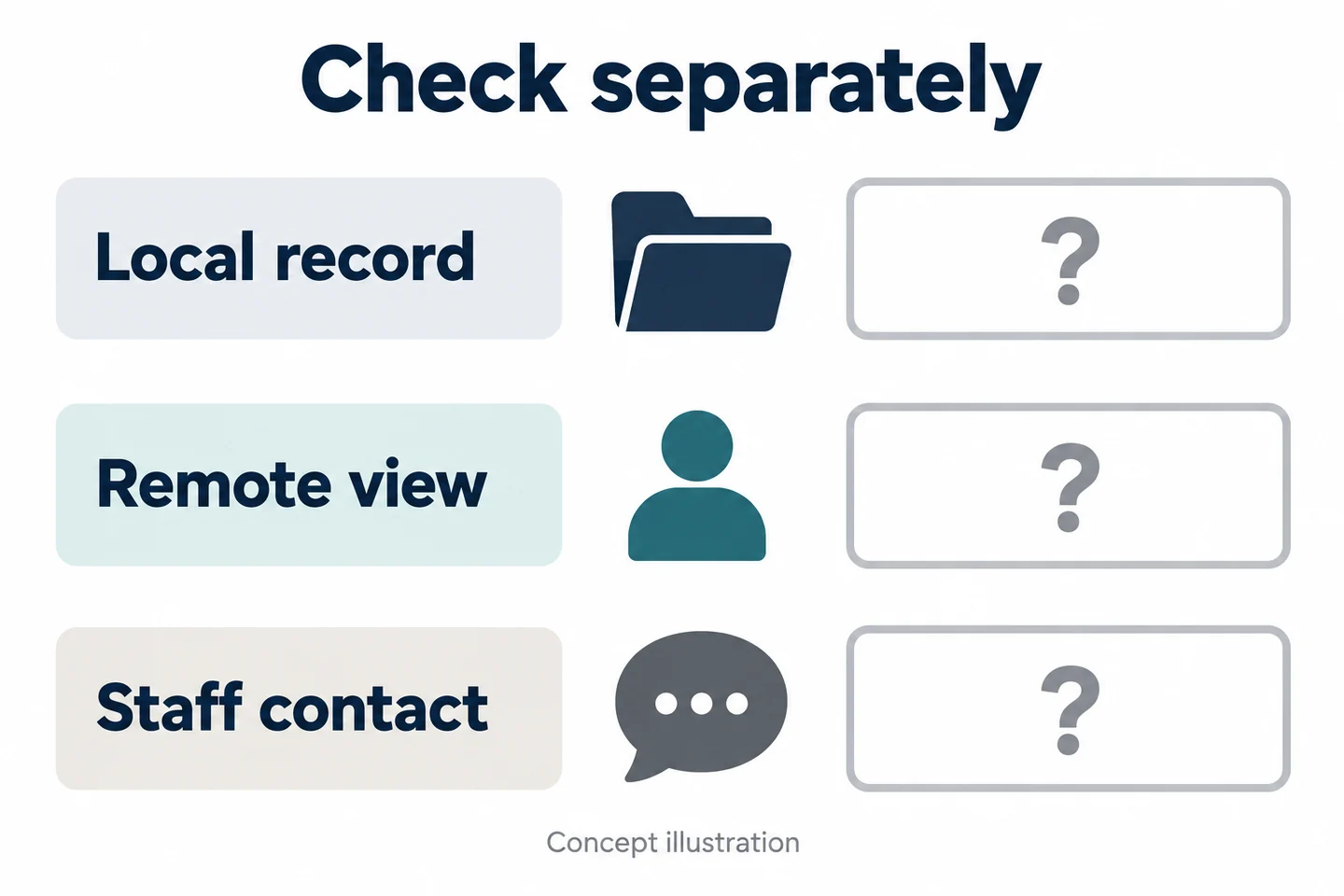
Keep three processes distinct: saving a local record, providing an optional remote view, and contacting another person. The organization must define the staff-contact and assistance arrangements independently. Do not tell a guard that pressing record requests help unless that specific system behavior has been established and tested.
| Process | Completion observation | Insufficient substitute |
|---|---|---|
| Local record | Required original can be retrieved | Screen was on |
| Remote view | Authorized receiver confirms usable picture | Camera showed network service |
| Staff contact | Intended person acknowledges through the agreed channel | A video stream existed |
These distinctions also clarify purchasing. If the task only requires later retrieval, adding networking may not solve an unmet need. If a live view is essential, a local-only sample cannot pass by producing a good recording after the event. Define the essential requirement first and test the matching process.
Match a SPIKECAM Candidate to That Workflow
S7+ for coverage-tested remote viewing
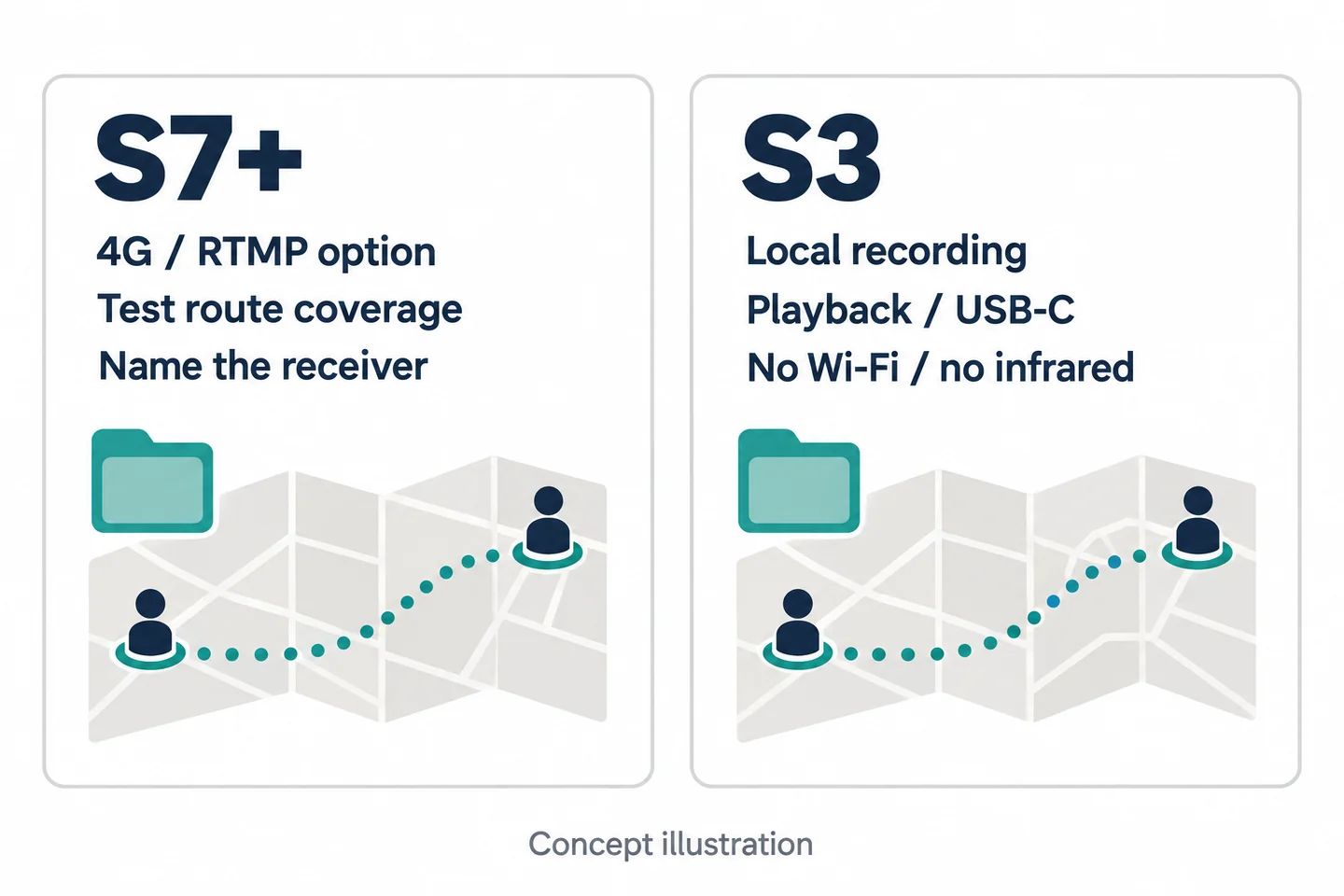
The SPIKECAM S7+ has regional 4G LTE variants and an RTMP option confirmed by SPIKECAM for the referenced configuration. This makes it a candidate for a defined remote-viewing trial across a residential route. It does not establish coverage inside a particular building, automatic incident upload, or integration with access-control or patrol systems.
Confirm the exact region, carrier bands, firmware, receiving platform, licensing, and access permissions. Have the receiver verify the expected behavior in the lobby, parking area, corridor, and elevator transitions. Test recovery and file retrieval after an interruption.
The 18-hour recording figure is not an 18-hour streaming result or a guarantee for your shift. Ask for its recording conditions and evaluate the actual duty pattern with the chosen configuration.
S3 for approved local incident capture
When later local review is sufficient, the S3 offers confirmed local 4K/30 fps recording, on-camera playback, and USB-C/OTG file connections. These are useful starting points for checking whether an approved incident can be recorded and handed over.
S3 has no Wi-Fi and no infrared night vision. A dark corridor or a workflow requiring remote viewing may therefore disqualify the proposed use. Resolution alone does not establish readable detail, clear sound, or stable mounting.
| Route requirement | Candidate | Demonstration still needed |
|---|---|---|
| Staffed remote view | S7+ configured solution | Coverage, authorized receiver, interruption behavior |
| Local incident record | S3 | Task visibility, speech, saving, and extraction |
| Shift handover | Whole file process | Recipient retrieval and correct access |
| Shared equipment handling | Exact proposed combination | Assignment, charging, and compatibility |
Do not assume either camera works with an arbitrary dock or management platform. Use the docking-station guide to frame compatibility questions, not to infer a supported combination.
Agree Who Owns the Patrol Record and Who Receives It
Property manager, security contractor, and incoming guard
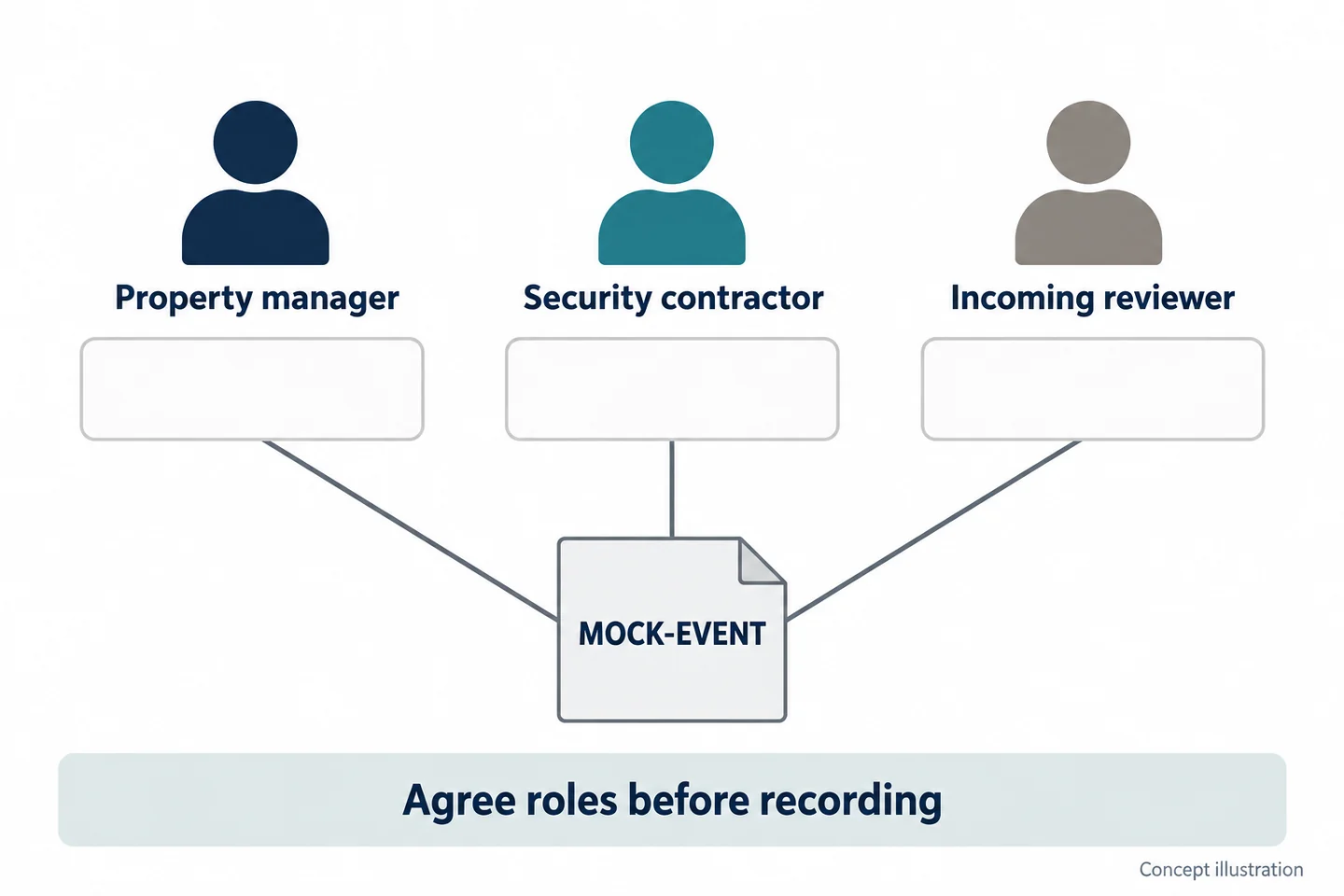
In a contracted residential service, the wearer, employer, property manager, and file recipient may be different parties. Decide their responsibilities before recording residents. A broad statement that “security owns the video” is not enough to tell a departing guard where an original should go.
Create a role table covering assignment, permitted viewing, retention decisions, release, and deletion. Use the organizations' approved arrangements and local review to determine responsibility; this article does not allocate legal control by job title.
The Fenland body-camera policy is an adjacent public-sector example of distinguishing recording purposes and access roles. Its council procedures and powers do not transfer to private residential guards.
Log a missing clip or unverified upload openly
Use one incident reference across the route record and file index. Keep the original file reference, capture interval, device assignment, receiving person, and retrieval check. Do not copy resident names or unit details into every operational sheet when a controlled reference will do.
| Role | Question to resolve | Handover observation |
|---|---|---|
| Property manager | Who approves the purpose and requests review? | Named request route |
| Security contractor | Who assigns the device and manages the agreed process? | Assignment and transfer record |
| Incoming guard or reviewer | What must this person know or retrieve? | Responsibility and retrieval acknowledged |
If an upload has not been verified, label it unverified. If a clip is missing, record the expected interval and known reason, or “unknown.” Do not invent an explanation from the patrol log. A completed patrol round does not prove that any particular encounter was recorded.
Try a Fictional Three-Stop Patrol
Use staff role-play and fictional resident details
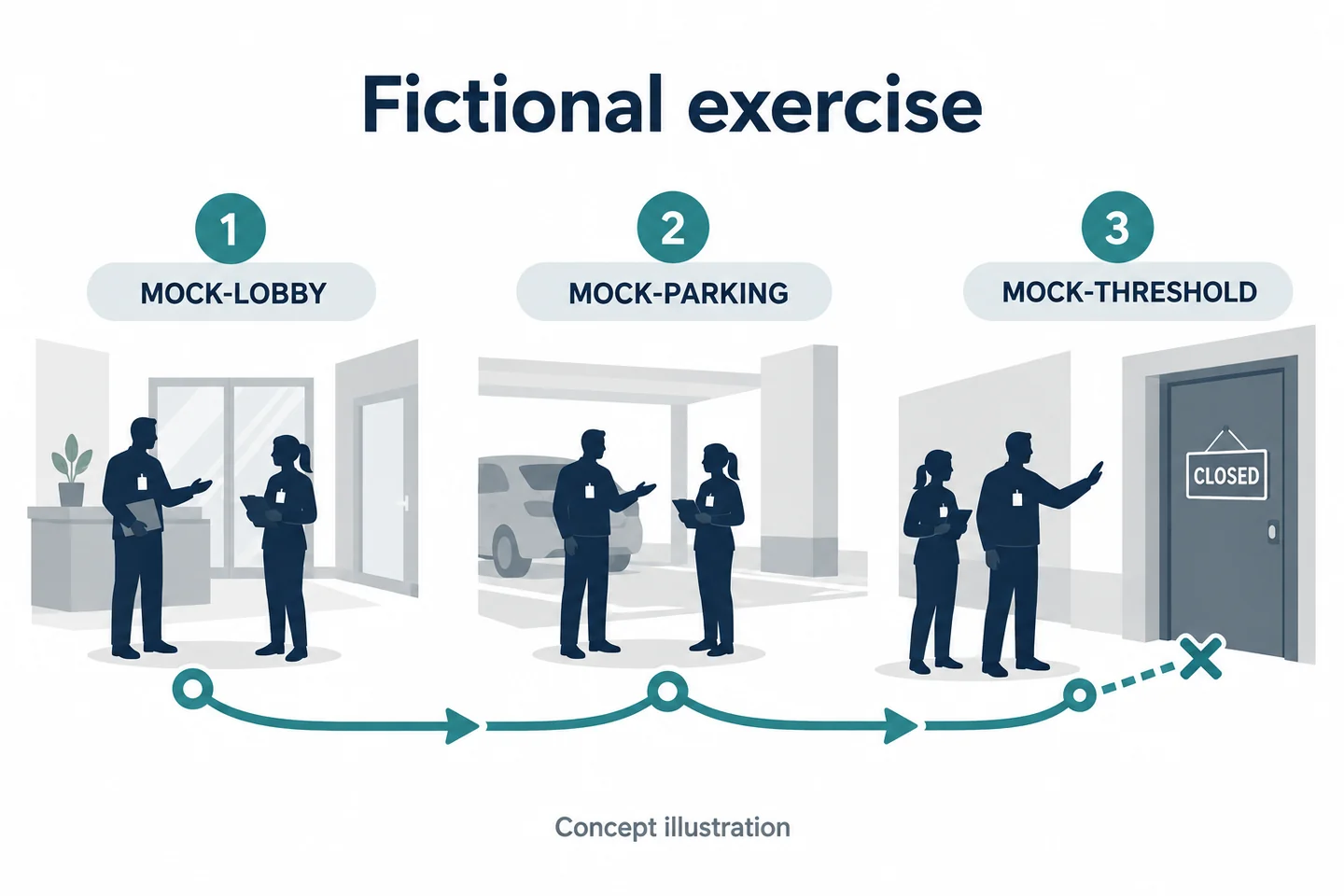
Fictional controlled exercise—not a customer deployment or test result. Use consenting colleagues and three marked training nodes: MOCK-LOBBY, MOCK-PARKING, and MOCK-THRESHOLD. The last can be a training doorway; do not enter a resident's home for the exercise.
At the first node, a colleague asks an ordinary question. At the second, another reports a fictional issue that meets the exercise's preapproved incident rule. At the third, a participant moves toward the doorway, requiring the guard to recognize the predefined stop or scope boundary.
The observer records the expected decisions separately from the camera result. This allows a later comparison between “the guard intended to stop” and “the saved file ended at this point.” Do not prefill either as a success.
Make the next shift retrieve the agreed event
Give a different authorized colleague the route register and event reference. Ask them to locate the intended original, identify its scope, and state what is missing. They should not need private resident details or coaching from the first guard to find the file.
| Node | Intended decision to rehearse | Result to enter later |
|---|---|---|
| MOCK-LOBBY | Apply the routine-question rule | Actual decision and reason |
| MOCK-PARKING | Recognize the approved incident trigger | Saved interval and original ID |
| MOCK-THRESHOLD | Recognize the private-area boundary | Observed stop or unresolved issue |
If remote viewing is included, repeat with the named receiver and compare their observations with local-file retrieval. Keep these results separate. A receiver's lack of picture does not prove there is no local file, and a local file does not prove anyone watched remotely.
Use the Patrol and Handover Decision Sheet
Record each node's purpose, condition, and evidence gap
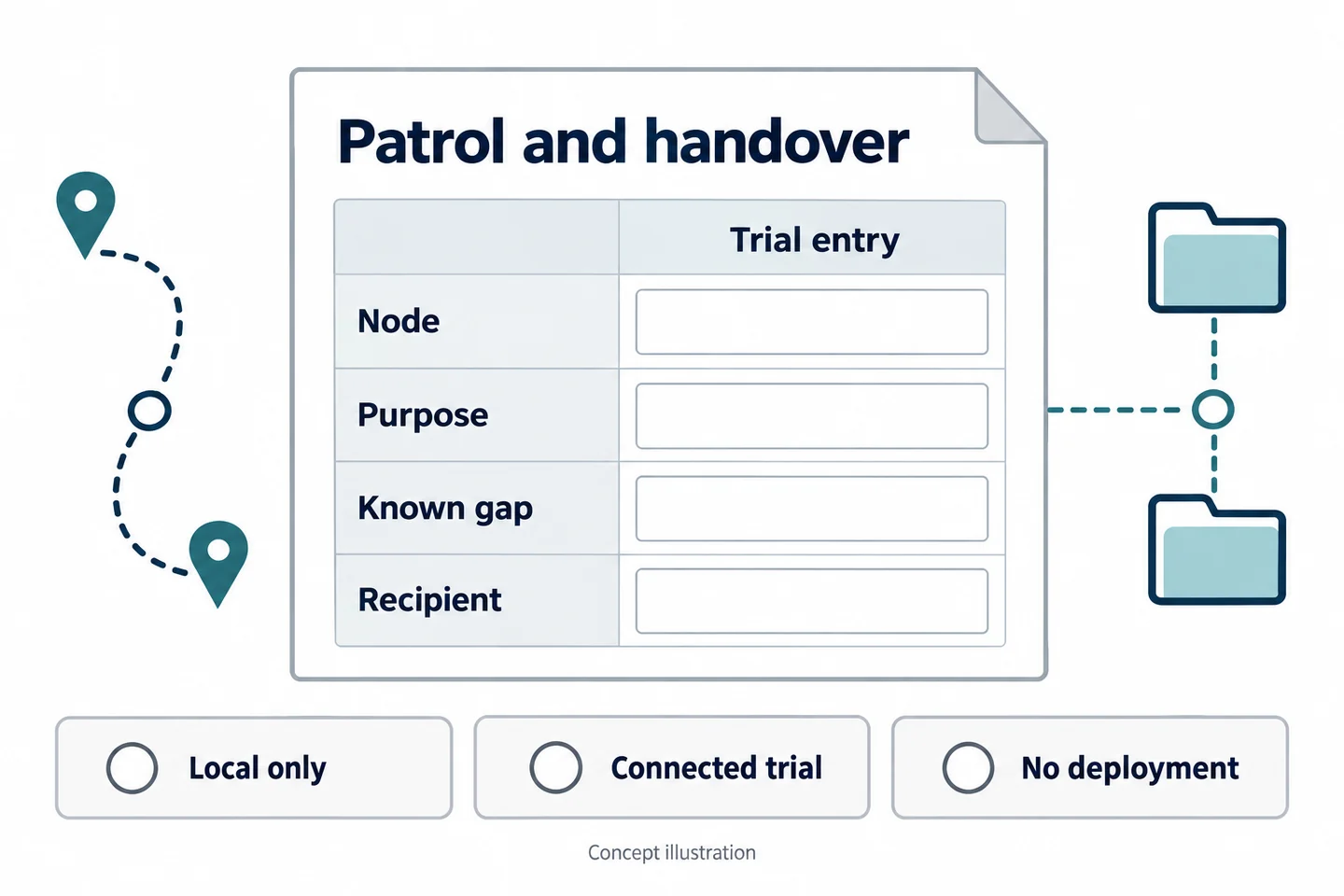
Copy this patrol node and incident-handover register for each tested route and configuration. Keep its results unfilled until someone actually performs the exercise.
| Field | Entry to complete |
|---|---|
| Practice route and node | Anonymized location reference |
| Area and task | Lobby, parking, corridor, or threshold; actual purpose |
| Existing record | CCTV, note, photograph, and remaining gap |
| Approved trigger and stop boundary | Organization's rule reference |
| Device, wearer, and conditions | Firmware, settings, mount, clothing, lighting |
| Incident and original IDs | Relationship between route entry and file |
| Local or remote need | Required outcome and named receiver, if applicable |
| Known gap | Missing view, speech, interval, or connection |
| Receiving organization/person | Responsibility agreed before handover |
| Retrieval verified | Actual result, reviewer, and outstanding action |
Review the complete chain from recording purpose to recipient. It is possible for a camera to produce a clear image while the overall workflow fails because the next shift cannot access the right file.
Choose local-only, connected trial, or no deployment
Choose a local-only trial when that satisfies the defined need. Add a connected trial only for a specific staffed viewing purpose. Choose no deployment when existing records are sufficient, an essential recording boundary cannot be maintained, or the proposed handling arrangements remain unresolved.
For a SPIKECAM sample evaluation, bring an anonymized route sketch, recording boundaries, and file-recipient roles. The decision should rest on what the tested workflow contributes at each node—not on how many hours of patrol footage it could accumulate.
Related articles
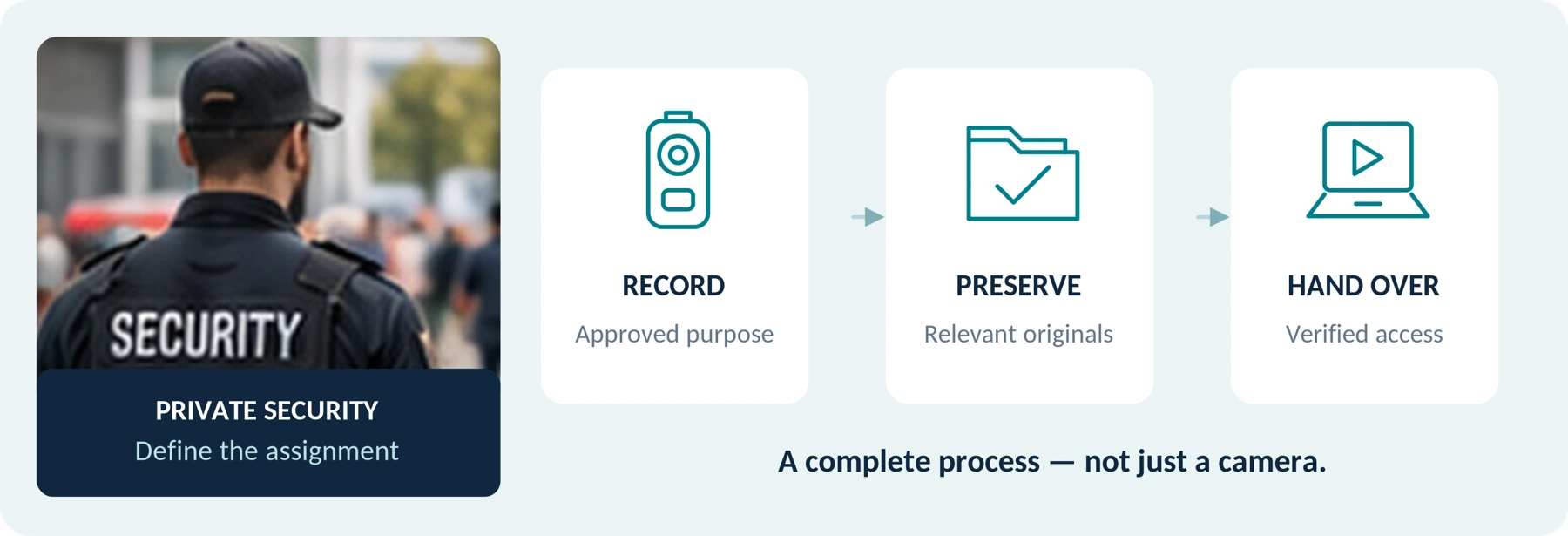
Body Cameras for Security Guards: What to Look For
Plan around the security assignment, approved recording process and handover of incident footage.
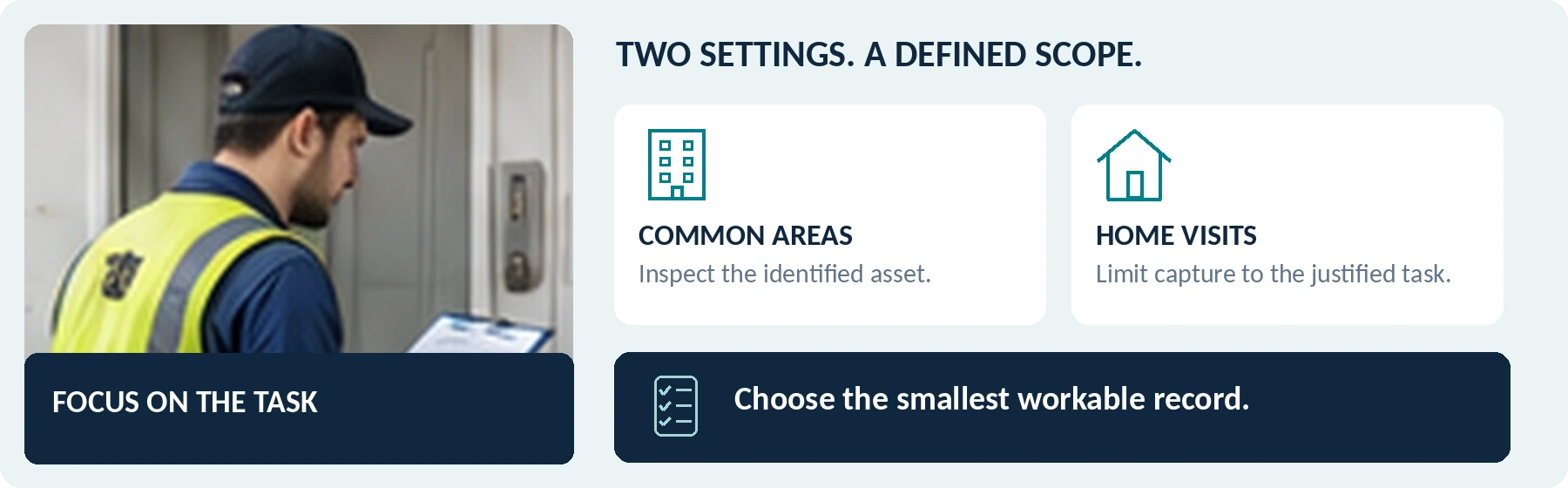
Body Cameras for Property Managers and Field Service Workers
Match recording to the job, distinguish common areas from home visits and plan file handling.
Body-Worn Cameras with Live Streaming: A Team Deployment Checklist
Plan a live-streaming body camera pilot: check connectivity, the receiving workflow, video quality, data use, battery demand, and recovery before ordering.