SPIKECAM project guide
Quality Planning & Sample Evaluation.
An approved sample is most useful when everyone knows exactly what was tested. Define the configuration, operating conditions and acceptance criteria before moving from an evaluation unit to an order.
1. Establish a configuration record
Start with a shared record of the sample. The model name, appearance or connector alone cannot confirm that two units are configured identically. Keep this record alongside your test results and update it whenever an agreed change is introduced.
- Camera model, hardware revision, firmware version and selected recording settings.
- Storage configuration, charging equipment, mounts and every accessory included in the sample.
- Dock model, software edition and computer environment if they form part of the workflow.
2. Test the actual user workflow
Choose checks that represent the planned deployment. The list below is a planning aid, not a claim that every model has the same features or has passed a particular laboratory test. Agree the relevant checks and pass criteria for the chosen product.
- Start and stop recording, then review the saved video and audio using the intended playback method.
- Check file transfer, file naming and timestamps, and confirm who will store and access the recordings.
- Evaluate wearing position, access to controls, charging and the fit of the selected mount.
- Record resolution, display, lighting and radio settings when checking runtime. Results without these conditions are difficult to compare.
3. Approve the complete branded kit
Packaging approval should cover the product inside the box as well as the artwork outside it. Compare the physical sample with the agreed packing list and proof. The OEM/ODM packaging image on our service page illustrates a concept, not a fixed supplied kit.
- Check logo placement, device labels, print wording, model identification and the intended manual language.
- Verify the foam layout, accessory compartments and included cables or mounts against the approved kit.
- Keep the approved artwork version and record any sample differences that still need correction.
4. Match documents to the market and model
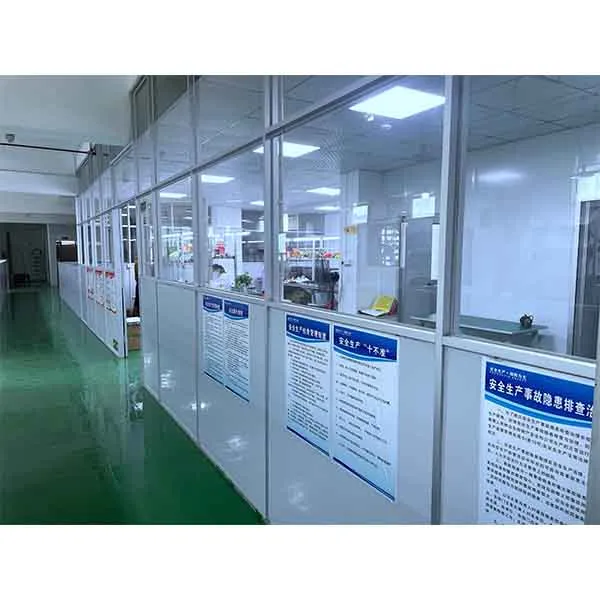
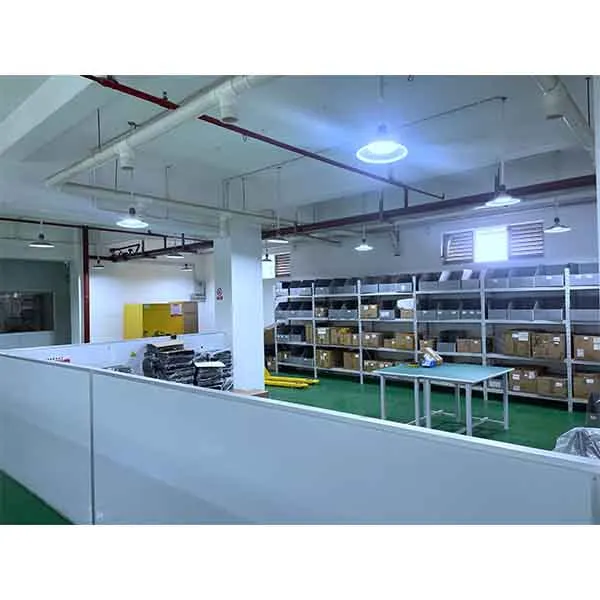
Send the destination and document checklist early, especially for a tender. Product specifications, manuals and any available supporting records need to match the supplied configuration. A photograph of a factory or a similar product is not evidence of certification.
- Map each procurement requirement to a document, a sample check or an open question.
- Identify missing or configuration-dependent evidence before approving the quotation.
- Confirm regulatory and legal requirements with your qualified advisers. No universal compliance or tender-acceptance guarantee is offered.
5. Close the loop before the order
Use the evaluation results to agree what will be supplied and which changes remain. If the firmware, kit or artwork changes after testing, decide which checks must be repeated. Keep the approved configuration and acceptance record connected to the order.
- Agree inspection scope, acceptance criteria and any requested inspection records before production arrangements are finalized.
- Confirm quantities, packaging, delivery assumptions and the commercial handling of unresolved items.
- Request the version-matched manual and support route. For updates or faults, identify the model and firmware before applying files.
Start your SPIKECAM project.
Tell SPIKECAM which camera and working routine you need to evaluate. Share your acceptance checklist or tender requirements so we can discuss a sample configuration, available documents and the open items to resolve before an order.
