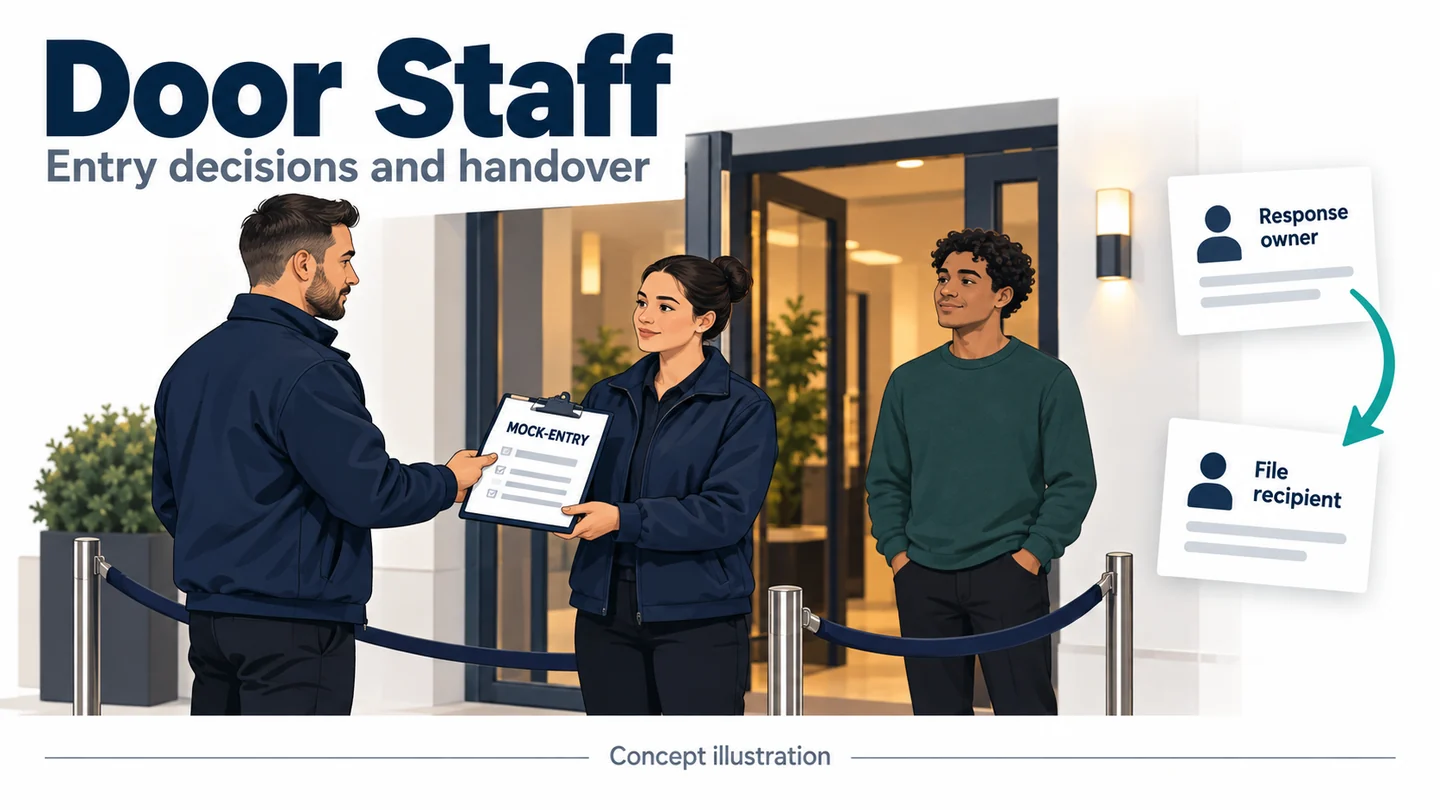
Body Cameras for Door Staff: Entry Decisions and Night-Shift Handover
Plan body cameras for door staff around low-light motion, speech, clothing, entry decisions, and separate response and video handovers.
Editorial guidance, not legal advice or a model-specific performance promise. Check the rules and requirements that apply to your location and use.
Overview
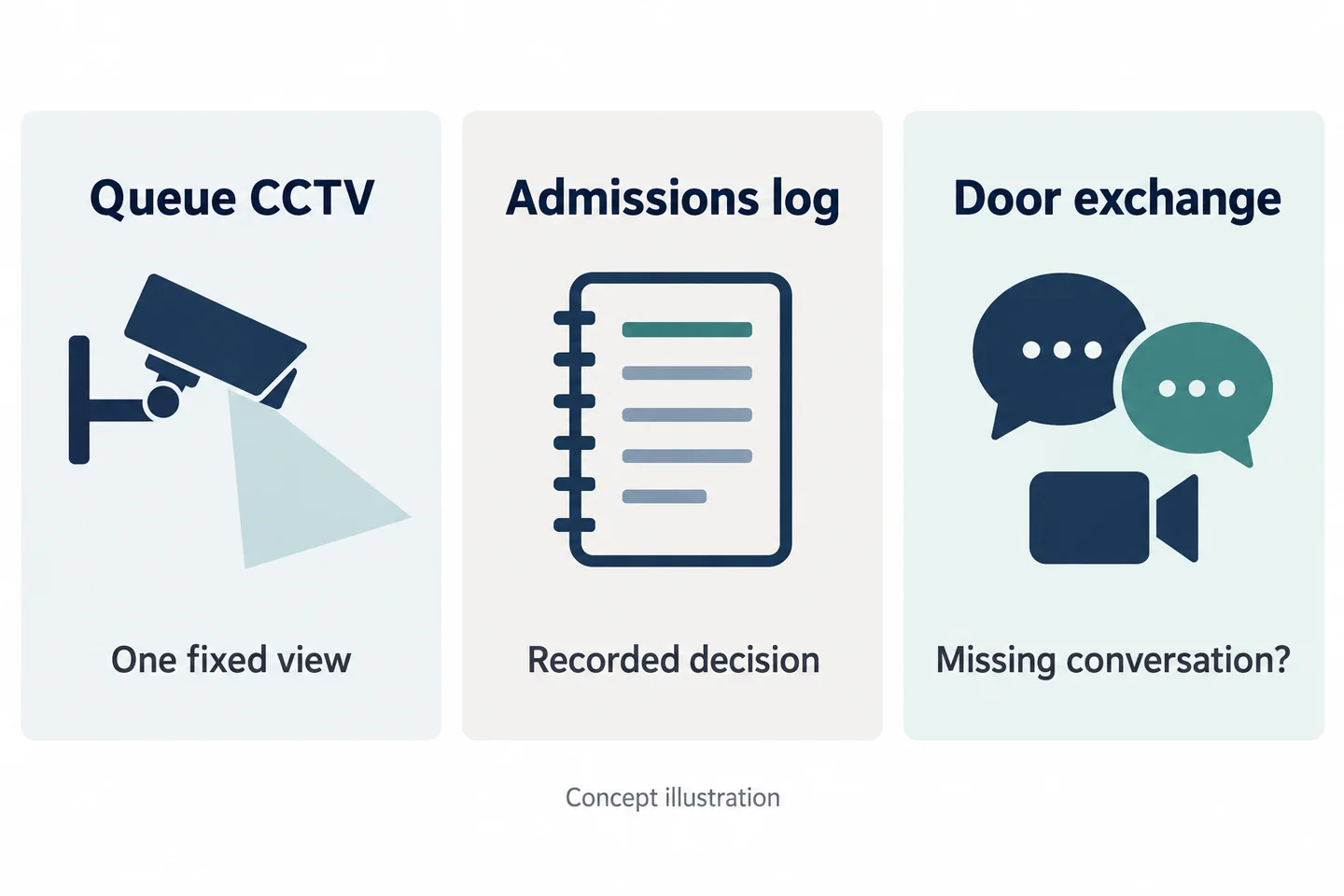
A camera at a venue entrance is useful only if it records something the team needs and can manage. Queue CCTV may show who approached, while an admissions log records a decision. Neither necessarily captures the explanation exchanged at the door. A body camera can be evaluated for that missing interaction, provided the venue has defined when recording is appropriate and who handles the resulting file.
For door staff, low light is only one part of the test. Music, jackets, radios, missed starts, and a supervisor arriving halfway through an exchange can matter just as much. This guide combines them into one entry-event trial and separates two handovers: responsibility for the situation and responsibility for its recording.
Define the Entry Event You Need to Document
What the queue CCTV and admissions log already show
Review one anonymized example of an entry decision. Identify the question a later reviewer would need to answer. “What explanation was given when the decision was disputed?” is a workable question. “Record everything outside” is a collection strategy without a clear acceptance test.
| Existing source | Potential contribution | Limitation to inspect |
|---|---|---|
| Queue CCTV | Movement within the entrance view | Speech or activity outside its coverage |
| Admissions log | Recorded decision and assigned reference | Exact wording and context of an exchange |
| Supervisor's note | Reasons, actions, and follow-up | Whether details are observation or recollection |
| Proposed body video | An authorized exchange from the wearer's position | Obstruction, sound, missing start, and gaps |
If existing sources already answer the defined question, adding another camera may create more files without improving the record. Keep that conclusion available throughout the evaluation.
Which spoken exchange is still missing
Limit the trial to a defined event, such as a policy-approved recording of a disputed entry decision. The camera does not grant authority to search, refuse service, remove someone, or take any other action. Those decisions belong to the venue's rules, staff training, and applicable requirements.
The UK SIA door-supervisor training content is a useful source for recognizing entry, communication, and incident-documentation tasks. It is a historical UK training document, not a US operating rule or proof that a camera improves outcomes. For the broader hospitality setting, use the hospitality and event staff guide; the focus here is the specific entry exchange and its handover.
Build an Entry-Decision Recording Map
Routine entry, a disputed decision, and escalation to a supervisor
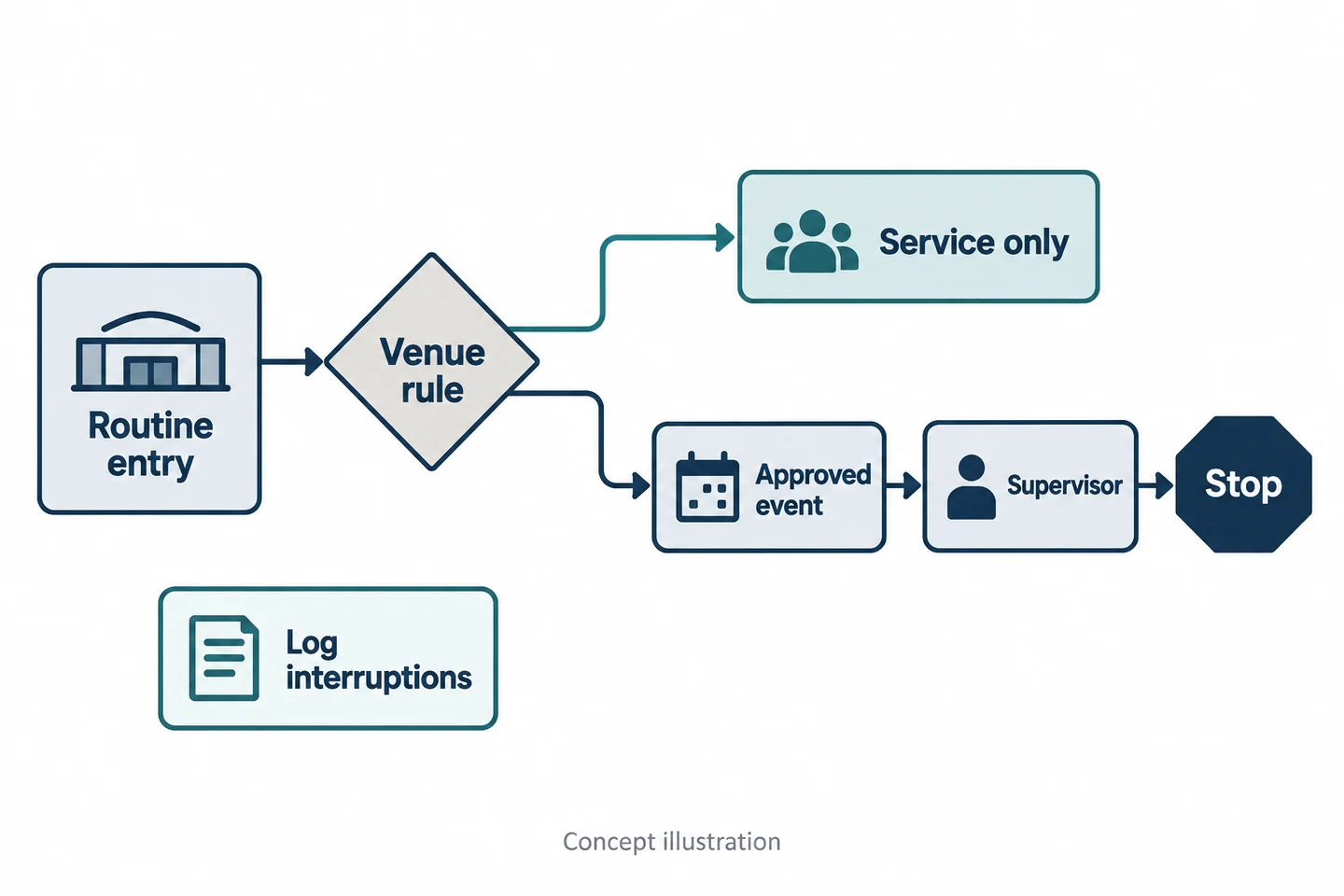
Write the venue's decision map before setting up a sample. Include routine entry, an ordinary question, a disputed decision, referral to a supervisor, and the end of the event. For each transition, identify whether recording is authorized, what notice is required, and who makes the decision. Do not use appearance, accent, or a vague impression as a substitute for a defined trigger.
The map should leave space for the venue to supply its approved rule. A useful rehearsal asks staff to explain their recording decision as well as operate the equipment. Someone who can press a button but cannot identify the recording boundary is not ready for that workflow.
The ICO's BWV guidance discusses purpose and privacy information. Its UK scope and current review notice matter; it does not authorize recording at a US venue.
Stopping the clip and documenting an interruption
Define the stopping point with the same care as the start. What happens when the interaction ends, moves to an excluded area, or changes purpose? What happens if another employee takes over? Staff need a venue-approved answer, not an assumption that the entire shift should be recorded.
Give interruptions their own field. An unexpected stop, a device change, or an out-of-scope interval should remain visible in the record. Do not describe two clips as uninterrupted coverage.
| Transition | Venue decision | What the trial verifies |
|---|---|---|
| Routine service to disputed entry | Authorized recording trigger | Wearer recognizes the trigger |
| Supervisor takes over | Responsibility and recording scope | Both people know who owns the event |
| Event ends or crosses a boundary | Stop rule | Actual saved endpoint and noted gap |
Check Low-Light Motion Without Assuming Night Vision
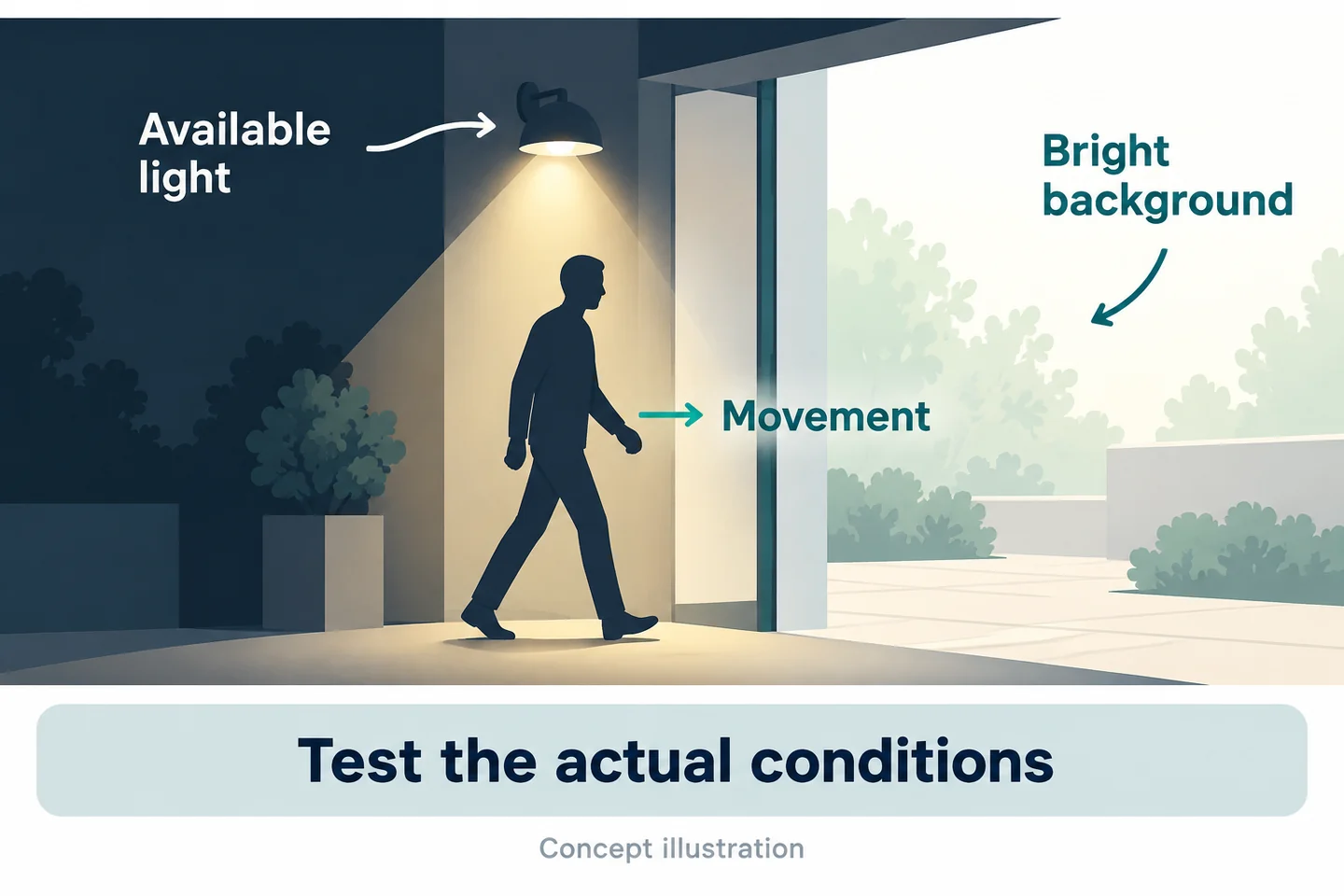
Test a moving colleague under the actual entrance lighting
A bright still image does not tell you how a moving conversation will look. Use a quiet, controlled rehearsal with consenting colleagues under representative entrance lighting. Record ordinary head turns, a person moving from a lit area into shade, and the normal speaking distance. Keep pathways clear and avoid hazardous lighting effects.
Include the sign or doorway behind the participant if it is normally in view. Record whether the background is much brighter than the person. Ask an authorized reviewer to identify the information that matters without being told what the participant did.
The Axis image-quality guide helps explain the relationship between lighting, movement, and usable detail. Its controls belong to Axis equipment; use the principle to design your trial, not to claim another manufacturer's settings or performance.
Keep venue lighting, infrared, and visible LEDs distinct
Do not treat every low-light function as “night vision.” Available venue light, infrared illumination, and visible LEDs are different things, with different effects on the interaction. Confirm the exact candidate's capabilities and whether any additional illumination fits the venue's procedure.
S3 has no infrared night vision. Its visible white LEDs do not establish that it suits a dark entrance, and this guide does not recommend turning them on during guest interactions. If the approved recording task cannot be captured under an acceptable lighting arrangement, the local-recording option fails that requirement.
| Trial condition | Record alongside the original |
|---|---|
| Lit doorway with darker queue | Position and relative lighting |
| Person moving naturally | Required action visible or unverified |
| Bright background sign | Whether relevant detail is lost |
| Lighting change | Sample settings and repeat needed |
A usable trial preserves failures. It does not replace them with a selectively chosen still frame.
Test Speech, Clothing, and Activation Together
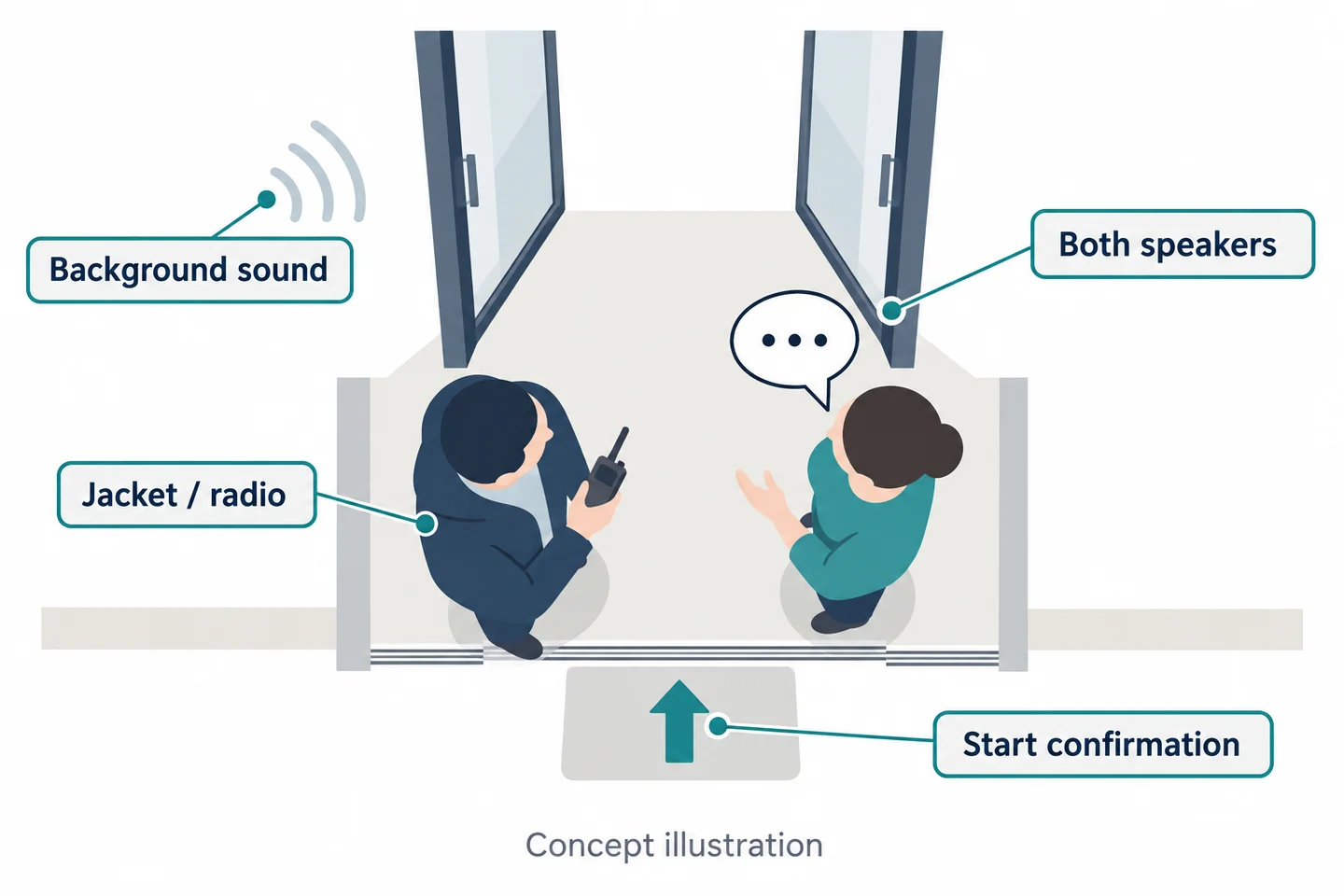
Listen to both speakers over the normal sound environment
Use a short, neutral script that both participants know. Include an explanation, a question, and the response. Run it at normal speaking volume under representative, safe background sound conditions. Do not expose staff to excessive noise for a camera test.
Have a reviewer who was not at the entrance listen to the original. They should mark which speaker they understood, which phrases were unclear, and whether the uncertainty changes the interpretation. A microphone may capture the wearer better than the other person; an overall “audio works” checkbox hides that difference.
Do not fill an unclear phrase from memory and call it a transcript. Preserve the uncertainty and decide whether positioning, background sound management, or another record is needed. Any change should be retested under the same relevant conditions.
Check jackets, radios, gloves, and recording feedback
Run the speech test while staff wear their actual jackets and use their normal equipment. A radio held near the chest, an open coat, or an arm raised during a gesture may change the view or sound. A neat demonstration with empty hands is insufficient if the real job is different.
Inspect the actual sample's indication of readiness and recording. Do not assume a particular beep, vibration, or light. Observe the intended activation and compare it with the saved clip's beginning. Repeat when the wearer changes outer layers or gloves.
The Home Office technical guide identifies mounting and operating feedback as evaluation topics. For structured instruction and reassessment, see body-camera training for security teams. The entry trial still needs its own joint result: usable view, understandable required speech, a recognized start, and a saved file.
Evaluate a SPIKECAM Setup for Your Response Model
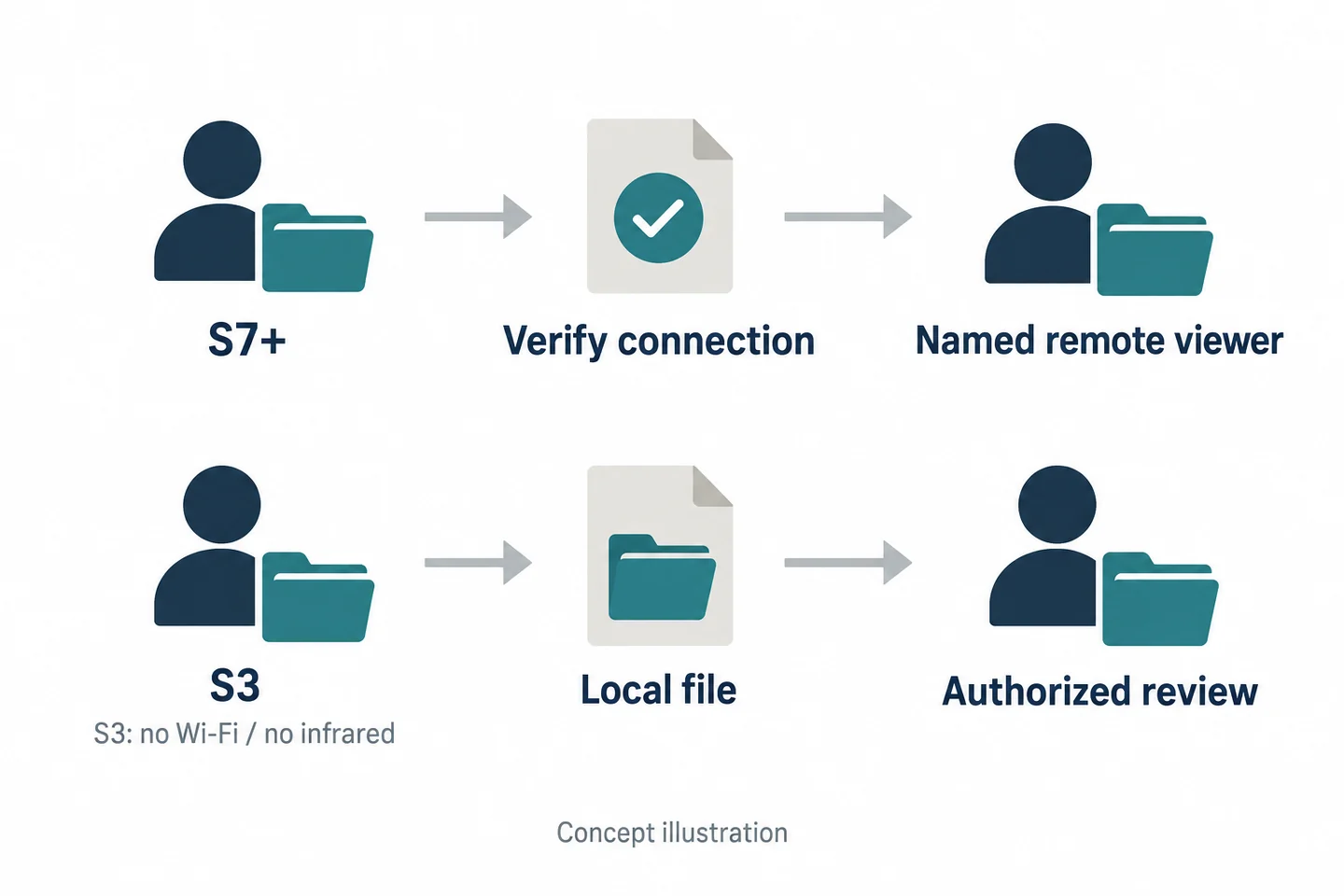
S7+ for a defined remote-viewing need
The S7+ is worth evaluating if a named, staffed receiver has a legitimate reason to see an approved event remotely. Regional 4G LTE variants and an RTMP option confirmed by SPIKECAM for the referenced configuration provide a starting point for that evaluation. They do not establish a complete venue response service.
Specify the exact hardware, firmware, carrier bands, receiving platform, permissions, licensing, and operating hours. Ask what the receiver will do with the picture and what staff should do when it is unavailable. Test this at the actual entrance, including a network interruption and subsequent local-file retrieval.
Do not infer two-way talk, automatic escalation, automatic upload, or emergency dispatch. The 18-hour recording figure is not a streaming-runtime result. Ask for its recording conditions and evaluate the entrance duty pattern separately. Use the live-streaming checklist for the wider connection test.
S3 for a local workflow where lighting is adequate
The S3 is a different candidate when the requirement is local capture and later review. Confirmed local 4K/30 fps recording, on-camera playback, and USB-C/OTG connections make that workflow testable. None guarantees clear speech or detail at a dark doorway.
| Requirement | Candidate to evaluate | What must still be demonstrated |
|---|---|---|
| Authorized remote view | S7+ configuration | Coverage, receiver, access, and interruption behavior |
| Local encounter record | S3 configuration | Light, movement, speech, and saved-file retrieval |
| Low-light operation | Exact sample and venue conditions | Required detail without an unacceptable lighting change |
| Controlled review | Whole file-handling process | Authorized recipient and workable access rules |
S3 has no Wi-Fi or infrared night vision. If essential checks fail, the appropriate result may be a changed workflow or no deployment—not a stronger product claim.
Separate the Response Handover from the Video Handover
Who takes over the entry decision?
An incoming supervisor needs the current state of the interaction: what decision is being discussed, who has been told what, and what remains unresolved. They should not have to watch a clip before understanding their immediate responsibility.
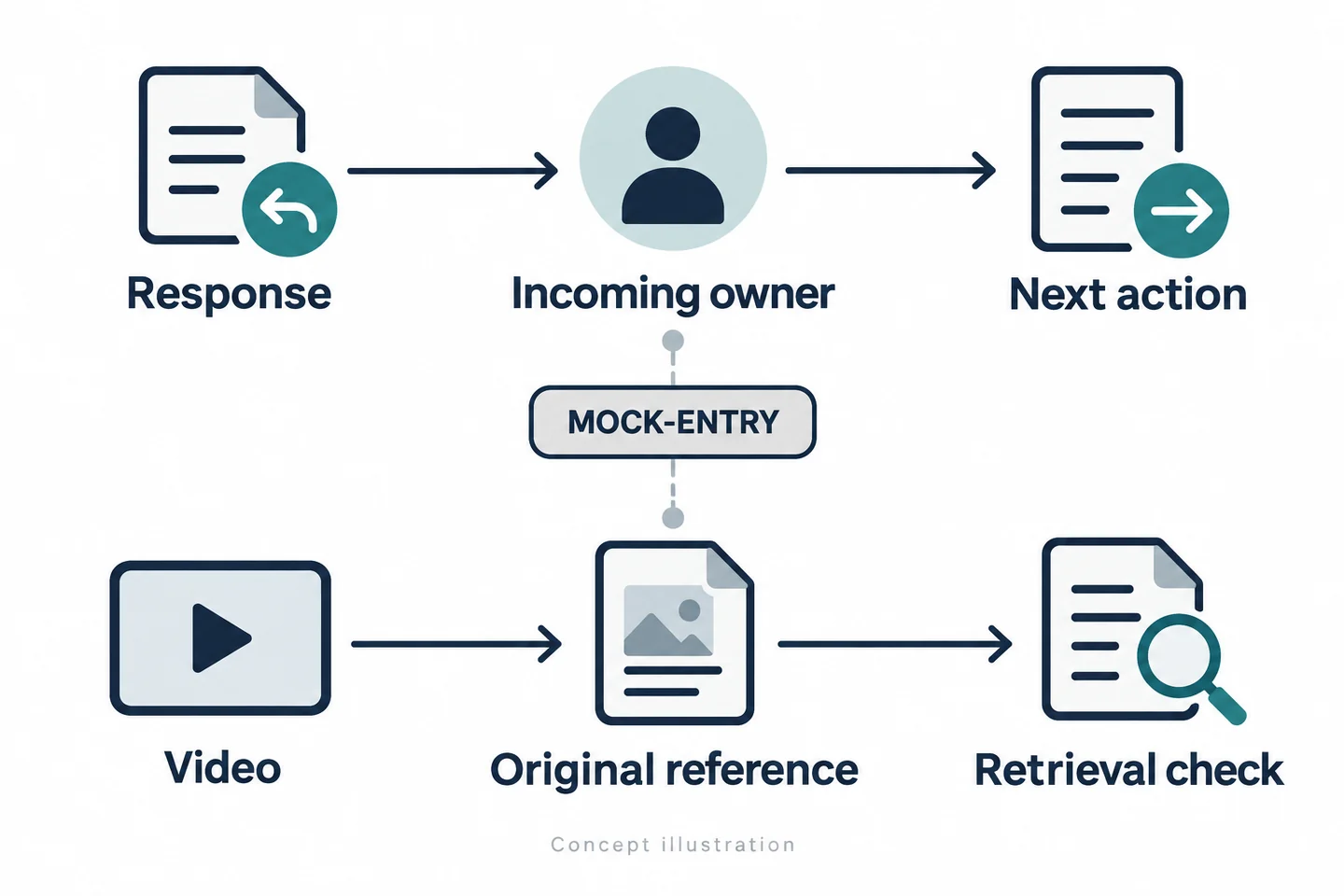
Use a response handover with an event reference, named outgoing and incoming staff, current status, and next action. Keep it concise and factual. It is a separate record from the technical transfer of a video file.
If the wearer leaves the position, identify who now handles the guest and who retains the assigned device. A shift change should not leave responsibility attached to a camera that has been returned to a charging area.
Who receives and can retrieve the original recording?
The file handover needs a recipient, original references, captured intervals, and any gap. The recipient must confirm that the intended file can be found and opened through the authorized process. A device being returned or a network connection appearing active does not prove this.
| Track | Required handover fields | Completion evidence |
|---|---|---|
| Response | Event reference; current decision; incoming owner; next action | Incoming person acknowledges responsibility |
| Video | Original IDs; intervals; gaps; permitted recipient | Recipient retrieves the intended original |
Keep the tracks connected through the event reference. Do not merge them into a single “handed over” checkbox. If the response owner changes again, update that track without inventing a new video transfer.
Where clocks differ, preserve their readings and record a supported offset rather than silently aligning them. Keep original files distinct from any authorized working copy. The venue must establish who can view, retain, release, or delete records; no automatic governance capability is assumed here.
Rehearse a Fictional Refused-Entry Handover
Use consenting colleagues and fictional identification
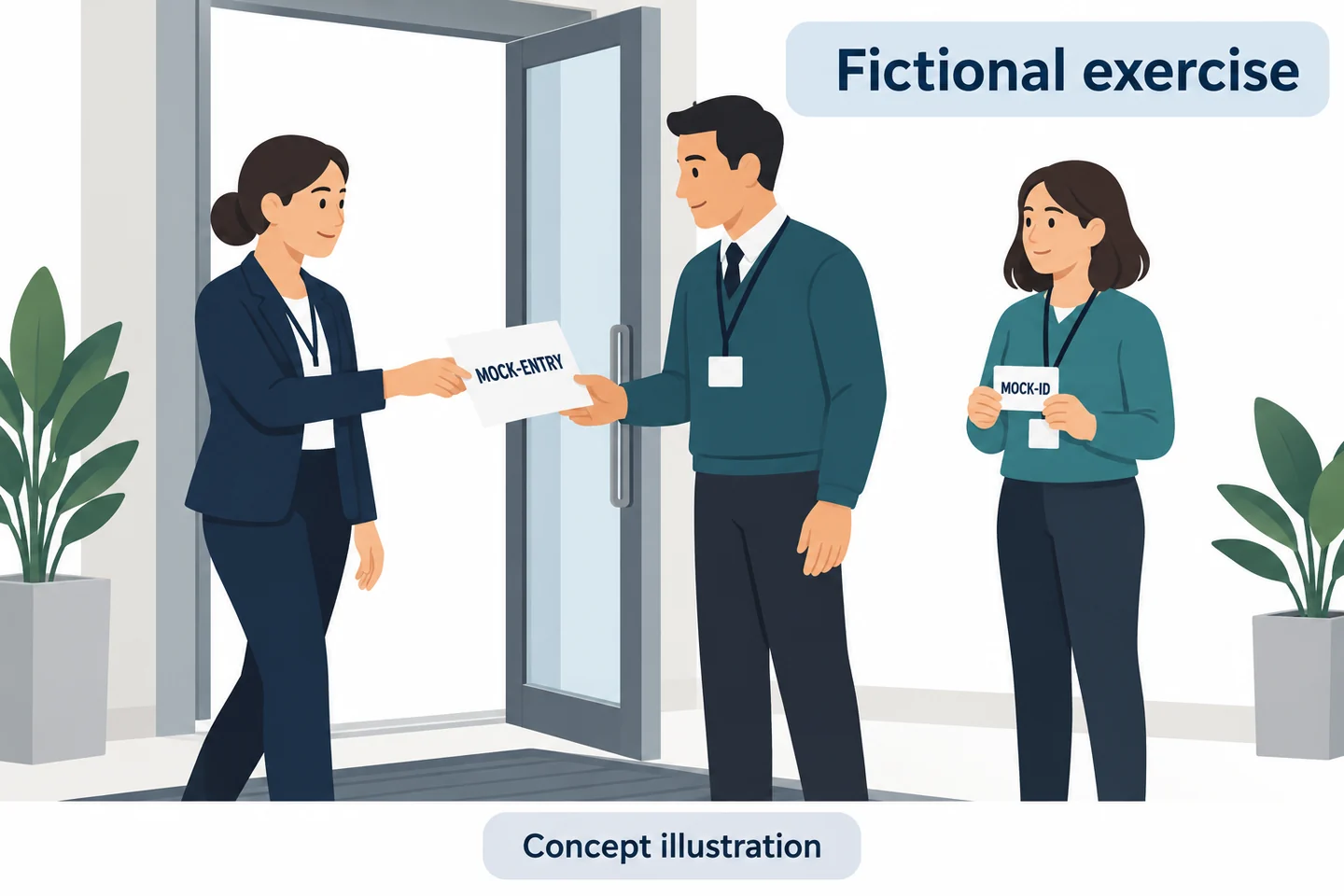
Proposed fictional exercise, not a customer story or measured result. During a controlled period, colleagues enact an ordinary entrance question and a later disagreement about an entry decision. Use a plain card marked MOCK-ID rather than a realistic identity document. Do not rehearse violence, physical removal, or a real dispute.
The supervisor first defines the recording trigger and stop boundary for the exercise. The wearer prepares the sample, checks the mount, and performs the normal task. A second staff member takes over partway through the interaction. An observer notes the intended sequence without assuming what the camera saved.
The exercise should test a calm transfer of responsibility. It should not suggest that using a camera changes staff authority or makes a confrontation safe.
Ask the incoming supervisor to find the correct clip
Give the incoming reviewer only the completed handover record and authorized access. Ask them to find the relevant original, identify its interval, and state what they cannot verify. Do not guide them to a folder by memory; that would conceal a retrieval problem.
| Exercise element | Question for the reviewer |
|---|---|
| Initial explanation | Can the required words actually be understood? |
| Staff change | Who owns the event now? |
| Clip interruption | Is the missing interval clearly recorded? |
| Original reference | Can the recipient retrieve the correct file unaided? |
If the reviewer understands the guest exchange but cannot identify the response owner, fix the response handover. If the owner is clear but the original cannot be found, fix the file handover. These are different failures and may require different changes. Leave results unfilled until the exercise is actually conducted.
Complete the Door-Staff Acceptance Record
Record light, speech, feedback, and file-retrieval outcomes
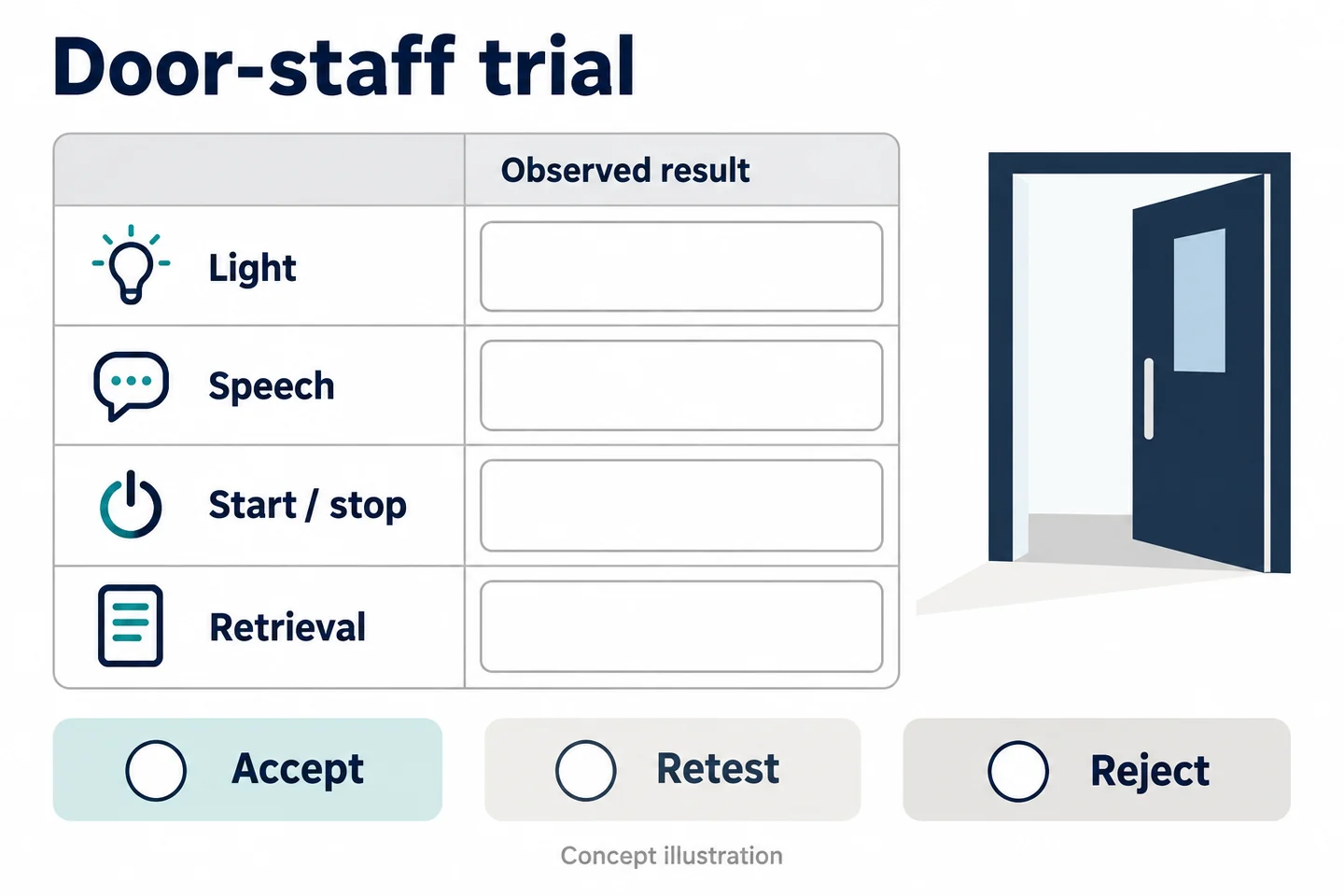
Use this door-entry incident and shift-handover worksheet for each sample configuration. Write the acceptance requirement before watching the result. Include conditions that matter to your entrance, not only the easiest rehearsal.
| Field | What to enter |
|---|---|
| Practice event and entry stage | Fictional reference; routine, disputed, or supervisor stage |
| Approved policy trigger | Exact rule used in this exercise |
| Sample and settings | Model, firmware, recording mode, mount |
| Start and stop confirmation | Wearer's indication compared with saved boundaries |
| Lighting and clothing | Entrance condition, jacket, gloves, and radio use |
| Both speakers understood? | Required phrases understood, unclear, or unverified |
| Response owner | Named incoming person and acknowledged next action |
| File recipient | Original reference and retrieval result |
| Interruption | Missing interval and known or unknown reason |
| Decision | Accept, retest, or reject; owner of follow-up |
The camera should be evaluated as part of this entire sequence. A successful file transfer does not compensate for an unintelligible exchange, and clear audio does not compensate for uncontrolled access.
Reject or retest an unmet essential requirement
Accept only the tested conditions. Retest after a justified change in mount, clothing, recording mode, or receiving arrangement. Reject the proposed use when essential recording or governance requirements remain unmet. Keep “unverified” distinct from both success and failure.
For a SPIKECAM sample review, provide entrance lighting information, work clothing, representative safe sound conditions, and any supervisor-viewing requirement. This produces a practical configuration question the team can answer, rather than a promise that any body camera suits every night venue.
Related articles

Body Cameras for Hospitality and Event Staff: What to Consider
Assess selected roles, venue conditions, recording boundaries and a reliable handover of footage.
Body-Worn Camera Training for Security Teams: A Practical Checklist
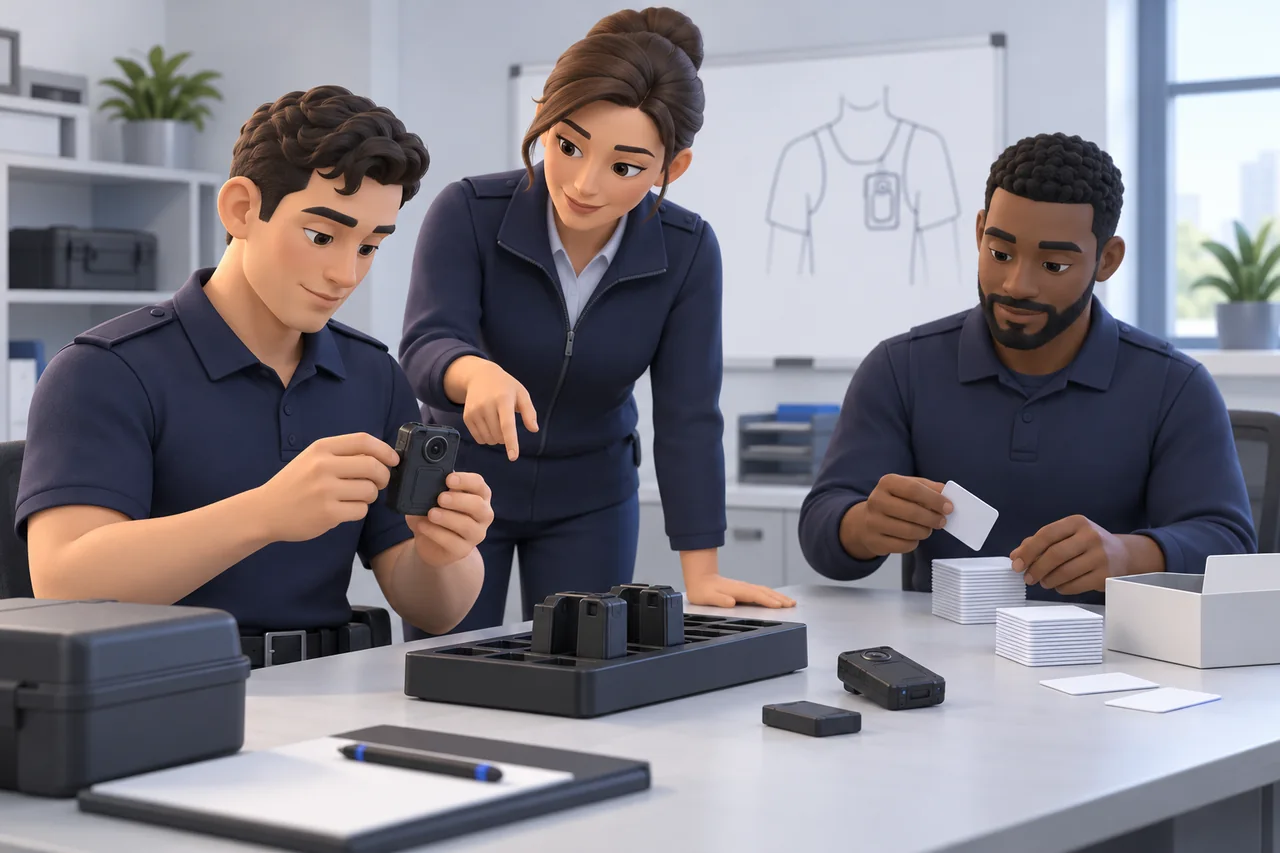
Plan practical body-worn camera training for security teams, with staff exercises, supervisor checks, file-handover practice, and a pilot sign-off checklist.
Body-Worn Cameras with Live Streaming: A Team Deployment Checklist
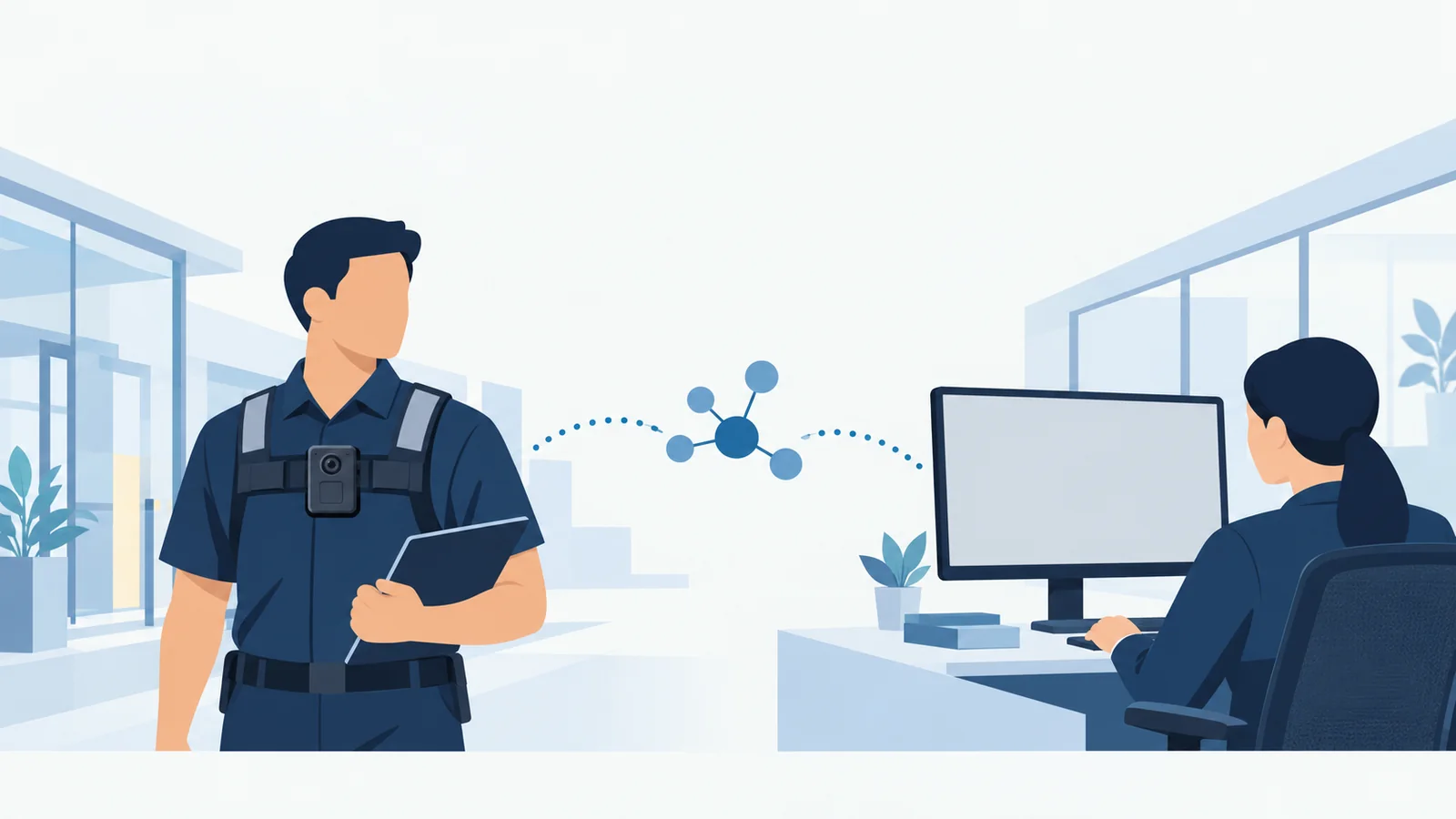
Plan a live-streaming body camera pilot: check connectivity, the receiving workflow, video quality, data use, battery demand, and recovery before ordering.