Are Body-Worn Cameras Waterproof? IP Ratings for Team Buyers
Learn what body-camera IP ratings mean, which wet-weather conditions to verify, and what evidence to request before choosing cameras for your team.
Editorial guidance, not legal advice or a model-specific performance promise. Check the rules and requirements that apply to your location and use.
Are All Body-Worn Cameras Waterproof?
Some body-worn cameras have documented water protection, but the word “waterproof” alone does not tell a team whether a camera suits its work. Check the exact model, its stated rating, the conditions behind that rating, and the instructions for using and caring for it.
A useful purchasing question is: “What water exposure will this particular configuration encounter, and what evidence supports using it there?” This guide helps you turn that question into a supplier brief. The worksheets below are suggested procurement tools, not laboratory procedures or completed test results.
Treat water protection as a requirement to verify for each candidate. A body-camera category, a rugged-looking enclosure, or a photograph taken outdoors does not specify the permitted exposure.
A category name is not a protection specification
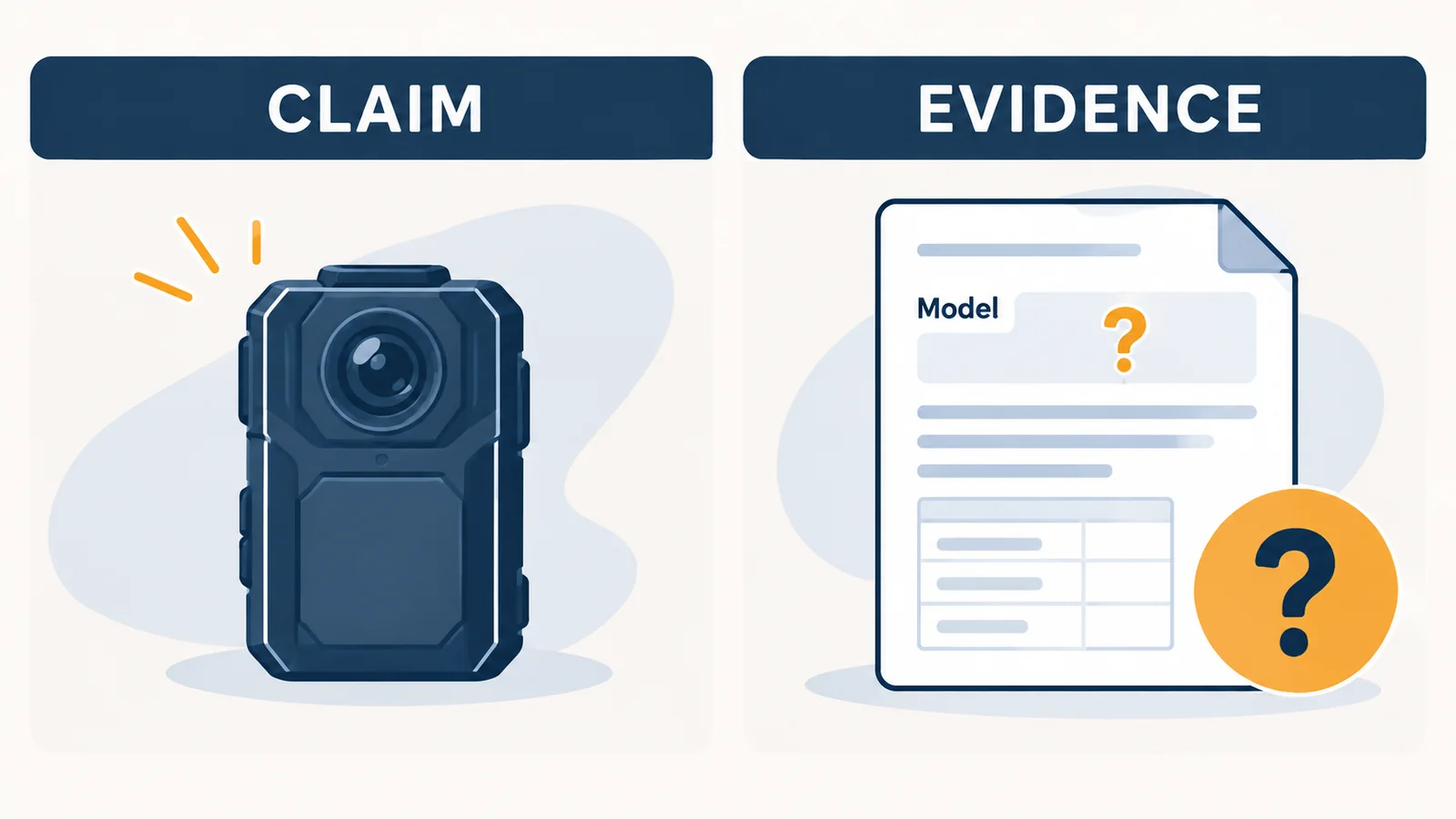
Descriptions such as “outdoor,” “weather-resistant,” and “waterproof” should lead you to a specification, not end the comparison. Ask where the manufacturer states the protection level and which supplied unit that statement covers. Keep the wording and its limitations together.
For example, the current SPIKECAM S3 specifications describe IP65 splash resistance and exclude immersion. Getac lists IP67 for its BC-04. These are model-specific manufacturer statements, not a test performed for this article or a ranking between the cameras. [5] [4]
Check the exact camera and hardware revision
Match the quotation to a model and hardware revision before comparing protection claims. SPIKECAM’s S3 page specifically cautions that earlier units can have different hardware. A familiar model name is therefore not enough to select instructions for every unit. [5]
| Record what is stated | Keep open until confirmed |
|---|---|
| Exact model and revision in the offer | Whether the supplied units match the referenced document |
| Rating and its published limitations | Whether your exposure falls within those conditions |
| Available instructions and supporting documents | Any missing care, charging, or service instructions |
Use “not confirmed” for a missing answer. That keeps a purchasing assumption from becoming an operating instruction when the equipment reaches staff.
What Do IP65, IP67, and IP68 Tell You?
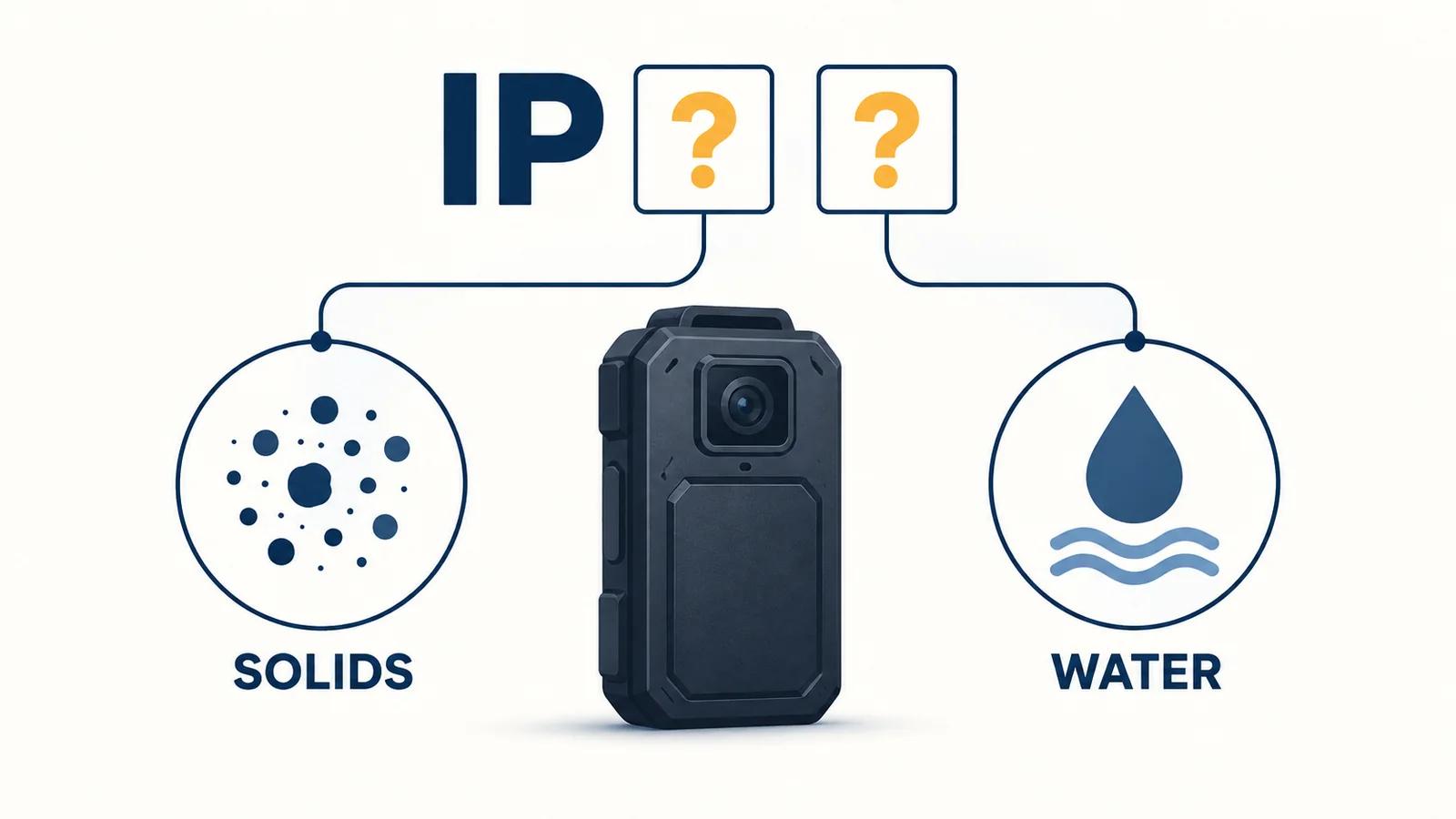
An IP code separates protection against solid particles from protection against water. Read the two parts before turning the code into a procurement requirement. [1] [2]
Read the solids and water digits separately
The first digit concerns solids; a first digit of 6 indicates dust-tight protection. The second digit describes a water-protection category. The common codes below are a starting point for checking the accompanying conditions. [1] [2]
| Code | Water category | Question for the supplier |
|---|---|---|
| IP65 | Water jets | Which documented conditions and operating instructions apply? |
| IP67 | Temporary immersion | What test conditions and limitations cover this exact unit? |
| IP68 | Continuous immersion under specified conditions | What depth, duration, and other conditions does the manufacturer specify? |
Do not read IP68 as an unlimited depth or duration promise. Getac’s explanation explicitly ties those conditions to manufacturer testing. [1]
Match the stated test conditions to the claim
Write your actual exposure beside the published conditions. If the job includes water jets, ask for evidence addressing jets; if it includes immersion, ask for the applicable immersion conditions. Avoid treating the rating as a single “better” score that answers every environmental question.
A brief product table may not contain enough detail to complete that comparison. Request the relevant specification or report, including the conditions and the product identity. If the supplier gives only a marketing sentence, retain the question in the comparison sheet rather than supplying your own depth or time limit.
Keep separate questions separate: protection of the enclosure, useful recording, permitted cleaning, and warranty coverage. An IP entry is not an answer to every one of them. Your purchasing record should show which document or supplier response addresses each requirement, without expanding a narrowly stated claim.
Match the Camera to the Water Exposure at Work
Describe where water could reach the camera during ordinary work and during foreseeable exceptions. “Outdoor use” is too broad to tell a supplier what must be assessed.
Separate rain, splashes, jets, and immersion
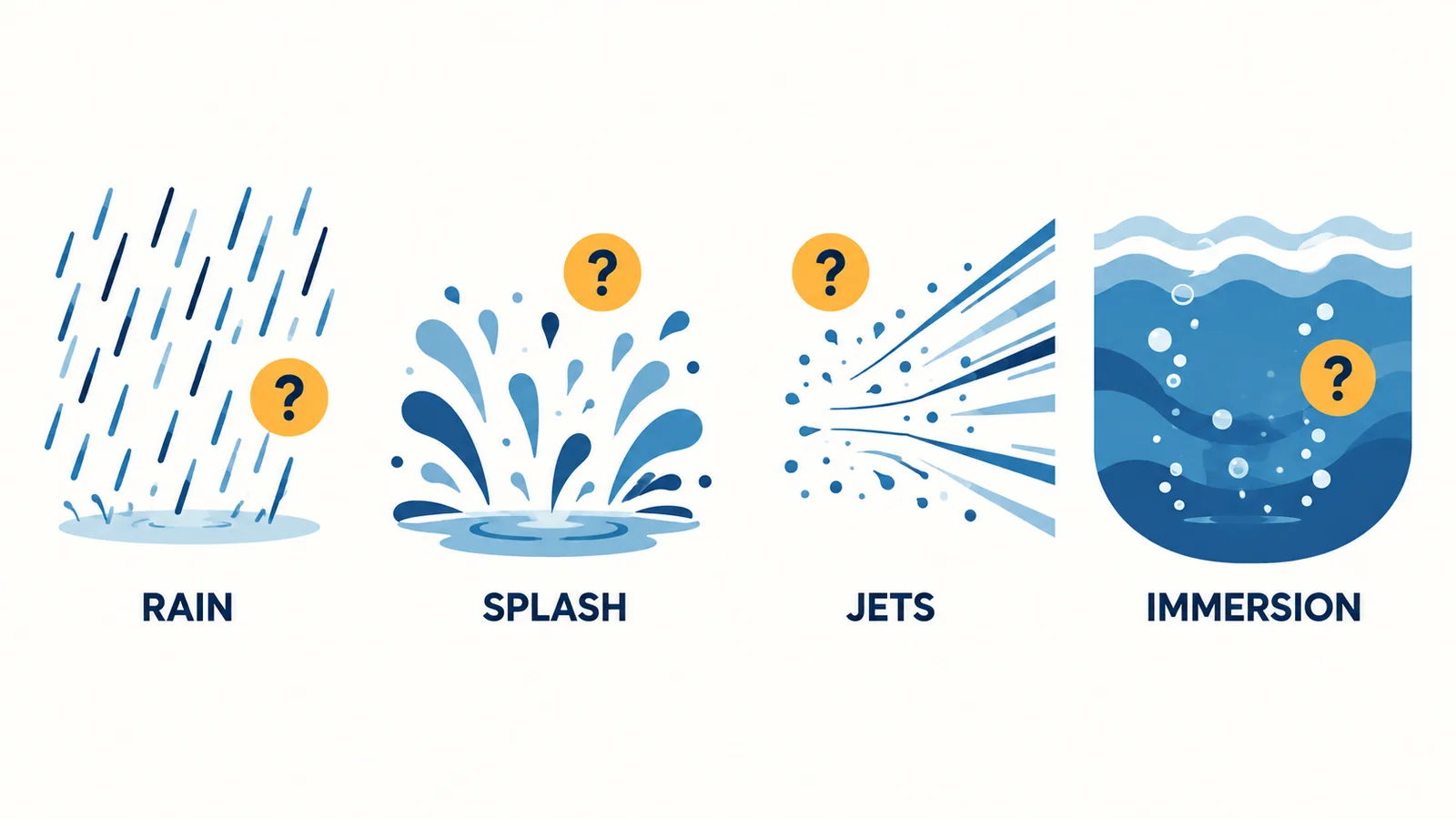
Use an exposure list tied to tasks. For example, a team may move between a covered reception area and an open gate, while another works near equipment that is washed down. These are planning examples, not customer deployments or tested use cases.
| Task or situation | Describe the exposure | Ask the supplier to address |
|---|---|---|
| Walking between outdoor posts | Rain, wearing position, and expected time outside | Permitted rain-use conditions and relevant instructions |
| Working near splashing water | Source, direction, frequency, and liquid involved | Whether the stated conditions cover that exposure |
| Working around washdown equipment | Water jets and the camera’s location | Applicable jet exposure and any operating restrictions |
| Potential accidental immersion | Where an incident could occur and how it would be handled | Applicable immersion limits and the post-incident procedure |
List salt water, cleaning agents, unusual temperatures, and prolonged exposure explicitly when relevant. Request a response to each item; do not fill the answer from an IP badge alone.
Include cleaning and charging in the requirement
Map the return journey too. Where will staff put a camera after a wet shift? Who decides whether it can enter the usual cleaning, charging, or file-transfer process? Include those conditions in the inquiry before choosing a dock or arranging a return area.
Name the boundary between a routine condition and an exception requiring support. A team can then compare two offers on the same written requirement instead of accepting different meanings of “waterproof.” If a requirement changes during the discussion, update the brief for every shortlisted supplier.
When comparing equipment categories, the body camera vs. action camera guide covers the wider recording and wearing tradeoffs. Use this exposure worksheet to make the water-related part of that comparison specific.
Verify the Rating for the Unit You Will Receive
Build a small evidence record that another buyer or team supervisor can understand without reconstructing an email conversation. The aim is to connect the supplied unit, the requirement, and the supporting document.
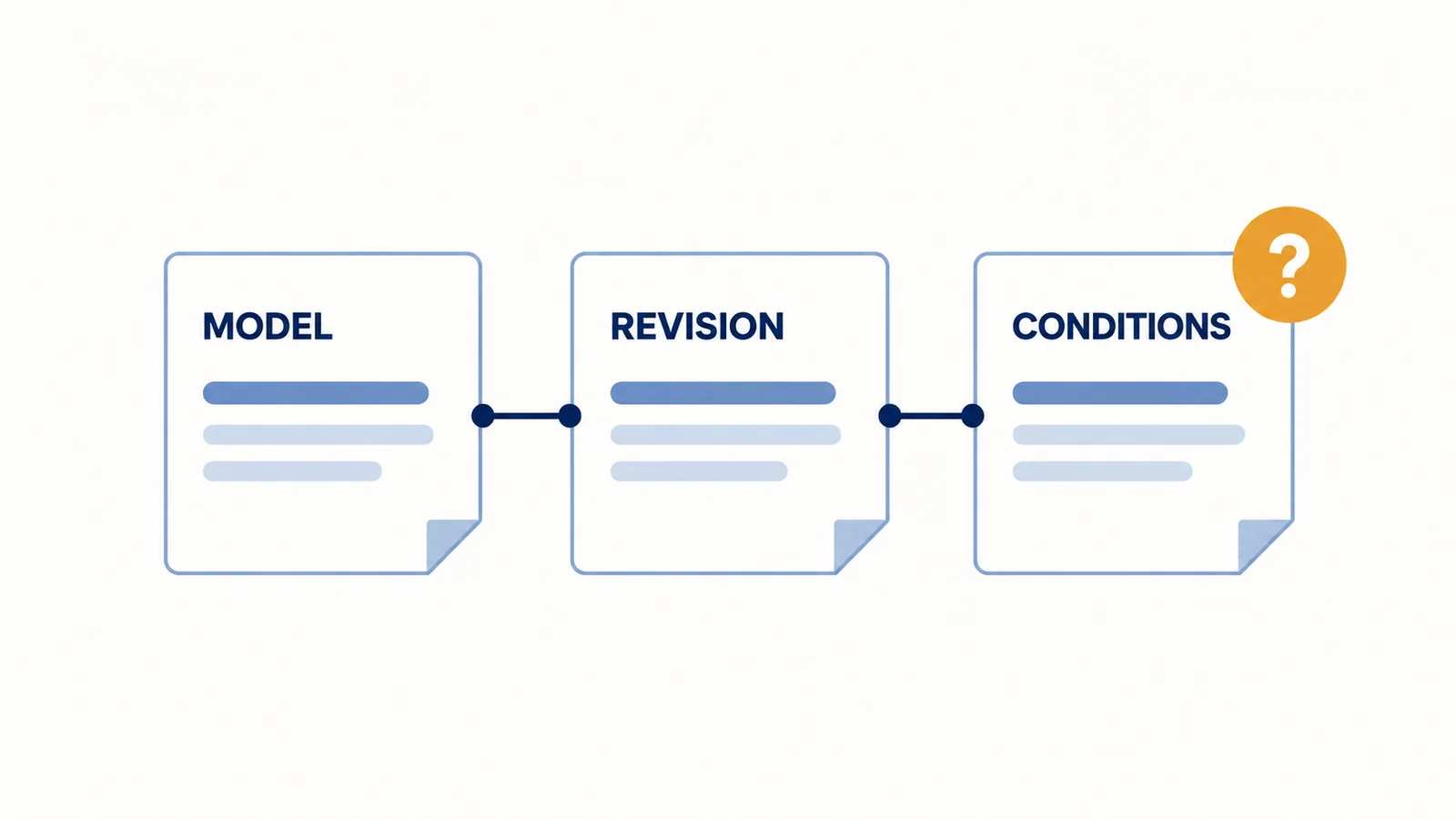
Request a matching model, revision, and document date
Ask the supplier to identify the document that supports the offered configuration. If a test report is available, check that its product identification and conditions correspond to the claim. If you receive a declaration or specification instead, record it as that type of evidence; do not relabel it as an independently verified test.
| Record field | What to capture |
|---|---|
| Product identity | Model, hardware revision, and quoted configuration |
| Document identity | Title or report reference, issuer, date, and version |
| Exact claim | Rating and any stated qualifications |
| Required setup | Any closures, accessories, or conditions specified for that unit |
| Requirement mapping | Which exposure in your brief the evidence addresses |
| Unresolved item | Missing information, person responsible, and response needed |
Do not invent a sealing arrangement from a product photograph. Ask which parts, if any, must be closed or fitted and where the instructions show the correct arrangement. Keep the answer tied to the actual revision.
Resolve conflicting claims before accepting a specification
When a listing, manual, and quotation disagree, send the conflicting references to the supplier together. Request a written answer identifying the applicable revision and conditions. Choosing the largest number from the documents does not resolve the conflict.
Keep an unresolved requirement visible in the purchasing decision. The buyer can request clarification, revise the intended use, or select a candidate with suitable evidence. Avoid passing an unanswered question downstream as “approved for all weather.”
For secondhand equipment, also obtain the available condition and service information. An original specification does not establish the present condition of an individual used unit. The used body-camera buying checklist provides the broader checks needed before accepting one.
Plan Wet-Weather Return, Cleaning, and Charging
A wet-weather plan needs a receiving process as well as a camera specification. Decide who handles returned equipment and which model-specific instructions they will use before the first deployment.
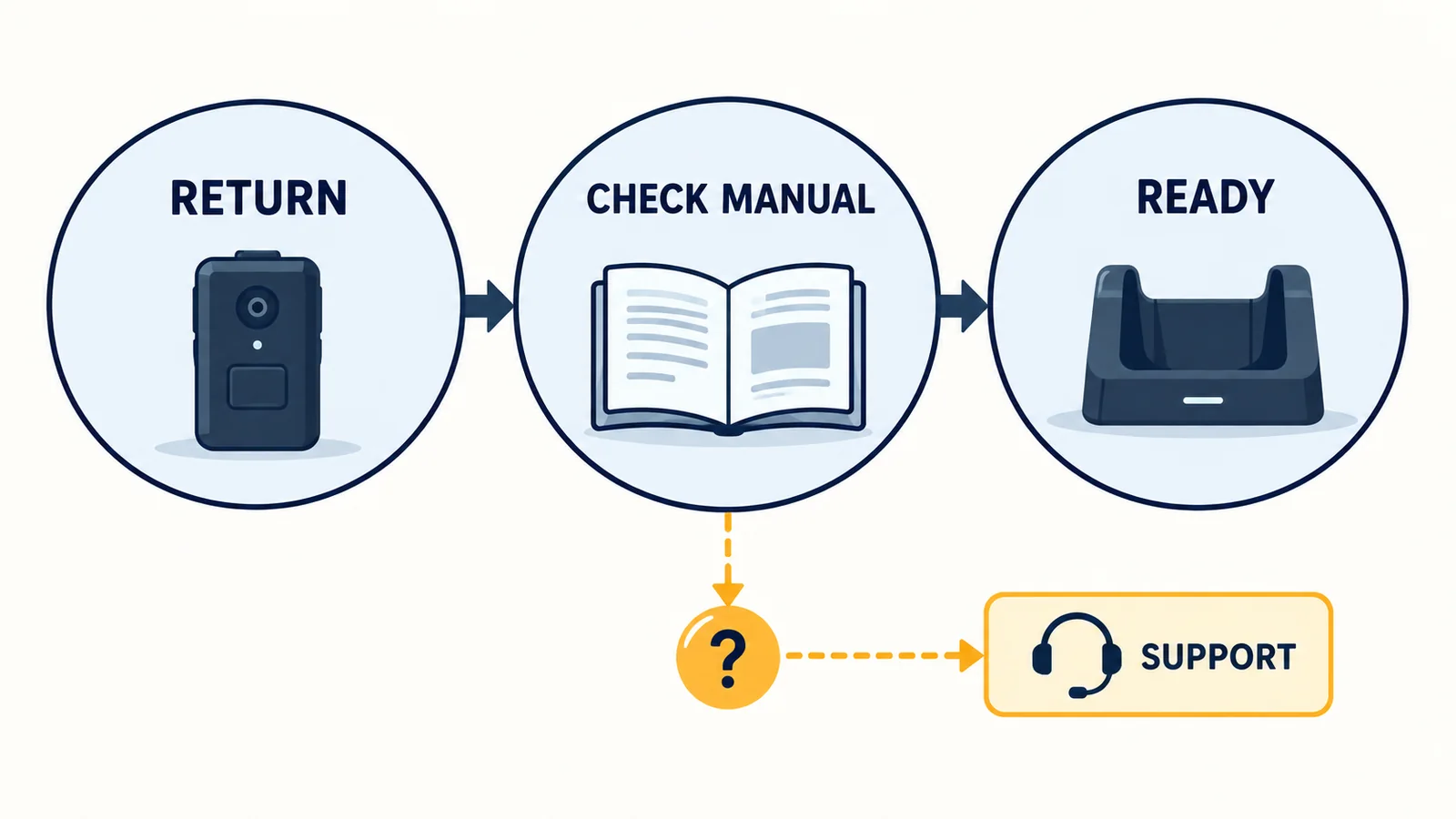
Use the model-specific care instructions
Read the care instructions for the camera, its connectors, and the dock separately. For example, the AXIS W110 manual distinguishes cleaning the camera exterior from cleaning docking contacts and warns against water with detergent on those contacts. That is an illustration of why the component matters, not a cleaning recipe for SPIKECAM equipment. [3]
Ask the supplier for the applicable steps after rain or another water incident, including any conditions for reconnecting power. Do not substitute a universal drying time, chemical mixture, or improvised heating method for the instructions covering the supplied model.
Give questionable units a clear support route
| Responsibility | Decision or record |
|---|---|
| Receiving staff | Identify the unit and record the reported exposure or visible concern |
| Designated equipment lead | Consult the applicable instructions before routine processing |
| Support contact | Resolve uncertain conditions, damage, or missing instructions |
| Person authorizing return to use | Record the basis for the decision and any outstanding restriction |
Define where a questionable unit will wait and how staff will distinguish it from equipment ready for issue. Avoid a process in which placing a camera beside the dock silently means that it is ready to connect.
Plan how to report an incident and preserve the associated recording through the approved support route. Do not make immediate charging or file transfer the default response to a unit whose condition is uncertain. The body-camera docking guide covers ordinary return capacity and transfer verification; this plan should state how exceptions leave that routine.
Use a Non-Destructive Acceptance Checklist
Receiving checks can establish whether the delivery matches the purchase record and whether ordinary functions work. Keep these checks distinct from environmental testing: a successful arrival inspection does not certify water protection.

Check documents and condition before deployment
- Match the delivered model and available revision information to the purchase record.
- Confirm that the referenced instructions and supporting documents are available to the equipment lead.
- Inspect the exterior for visible damage or discrepancies and record concerns for the supplier.
- Check any required closures or fitted components using the model’s instructions.
- Make and review an ordinary permitted recording in a dry environment, following the normal operating guide.
- Identify who will handle a water-related question and how staff will report it.
Use a simple record with a unit identifier, date, reviewer, finding, and supporting reference. Mark an item “not checked” when it has not been checked. A blank field should not be interpreted as a pass.
Record usability and unresolved questions separately
Keep document review, ordinary functional checks, and any formal water test in different fields. A unit can have a matching document while still arriving with a visible issue; a normal recording can work while a required environmental condition remains unconfirmed.
Do not turn a purchase trial into a bucket, hose, or pressure-washer experiment. If environmental testing is part of the procurement, obtain an appropriate written procedure and agree the scope, responsibility, and qualified testing arrangement. Do not improvise it around an advertised IP number.
For staff readiness, rehearse the reporting and return process without deliberately exposing equipment to water. Ask a colleague to explain what they would do if the camera came back in an uncertain condition. Correct gaps in the instructions before deployment, then connect this activity to your body-worn camera training plan. This exercise checks understanding of the process; it is not evidence that the camera passed a water test.
What to Send a Supplier Before You Buy
A concise supplier brief makes offers easier to compare. Send the same requirements to each candidate supplier, then attach their answers to the quotation instead of reducing the decision to one IP number.
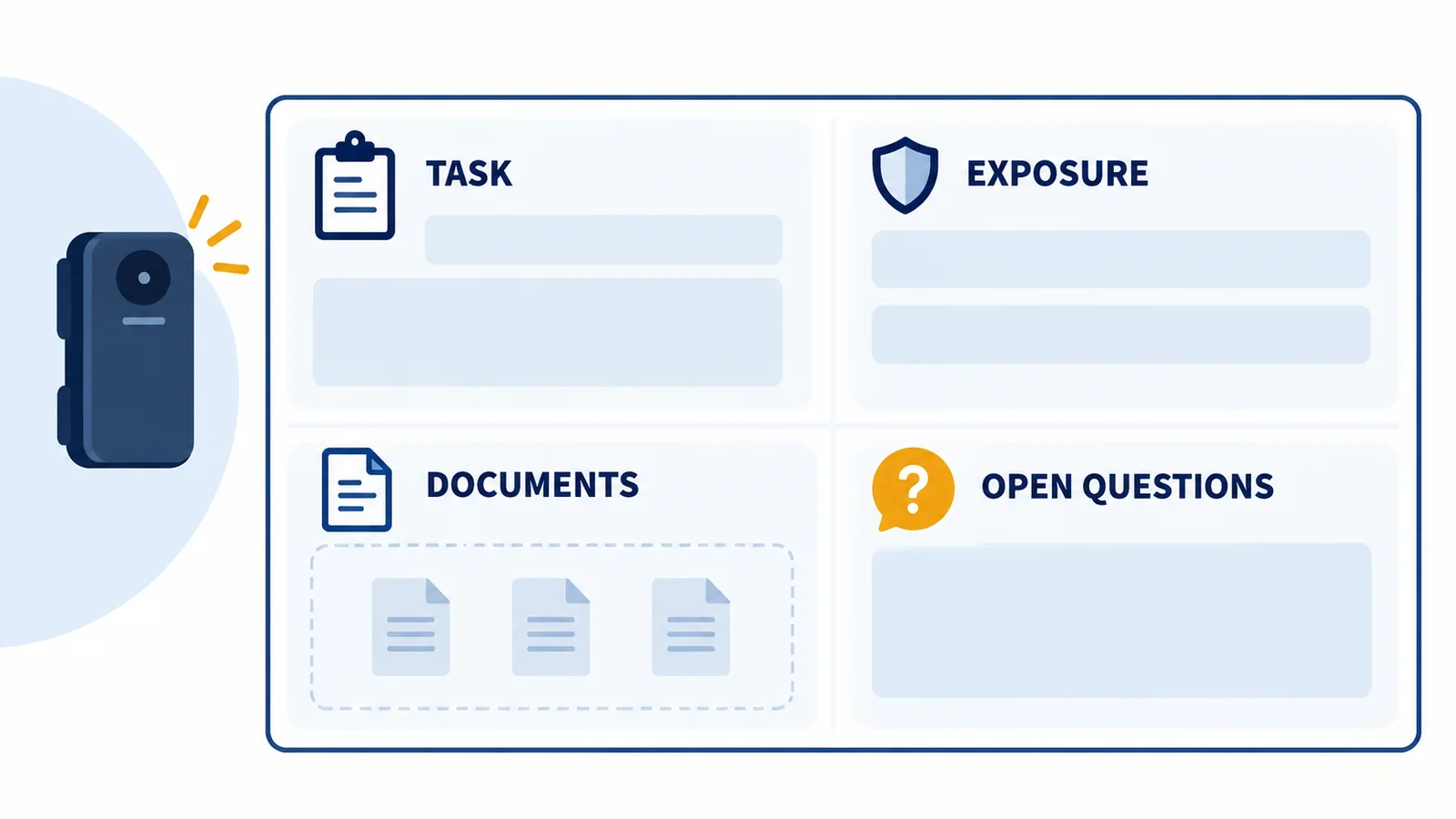
Describe the exposure and the required evidence
| Brief field | Information to provide or request |
|---|---|
| Work and users | Task, team, wearing arrangement, and estimated quantity |
| Water exposure | Relevant conditions from the exposure worksheet, including exceptions |
| Candidate equipment | Exact camera model, revision, and proposed accessories |
| Evidence requested | Applicable specification, supporting declaration or report, and conditions |
| Care and return | Model-specific cleaning, connection, charging, and incident instructions |
| Service questions | Who assesses a questionable unit and which service or warranty terms apply |
| Supplier response | Supported conditions, restrictions, evidence references, and open questions |
Ask for answers that refer back to your tasks. “Please confirm the permitted use and supporting document for the proposed configuration in these conditions” is more useful than “Is this camera waterproof?” It gives both parties a clear requirement to discuss.
Keep unanswered conditions visible in the quote
Review unanswered conditions before placing the order. If a feature or environmental requirement matters to the work, decide what confirmation is needed and who will review it. Keep the final written response with the configuration record so it remains available when devices are issued or replaced.
For a SPIKECAM project, contact our team with your working conditions, candidate model or revision, estimated quantity, and required documents. Ask us to clarify the proposed configuration and any limits relevant to your brief. A useful selection is one your team can explain with matching evidence and practical instructions—not just a waterproof label.
Related articles
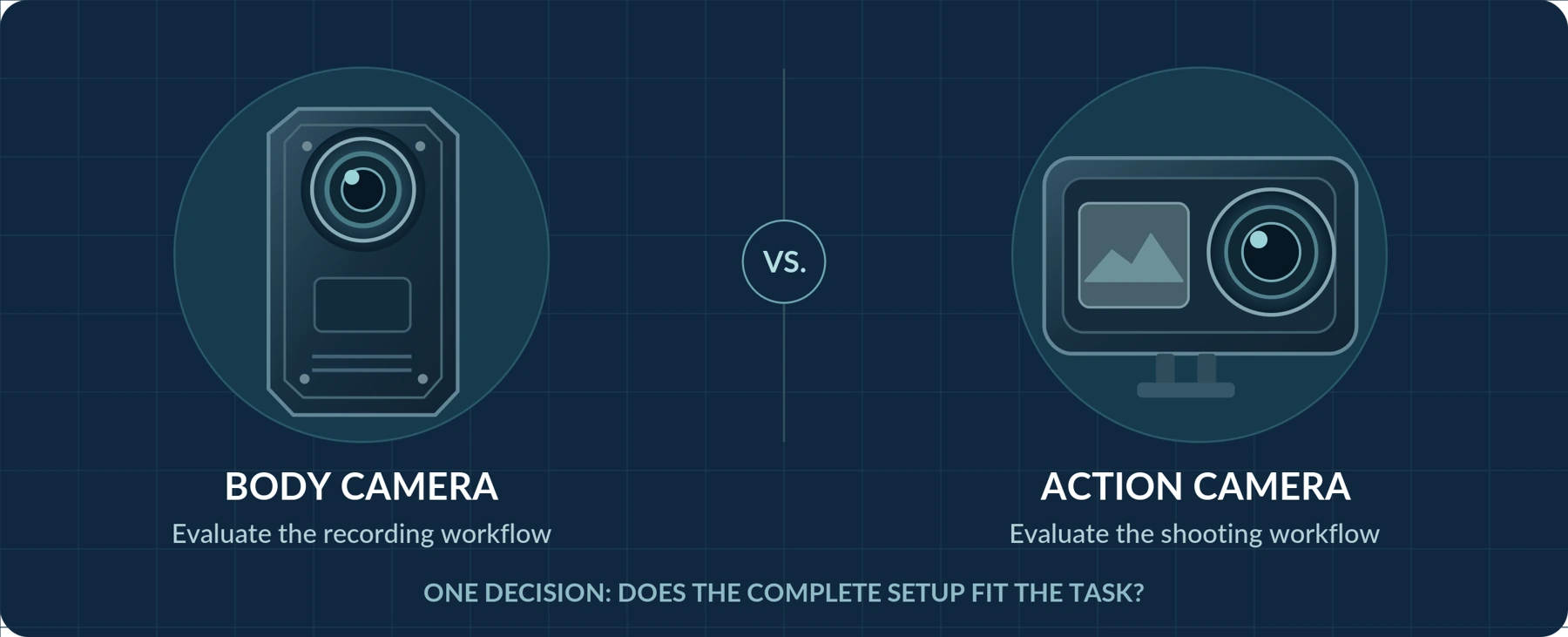
Body Camera vs. Action Camera: Which Should You Choose?
Compare everyday recording, controls, mounting and file handling before choosing a camera.

Buying a Used Police Body Camera: What to Check
Check ownership, system release, software access, battery condition and the complete recording workflow.
Body Camera Docking Stations: A Practical Buying Checklist for Teams
Choose a body camera docking station by checking camera compatibility, return peaks, charging and upload dependencies, and a practical team acceptance test.