Body-Worn Cameras with Live Streaming: A Team Deployment Checklist
Plan a live-streaming body camera pilot: check connectivity, the receiving workflow, video quality, data use, battery demand, and recovery before ordering.
Editorial guidance, not legal advice or a model-specific performance promise. Check the rules and requirements that apply to your location and use.
Decide What Your Team Needs to See Live
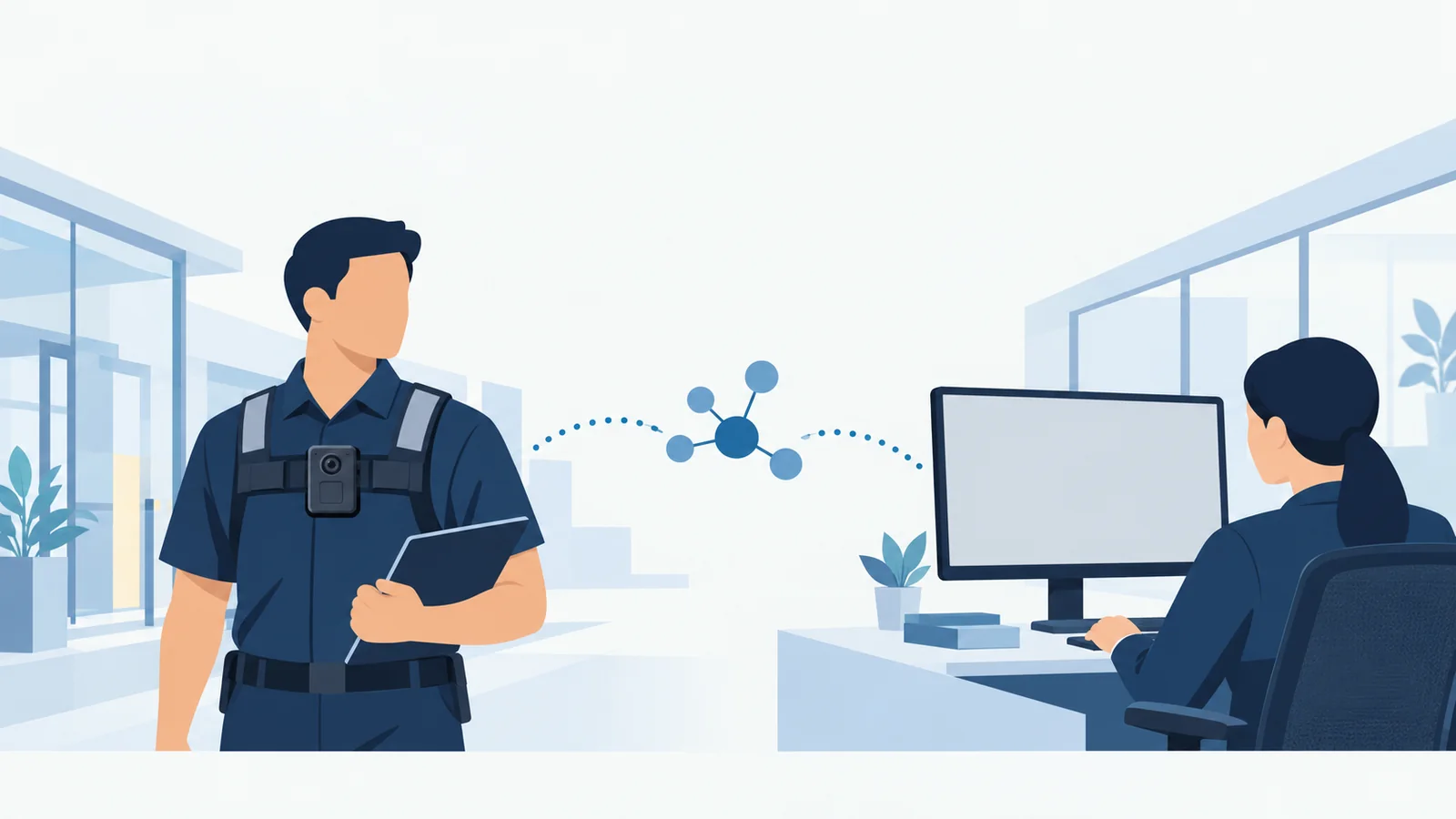
A body worn camera with live streaming needs more than a wireless connection. Your team needs a usable picture at the intended receiving desk, a person responsible for watching it, and a practical response when the connection fails. A successful demonstration beside a router does not answer all those questions.
Start with the work your team needs to do, then test the complete camera-to-viewer path. This guide provides comparison questions and a pilot record for security teams, operations leads, IT administrators, and integrators. The worksheets are suggested planning tools, not completed test reports or universal acceptance standards. Set your own criteria before the trial and record what the proposed configuration actually does.
Separate Remote Viewing from Local Recording and Phone Preview
Write three requirements separately: recording on the camera, viewing nearby through a phone, and viewing remotely over a network. A product description that mentions Wi-Fi does not establish that all three are available. Ask the supplier to demonstrate the exact viewing task, including how the receiving device connects.
For this checklist, “live” means a feed reaching an authorized remote viewer while the event is unfolding. It does not mean zero delay, continuous availability, or automatic preservation of everything shown. Those are separate questions to verify.
Name the Viewer and the Decision They Must Make
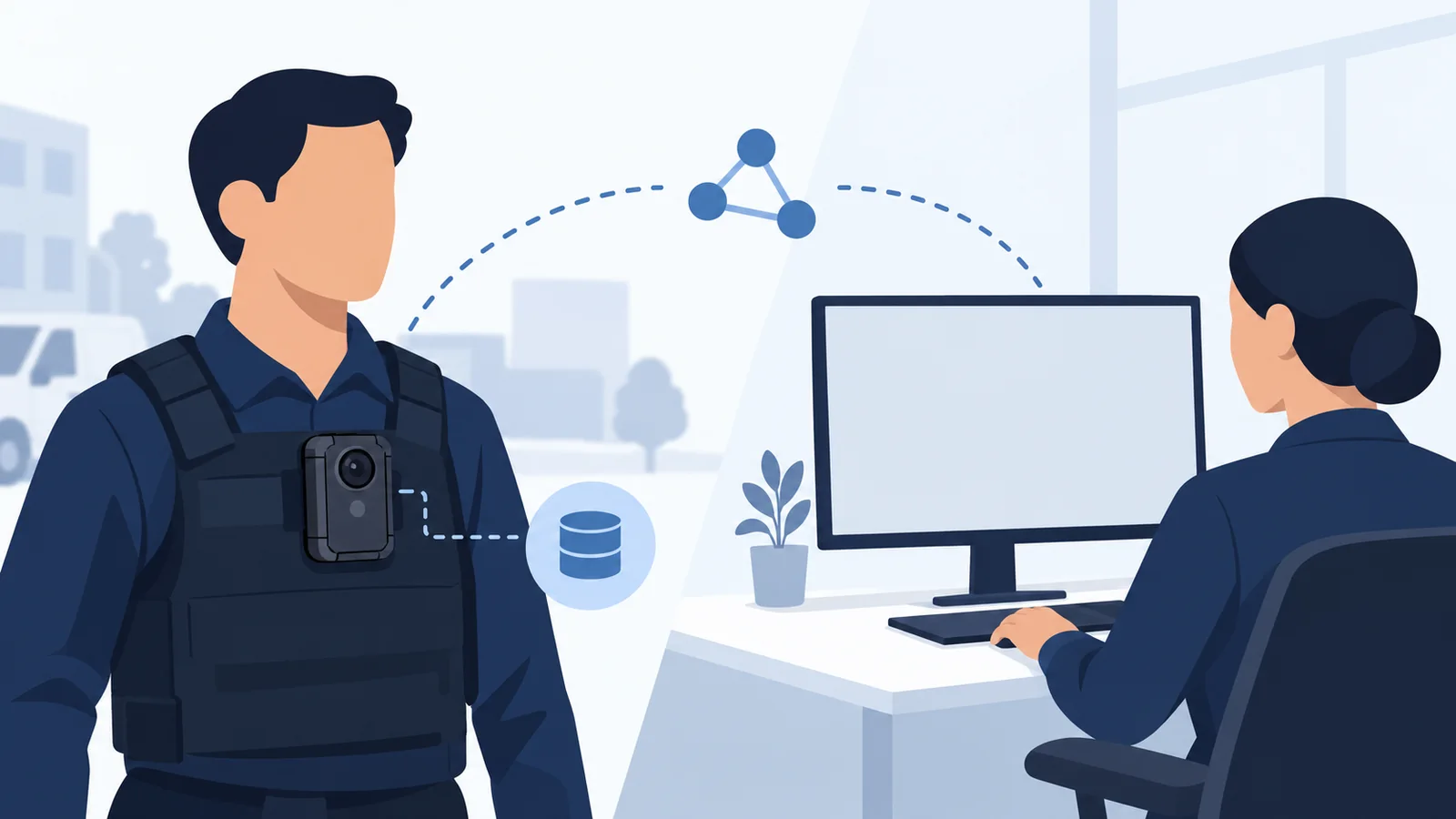
Describe one ordinary situation in which a remote view would help: for example, a supervisor deciding which colleague should assist at an entrance. Identify the detail the supervisor needs, the person watching, and the communication channel used afterward. A camera cannot resolve an unstaffed receiving process.
| Requirement | Complete before selecting equipment |
|---|---|
| Viewing task | What decision requires a live picture? |
| Coverage period | Which shifts or events need a viewer? |
| Useful detail | What must be recognizable or understandable? |
| Response | Who contacts the wearer, and through which channel? |
| Fallback | What procedure applies when no live view is available? |
If footage is only needed for later review, assess that recording workflow first. For broader equipment requirements, use the body cameras for security guards guide. Keep the live-viewing requirement specific enough that both the supplier and your receiving team can demonstrate success.
Map the Complete Camera-to-Viewer Connection
Compare Built-In Cellular, Wi-Fi, and a Phone Hotspot
Draw the proposed path from the camera to the actual viewing screen. Include any phone, access point, internet connection, server, service, and client that the configuration requires. Mark who provides and maintains each component.
| Candidate path | Questions to resolve |
|---|---|
| Built-in cellular | Which regional camera, carrier, SIM, data plan, and receiving service are supported? |
| Site Wi-Fi | Can this camera use the site's frequency band and authentication method? How does traffic reach the viewer? |
| Phone hotspot | Can the camera stream through this phone and plan? Who carries, powers, and maintains the phone? |
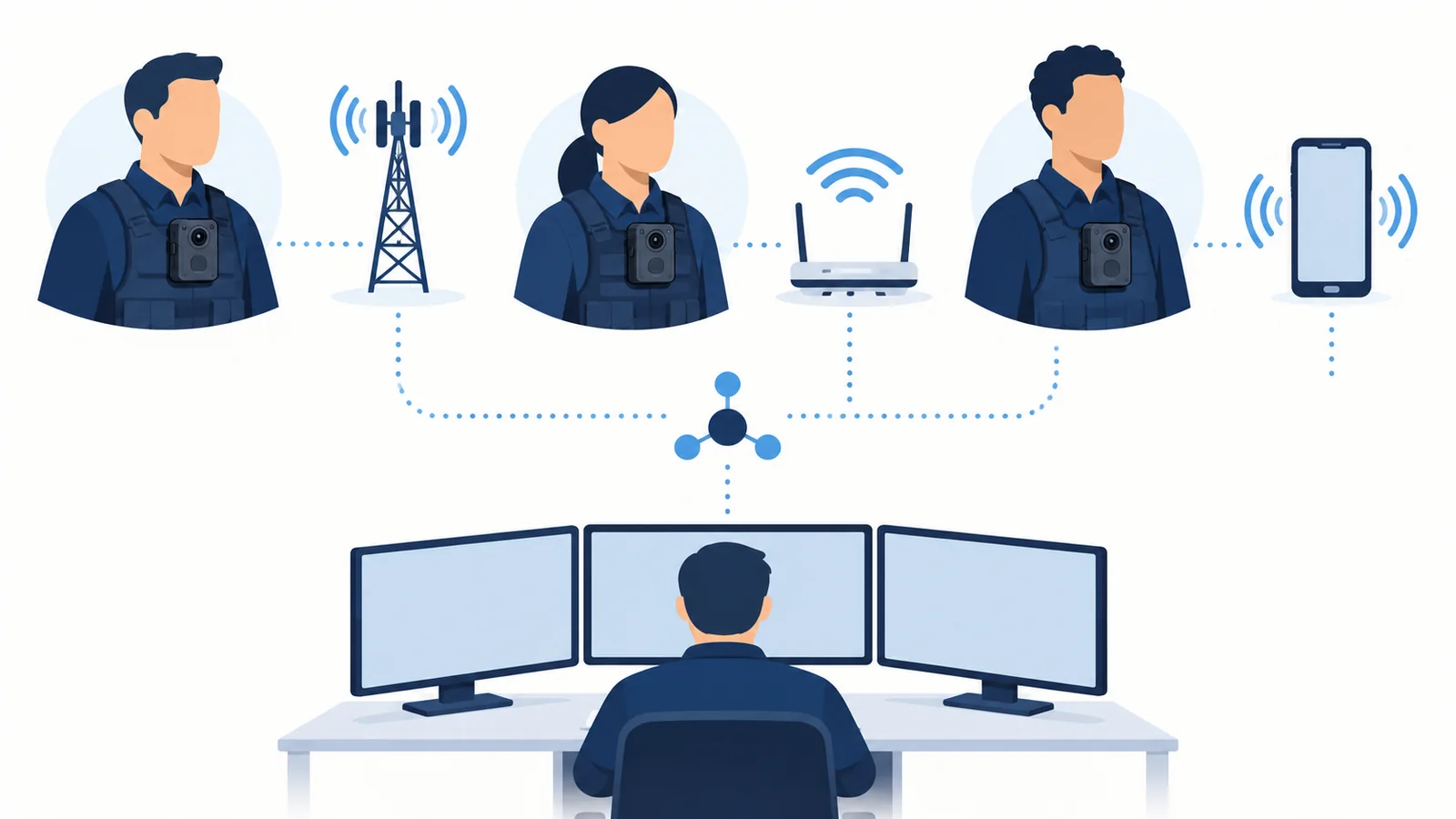
These are candidate arrangements to verify, not interchangeable features. Include the proposed hotspot phone in the trial; a different demonstration setup does not validate the equipment staff will carry.
Confirm the Receiver, Software Version, and Service Owner
Record the camera firmware, receiving software and version, client device, hosting arrangement, and licensing assumptions. Establish who can resolve a camera, network, or receiver problem. “Works with our platform” is incomplete unless the proposed configuration is identified.
For a manufacturer-specific example, Axis's self-hosted documentation describes dependencies between the camera, receiving client, server components, and network. Its technical requirements apply to that solution; use your selected supplier's documentation for your deployment.
SPIKECAM's CMSV page describes live video and other functions for supported deployments. It also calls for confirmation of camera firmware, connectivity, the selected CMSV build, hosting, client OS, user limits, licensing, and network services. Request those answers together. A general feature list does not establish the compatibility of your complete kit.
Verify Cellular and Wi-Fi Compatibility at the Actual Site
Check the Regional Camera Variant, Carrier, SIM, and APN
Ask for the exact regional hardware revision and its supported cellular bands, then ask the intended carrier or supplier to confirm device eligibility and the proposed service. Band overlap alone should not be your acceptance record. Include SIM activation, data allowance, roaming requirements where relevant, and any access point name (APN) settings the provider requires.
Axis's hosted-service manual treats APN setup and mobile-network troubleshooting as explicit configuration tasks. That supports checking these dependencies; it does not establish that another camera accepts the same settings or network.
| Configuration item | Record for the trial |
|---|---|
| Camera | Model, regional variant, hardware revision, firmware |
| Cellular service | Carrier, plan, activation confirmation, APN requirements |
| Wi-Fi | Frequency band, authentication method, authorized network |
| Receiver | Software/build, client, hosting, connection path |
| Site conditions | Route, time, indoor/outdoor areas, concurrent traffic |
Keep passwords and other credentials out of a shared procurement worksheet. Use your organization's approved configuration process for sensitive settings.
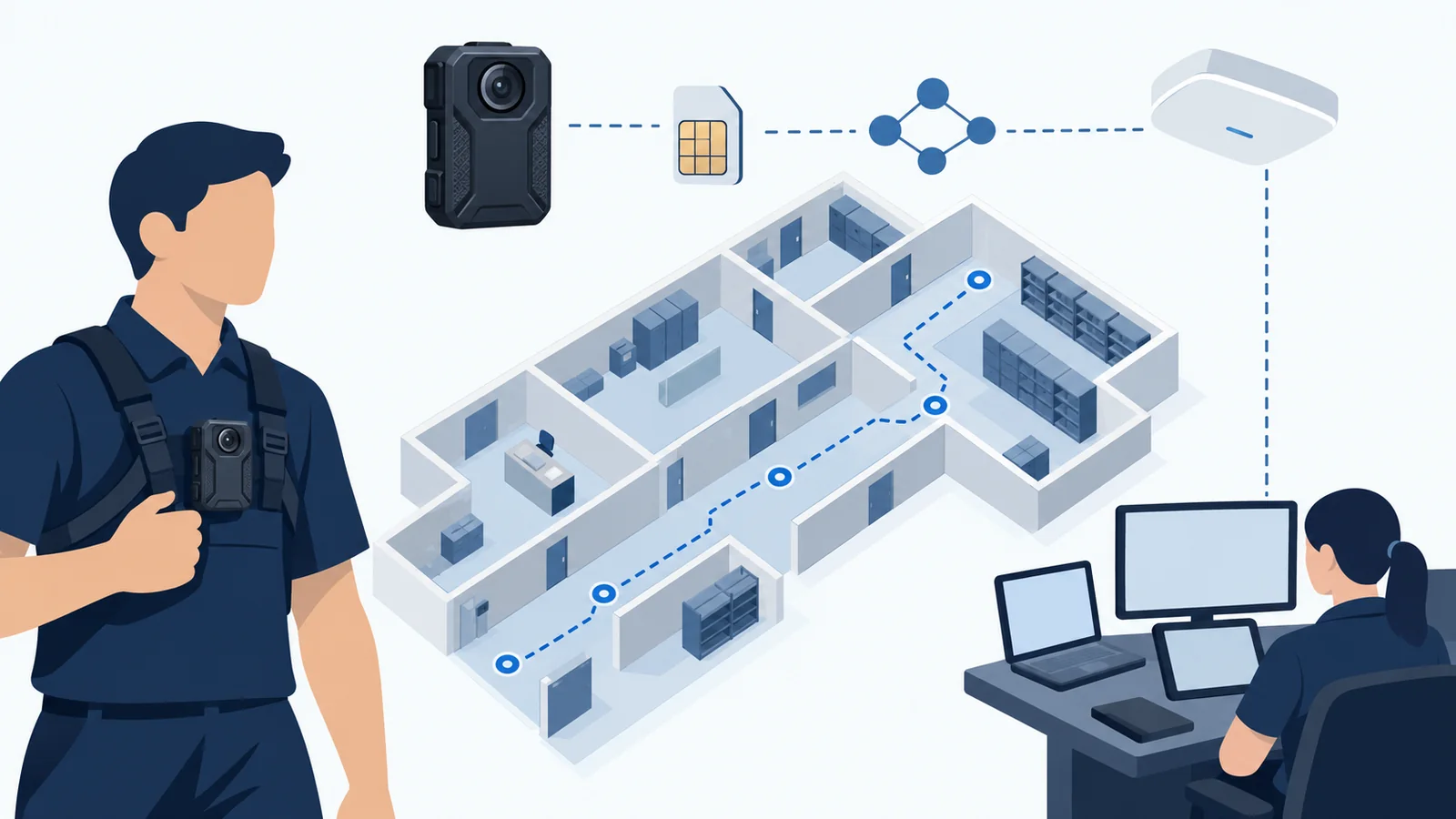
Walk the Route and Test Wi-Fi Authentication and Coverage
Choose test points from the real assignment: entrance, corridor, loading area, stairwell, or other relevant locations. Have the wearer follow a normal, authorized route while a second person observes the intended receiver. Record where connection starts, deteriorates, stops, or needs assistance.
A phone's signal indicator is useful context, but it does not demonstrate delivery from this camera to this receiver. Likewise, successfully joining Wi-Fi does not complete a remote-viewing test. Ask IT to check the application's required connectivity and the camera's supported authentication against the site's arrangements.
Repeat important routes at representative operating times. Document exceptions such as areas you could not access or unusually light network use. These limits help the buyer understand what the trial actually covered. Do not respond to an incompatibility by weakening the organization's network controls; seek a supported arrangement with the responsible administrator.
Measure Useful Video, Delay, Data Use, and Battery Demand
Test the Received Picture and Event-to-Screen Delay
Define a harmless scene that represents the viewing task. Use a test sign, planned movement, and a short spoken script where audio is authorized. Ask the receiving observer what they can identify without prompting. Compare the received view with the local file separately; one result should not substitute for the other.
Distinguish connection startup from event-to-screen delay. The first measures how long it takes to obtain a picture; the second concerns how late an observed action appears. Record the measurement method and its limitations. A supervised trial may use an agreed visible cue and observer timing, but a rough stopwatch result should not be presented as a precise laboratory measurement.
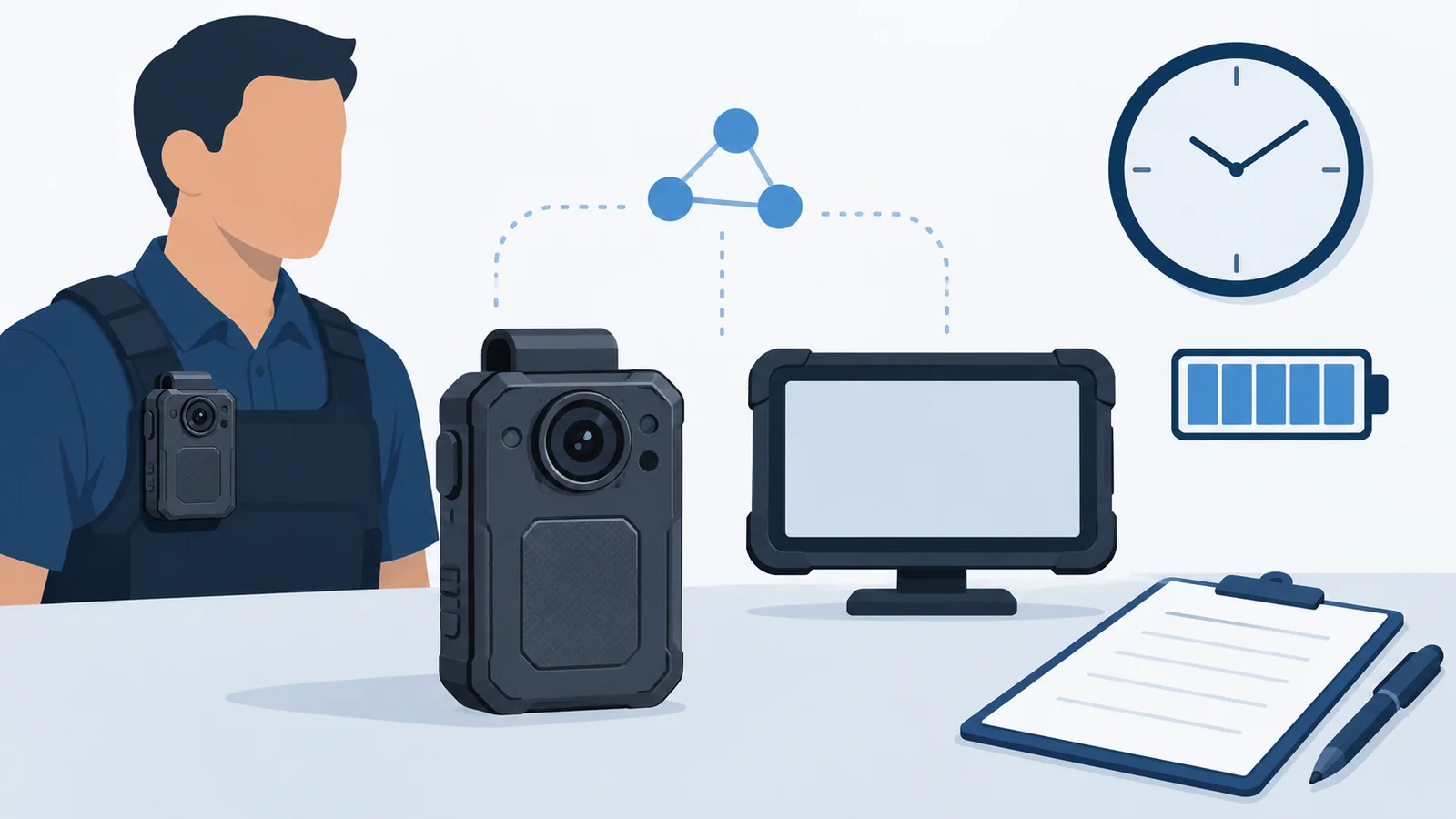
| Observation | Record rather than assume |
|---|---|
| First usable picture | Start action, observation point, elapsed time |
| Useful detail and audio | Task attempted, observer's result, conditions |
| Delay and interruption | Method, repeat observations, limitations |
| Concurrent viewing | Active cameras, viewer arrangement, received quality |
| Power and data | Starting/ending readings, duration, settings, measurement source |
Record Streaming Time, Data Consumption, and Battery Conditions
Run the operating pattern your team expects: occasional activation, scheduled viewing periods, or another defined pattern. Record local-recording settings, streaming settings where exposed, radios, screen, lighting features, and the duration of each activity. Keep the same conditions when comparing candidates.
Do not apply a quoted local-recording runtime to live streaming without matching test conditions. Use the same caution with resolution: the local recording specification does not by itself establish the received stream's resolution.
Compare device or service data counters with the carrier's available usage records, noting when readings update. Separate mobile data from platform licensing and stored-video charges. Estimates can help plan a trial, but the observed operating pattern and billing terms should inform the budget. The body camera buying guide covers other equipment considerations beyond the live connection.
Test Signal Loss and Recovery Before Relying on Live Video
Observe What the Wearer and Viewer See During a Dropout
Use an approved trial route to observe what happens when the wearer leaves usable coverage and returns. Coordinate the exercise with site operations. Do not use interference equipment or disrupt a production network to create a failure.
Assign one observer to the wearer and another to the receiving screen. Record whether the interface clearly indicates disconnection, shows a frozen picture, or presents some other state. Also note what the wearer can recognize without repeatedly looking at the camera. A receiving picture that appears normal deserves a freshness check against a new test action.
| Test stage | Wearer's observation | Receiver's observation | Follow-up |
|---|---|---|---|
| Before coverage loss | Record indicators | Confirm current scene | Establish baseline |
| While disconnected | Record feedback | Record displayed state | Follow fallback procedure |
| On return to coverage | Note any required action | Confirm a fresh test action | Record recovery time |
| After the trial | Retrieve the local test file | Check any available saved stream | Document gaps separately |
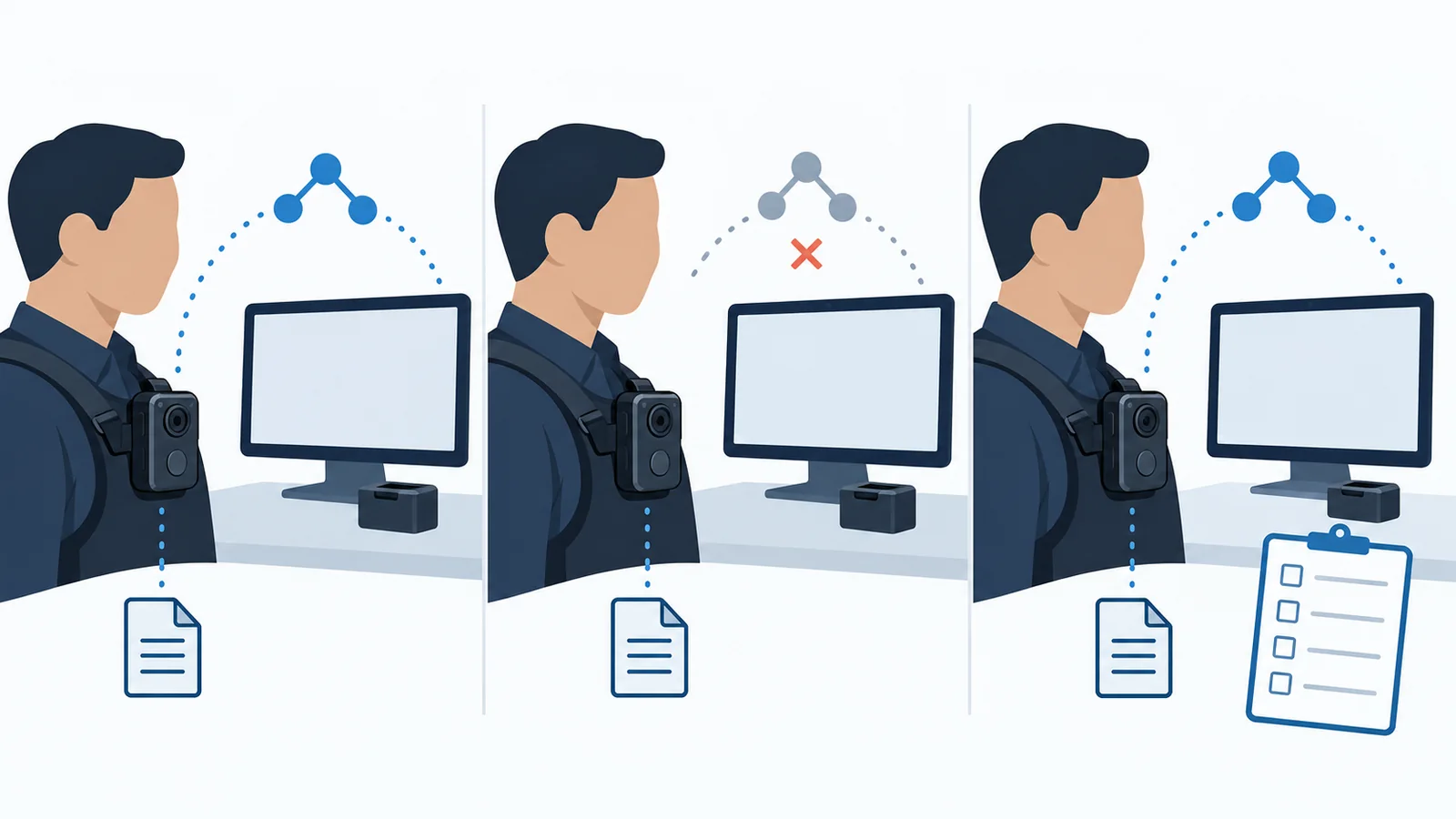
Check Reconnection and the Separate Local Recording
Watch whether the stream resumes by itself, needs a user action, or requires help from an administrator. Record the steps and the time involved. Avoid declaring recovery complete merely because the camera shows a network connection again; the observer should confirm a newly performed action on screen.
Then retrieve the local recording through the normal approved process. Check the period before, during, and after the dropout. Separately inspect any saved remote stream that the purchased configuration provides. Do not assume local recording continued, missing live footage was backfilled, or reconnection restored every function. These are trial questions until verified. Keep the existing communication and incident-response procedures available throughout the exercise.
Set Up a Receiving Workflow Your Team Can Operate
Assign Authorized Viewers and an Acknowledgment Procedure
Name the primary receiver and backup for each coverage period. Define how the viewer confirms receipt and contacts the wearer. If the proposed system offers acknowledgment feedback or remote activation, demonstrate the exact behavior and permissions; otherwise specify the separate communication method your team will use.
Motorola's VideoManager EX page describes configurable functions and integration with receiving systems. Those examples illustrate why the viewing workflow needs configuration. They do not establish identical functions or interoperability in CMSV.
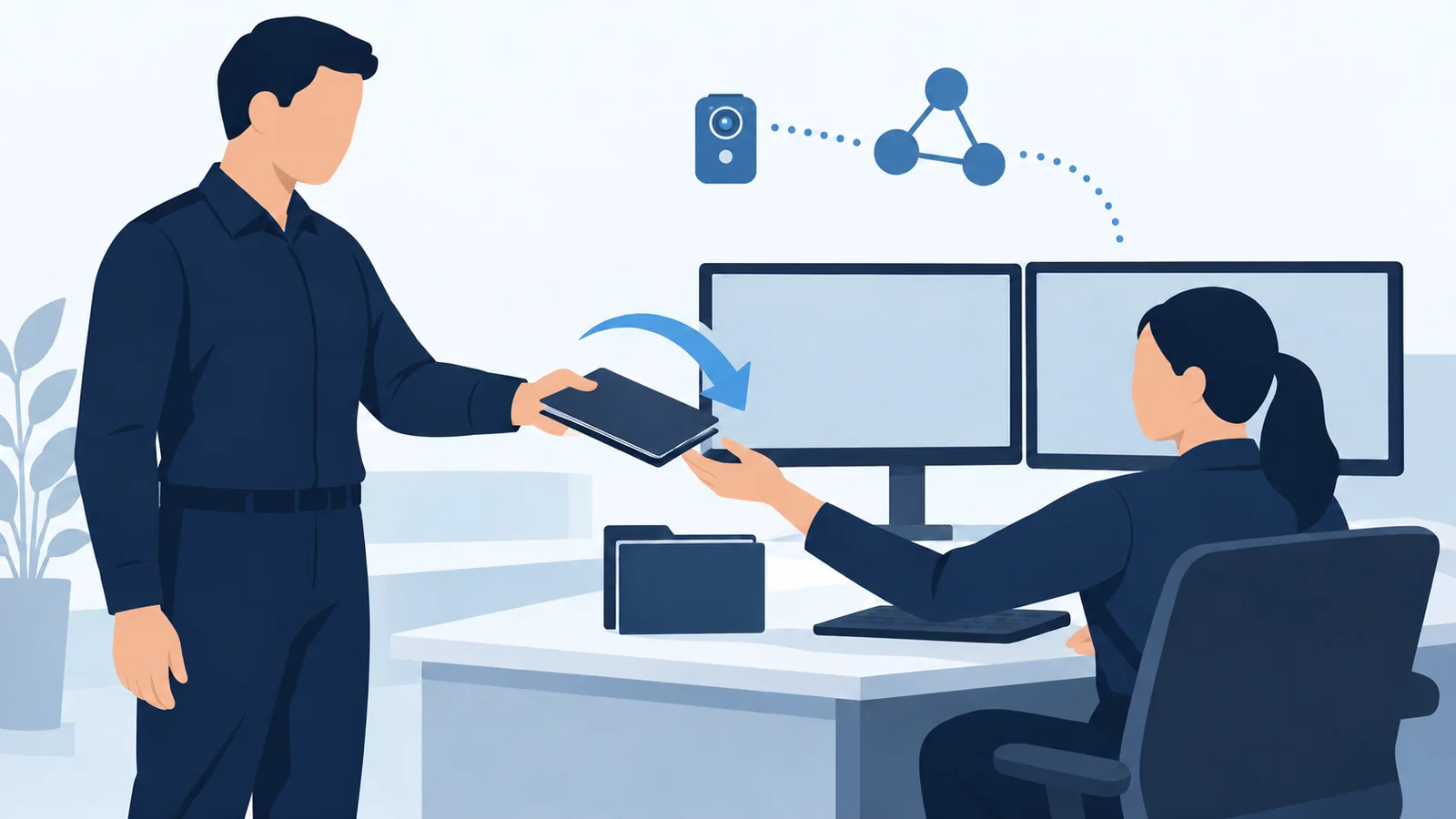
| Responsibility | Agree before the pilot |
|---|---|
| Access | Who may view each camera and administer the service? |
| Receipt | How is successful viewing confirmed to the wearer? |
| Response | Who communicates an instruction or requests assistance? |
| Handover | Who takes over, and how is the transfer confirmed? |
| Storage | Is the live stream saved, where, and by which configuration? |
Clarify Stream Storage, Access, and Shift Coverage
Treat live viewing, local recording, and saved remote footage as separate deliverables. Ask which are included, how authorized staff retrieve them, and what retention and deletion arrangements apply. Use the organization's approved recording and privacy policies to determine where and when viewing is appropriate. This checklist does not establish a country's legal requirements.
Include a planned shift handover in the trial. Confirm the incoming viewer can perform the assigned task and that the outgoing viewer's access follows policy. Also test the agreed response when no viewer is available. Use the body-worn camera training checklist to turn the confirmed operating steps into staff practice.
Run a Small Live-Streaming Pilot with a Written Acceptance Record
Repeat the Same Scenarios Across Devices, Routes, and Busy Periods
Choose a manageable trial group that represents the intended configuration and work. Use the same scripted tasks for each candidate. Include the actual receiving location, intended simultaneous streams, and relevant operating periods. If the proposed full deployment is larger than the pilot, identify what remains untested instead of extrapolating a capacity guarantee.
Agree on pass criteria before running the scenarios. The requirement might concern recognizable detail, an acceptable interruption, or a receiving procedure completed correctly. The buyer and operational owner should set the criteria for their task; there is no single delay or runtime threshold in this checklist.
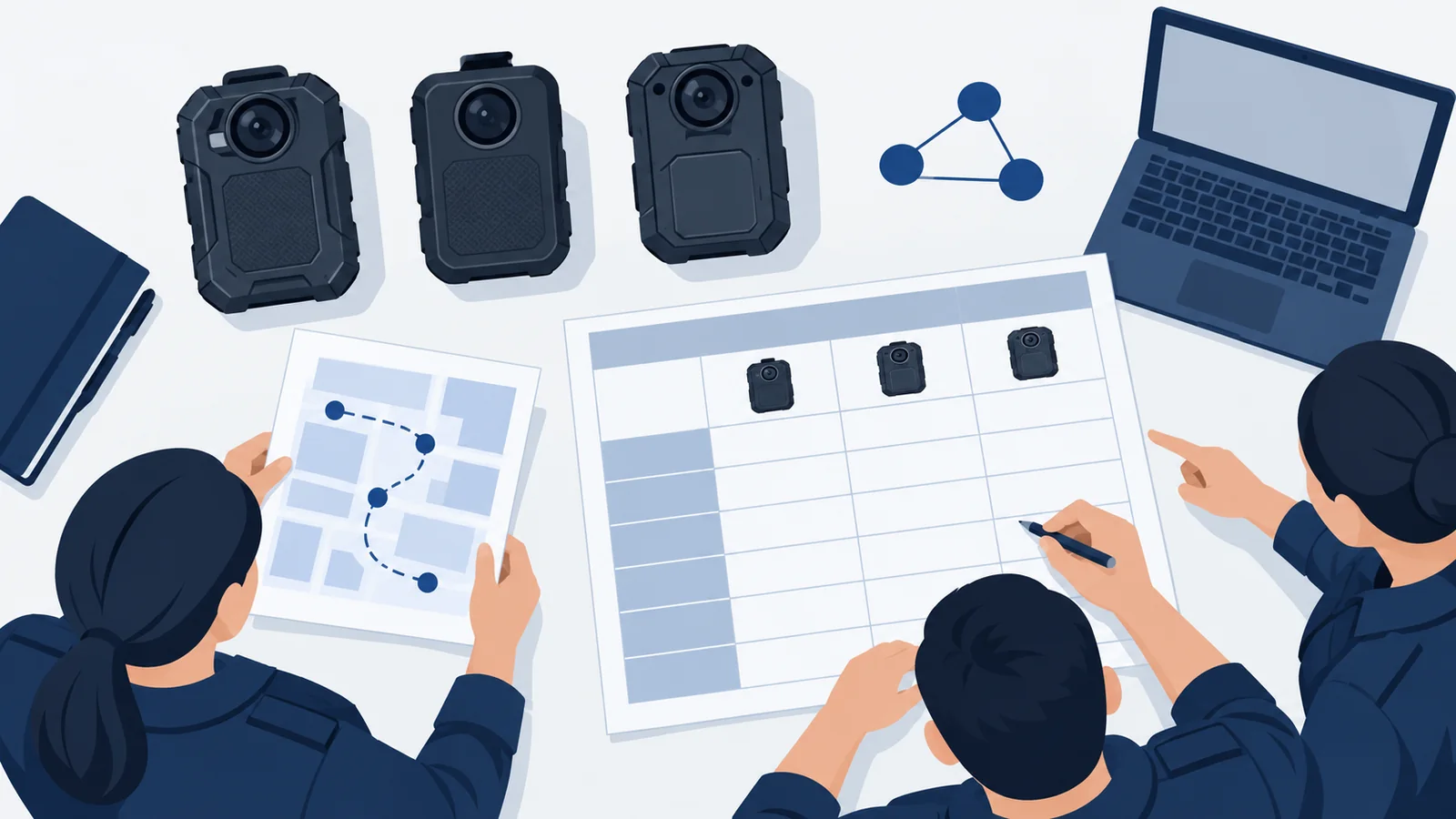
| Scenario | Criterion agreed before trial | Observed result | Owner / retest |
|---|---|---|---|
| Normal route and first connection | Fill in | Not tested | Assign |
| Weak coverage and loss of connection | Fill in | Not tested | Assign |
| Return to coverage and fresh picture | Fill in | Not tested | Assign |
| Intended simultaneous streams | Fill in | Not tested | Assign |
| Viewer unavailable or shift handover | Fill in | Not tested | Assign |
| Representative data and battery use | Fill in | Not tested | Assign |
| Retrieval of the local test recording | Fill in | Not tested | Assign |
Record Pass Criteria, Results, Owners, and Retest Triggers
Attach the configuration record to every run: camera identities, hardware and firmware, receiver build, network, route, test time, active streams, and observers. Keep the result evidence with the record using your approved handling process. “Not tested” should remain distinct from “passed.”
When a scenario fails, describe the symptom before proposing a cause. Assign a person to investigate and record the correction. Re-run the affected scenario and any connected steps that the change could affect. A replacement SIM, firmware update, new receiving client, or network change should trigger a review of which results still apply.
Close the pilot with a short decision: accept the tested configuration, accept with explicit unresolved limits, or continue evaluation. Keep the configuration and conditions attached to that decision. A successful small pilot supports the tested scope; it is not evidence that every site, carrier, or deployment size will behave the same way.
Questions to Resolve Before Ordering a Live-Streaming Body Camera
Can Wi-Fi Alone Provide Remote Live Video?
Only when the complete proposed setup supports the required path. Verify what the camera's Wi-Fi function does, how it reaches the receiver, and which software or services are needed. Nearby phone preview is not sufficient evidence of remote viewing. Ask for a demonstration using the intended camera, network arrangement, and receiving client.
Does Live Streaming Include Recording, Storage, or a Subscription?
Do not assume these are bundled. Request separate confirmation of local recording, live viewing, saved remote footage, mobile data, platform licensing, and support. Ask which services stop working when a trial or license ends. The body camera subscription guide provides a broader fee-verification checklist; use the actual quotation for your configuration.
What Should You Send to SPIKECAM for a Configuration Review?
Prepare the country and site type, number of cameras, expected simultaneous streams, existing network, receiving software, and the viewing task. Add your pilot criteria and any observed limitations. Include the exact model and hardware revision when evaluating equipment already in hand.

Discuss a live-streaming configuration with SPIKECAM to confirm the regional hardware, firmware, receiving platform, licensing, and support scope for your project. Use the response to complete your configuration record and plan a representative trial. Place the order against the agreed configuration and documented requirements, with unresolved items made explicit.
Sources and scope. Manufacturer documentation and SPIKECAM product information were reviewed on October 23, 2026. Links appear beside the relevant discussion. Vendor examples describe their own systems; the worksheets and trial procedure are editorial recommendations. No customer deployment or performance test is claimed. All illustrations are AI-generated concepts, not product photographs, actual software screens, or field-test evidence.
Related articles
Body Cameras for Security Guards: What to Look For
Plan around the security assignment, approved recording process and handover of incident footage.
Body-Worn Camera Training for Security Teams: A Practical Checklist
Plan practical body-worn camera training for security teams, with staff exercises, supervisor checks, file-handover practice, and a pilot sign-off checklist.
Body Camera Buying Guide: How to Choose the Right One
Choose a camera around recording controls, battery life, file access and your actual working routine.