Body-Worn Camera Training for Security Teams: A Practical Checklist
Plan practical body-worn camera training for security teams, with staff exercises, supervisor checks, file-handover practice, and a pilot sign-off checklist.
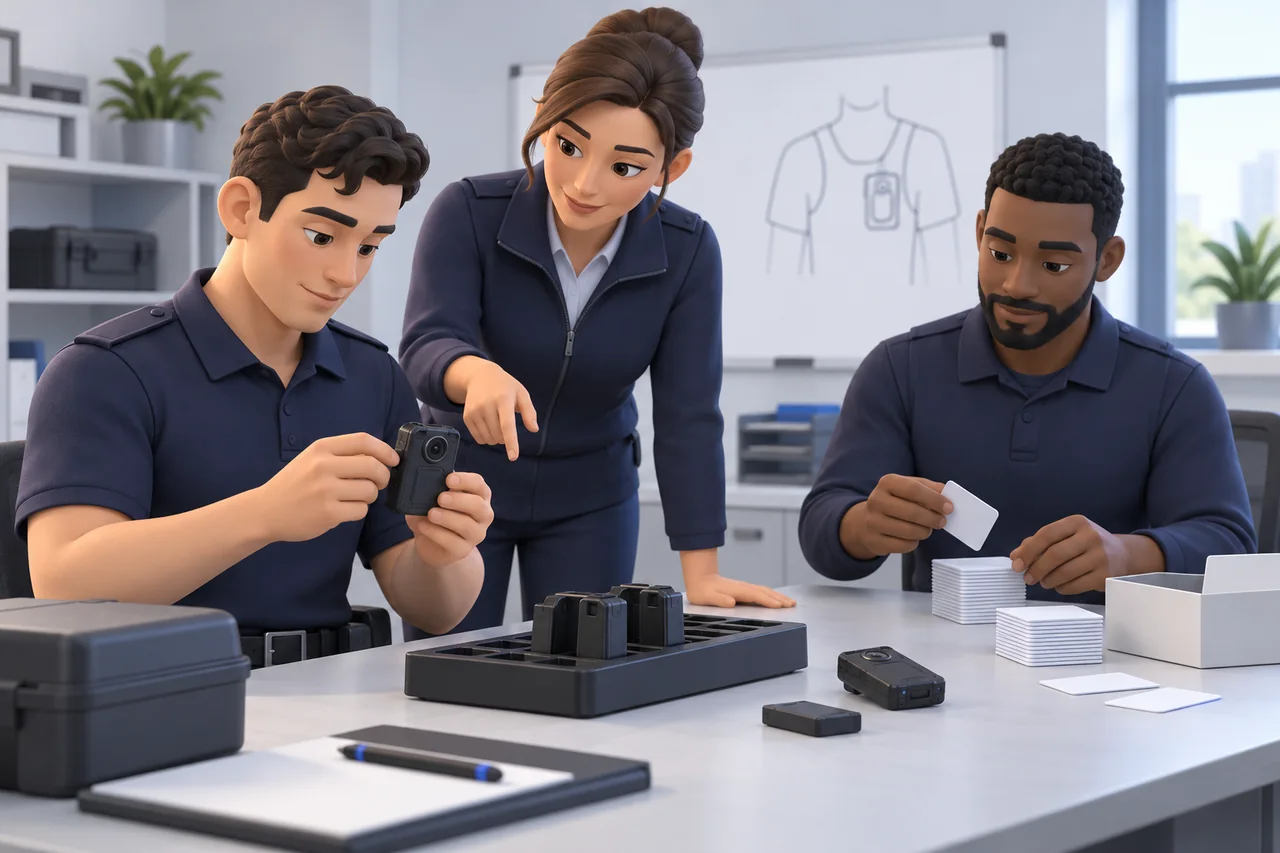
Editorial guidance, not legal advice or a model-specific performance promise. Check the rules and requirements that apply to your location and use.
Handing a camera to an employee is the beginning of training. Before an assignment, a manager needs to see whether that employee can prepare the equipment, follow recording rules, recognize a problem, and hand over a usable test file to the right person.
This body-worn camera training checklist turns those expectations into short, observable exercises for private-security teams. Use it alongside the exact device instructions and your organization’s approved procedures. The exercises and tables are suggested workplace tools for employers to adapt; local requirements and legal or privacy questions need review by the responsible people.
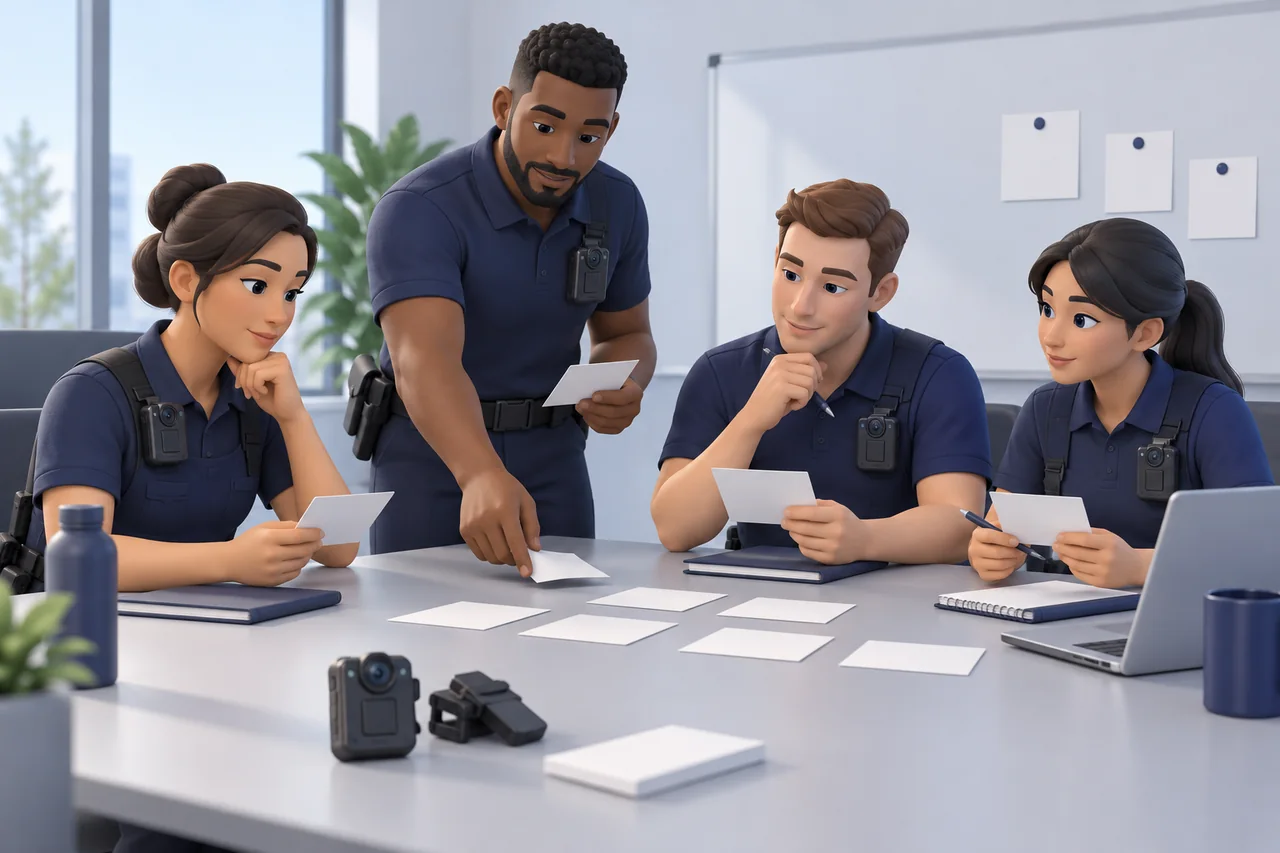
Start with one assignment and its actual uniform, camera setup, and receiving workflow. Work through demonstration, employee teach-back, observation, and a targeted retry. Keep a record of what each person demonstrated and what remains unresolved.
Define Training Outcomes and Assign Responsibilities
What should each employee demonstrate?
Write outcomes as actions: “confirms recording status using the actual device indicator” is observable; “understands the camera” is difficult to assess. Include preparation, mounting, an authorized recording decision, exception reporting, and a confirmed test-file handover.
The Bureau of Justice Assistance implementation toolkit covers policy, inspection, wearing, and documentation/storage in its law-enforcement training guidance. Those topics provide background here; the private-security exercises below are proposed adaptations, not police requirements applied to guards.
Who trains, observes, and receives the files?
Identify three responsibilities before scheduling practice. One person may cover several roles in a small organization, but each responsibility still needs an owner. The trainer demonstrates the complete task, then asks the employee to repeat it and explain the next step. The observer records actions rather than impressions. The receiver confirms the handover result.

| Role | Action to demonstrate | Observation and confirmation |
|---|---|---|
| Camera user | Prepare, operate, report exceptions, and identify the test recording | Observer notes the action and any prompt required |
| Trainer or supervisor | Demonstrate the approved procedure and explain decisions | Employee repeats it; supervisor identifies the next practice task |
| Authorized file receiver | Locate and open the expected test material | Receiver confirms receipt or records the unresolved step |
Agree who can authorize independent use. If a task fails, assign the retry to the person responsible for that action. Avoid making the wearer repeat an exercise because a receiving account was unavailable.
Turn Your Approved Policy into Practice Scenarios
Separate organization rules from device instructions
A manual explains how equipment works. Your organization must decide how it may be used on the assignment. Prepare a reviewed instruction sheet covering recording decisions, sensitive situations, required communication, access, reporting, and retention responsibility. Have the appropriate owner review legal and privacy wording before it becomes a training instruction.
This distinction matters when borrowing public resources. ASU describes its training materials as law-enforcement deployment references that agencies should adapt; they do not establish private-security authority or a universal course.
Choose scenarios that fit the actual assignment
Select a routine interaction and one situation that requires a different decision. Give the trainer a clear answer approved by the policy owner. If no answer exists, resolve the policy question before assessing the employee.
| Policy question | Responsible owner | Practice action |
|---|---|---|
| When does this role begin or stop recording? | Operational policy owner | Explain the decision during a fictional visitor interaction |
| What happens at a designated sensitive area? | Site and privacy decision-makers | Identify the boundary and follow the approved response |
| Who handles an objection or access request? | Named supervisor or authorized recipient | Explain the referral route without promising an outcome |

Demonstrate the relevant wording and referral once. Ask the employee to explain the decision in their own words, then rehearse it. The observer should note a missed boundary, unsupported promise, or unclear escalation contact. Clarify that specific point and repeat the scenario with a slightly different prompt.
Teach a Repeatable Pre-Shift Equipment Check
Inspect power, storage, condition, and recording status
The learning objective is a spoken, demonstrated readiness check. Using the exact model’s instructions, the trainer shows how to inspect power, available recording storage, lens condition, attachment, approved settings, and recording feedback. Verify date and time through the authorized process; changing them may be an administrator’s task. Cameras differ in their screens, indicators, and controls.
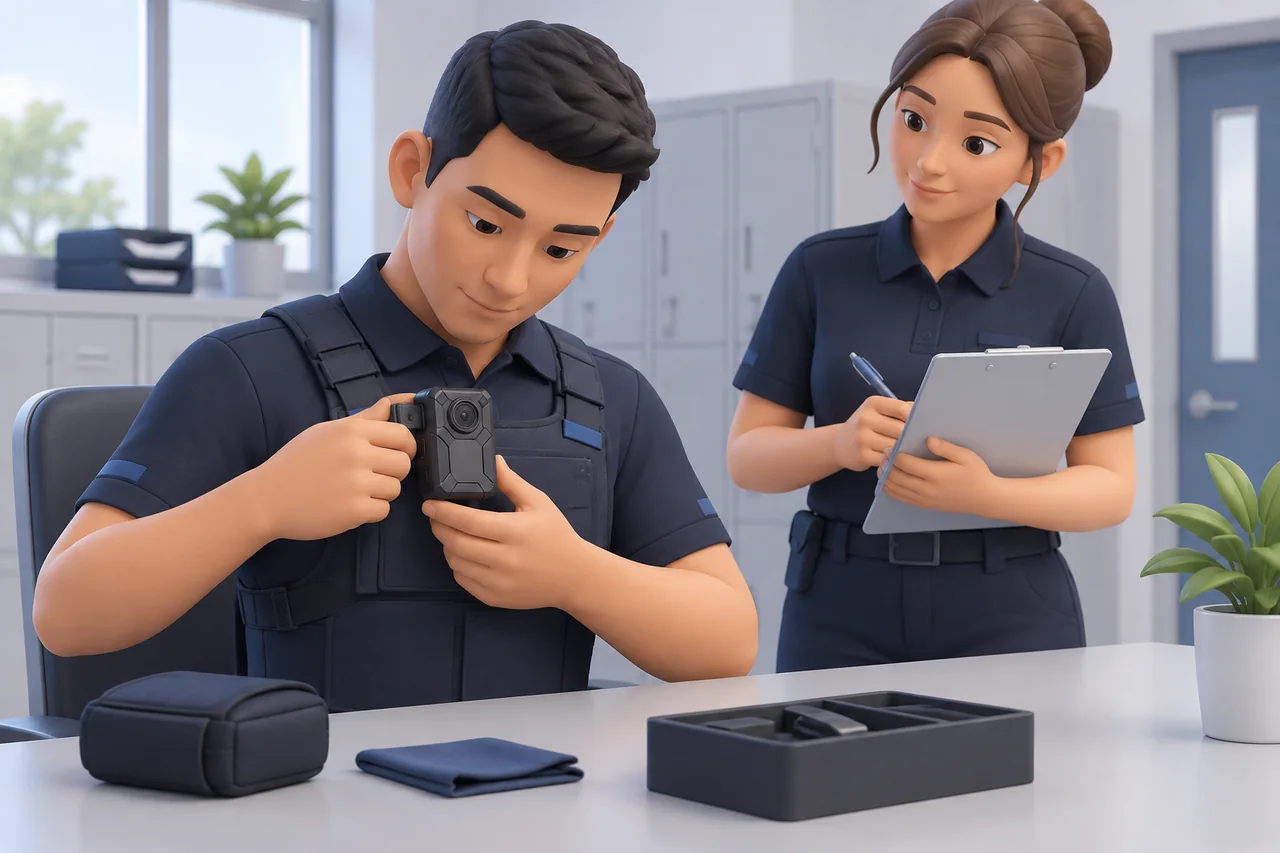
| Practice stage | Employee action | Observer note |
|---|---|---|
| Watch | Follow the trainer’s complete inspection | Which checks need a closer demonstration? |
| Repeat | Perform the checks and state the result | Which step was missed or assumed? |
| Verify | Make an authorized short test recording | Was recording status confirmed and the clip checked by an authorized reviewer? |
| Report | Identify a supplied fault prompt | Was the correct person told before issue or use? |
Practice reporting a failed check
Use a scenario card, such as “attachment will not hold” or “storage status cannot be confirmed.” Do not create the fault by damaging equipment or filling it with real recordings. Ask the employee to state what is known, what is uncertain, and whom they would contact.
Record whether the employee follows the approved spare-device or escalation route. If they guess that equipment is ready, demonstrate the reporting step again and repeat only that part. Never make deleting event files a training shortcut. For the full daily routine, use the security guard body camera requirements guide.
Rehearse Mounting and Check the Recorded View
Fit the camera to the real uniform
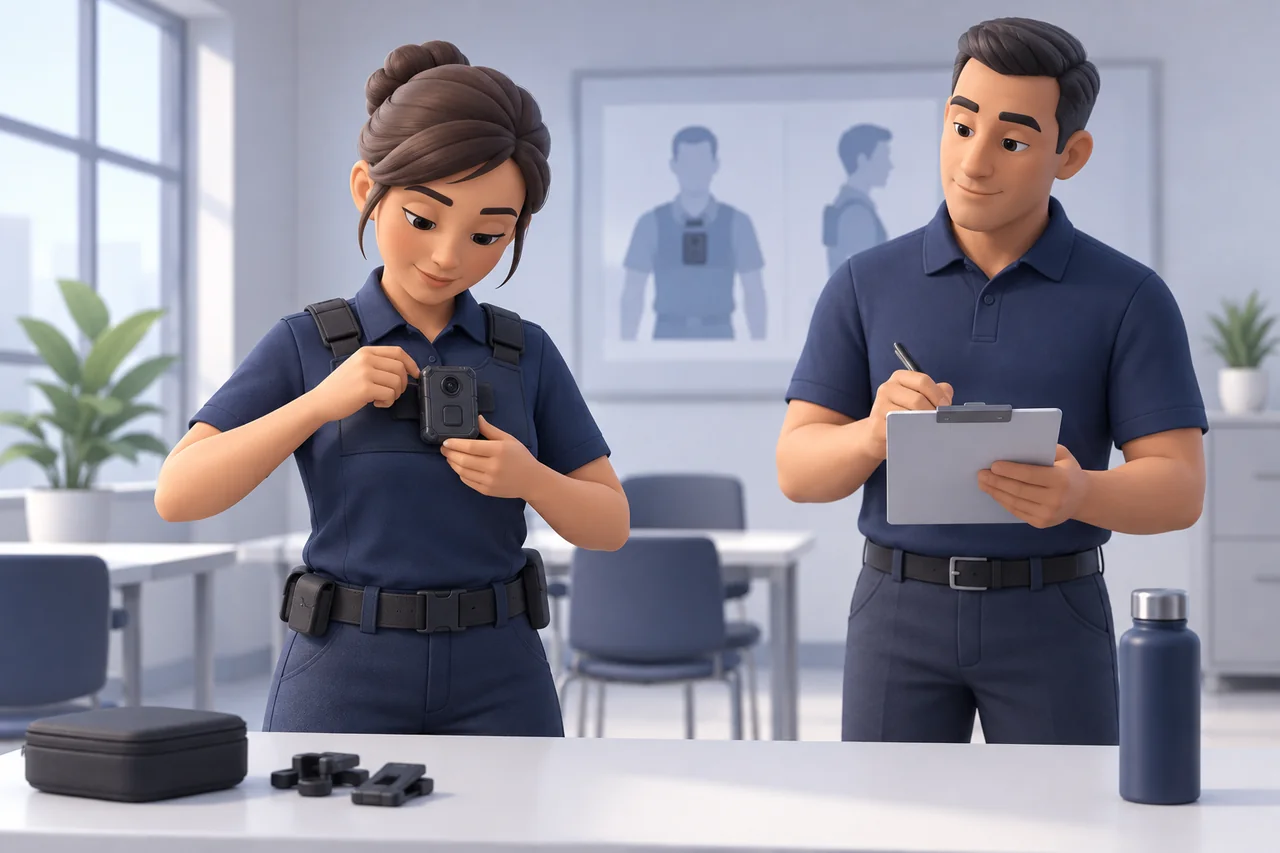
Teach the employee to fit the approved attachment, check that it holds, and identify possible obstructions. Use the clothing and ordinary equipment expected for the assignment, including relevant outer layers. Have the trainer demonstrate the manufacturer’s fitting method, then ask the wearer to attach the camera without help and explain the checks.

| Movement | Wearer demonstrates | Reviewer checks in the authorized test clip |
|---|---|---|
| Walk and turn | Normal movement with ordinary equipment | Shifting position, clothing, or equipment crossing the view |
| Reach and bend safely | A routine task within normal duties | Temporary obstruction and whether the attachment stays secure |
| Change a uniform layer | The approved jacket or vest arrangement | Whether the original position still works |
Review a short movement test with the employee
With consenting colleagues in a permitted practice area, record the agreed movements. An authorized reviewer then shows the employee what the saved clip actually contains. Ask the employee to identify an obstruction or limitation before offering the trainer’s observations.
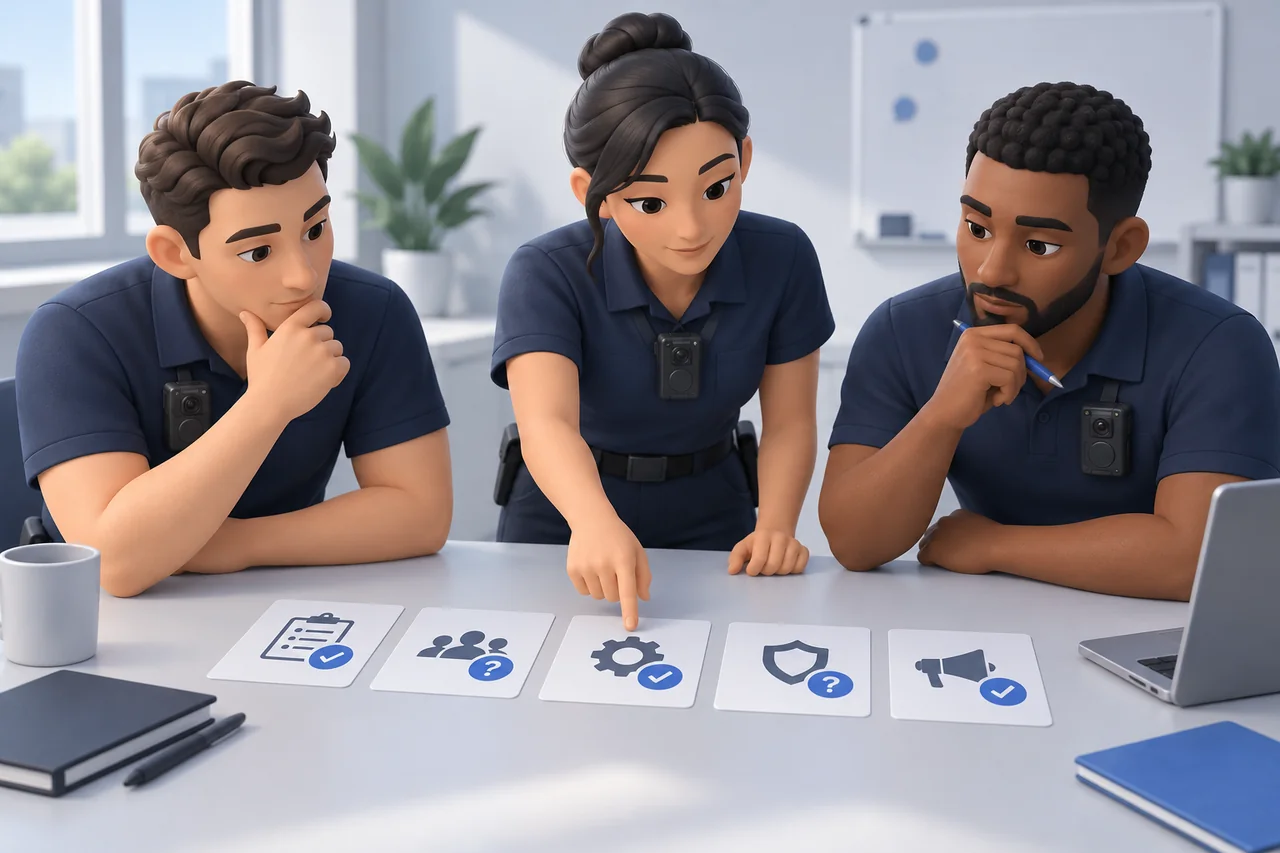
Record the clothing, attachment, movement, and limitation. If adjustment is approved, demonstrate it, let the wearer refit the camera, and repeat the affected movement. A pleasing position in a mirror is insufficient evidence for the recording task. The illustration above explains the exercise; it is not a sample recording. Use the body camera buying guide when a mounting problem becomes an equipment-selection question.
Practice Recording Controls and Safe Error Recovery
Confirm recording with the device's actual indicators
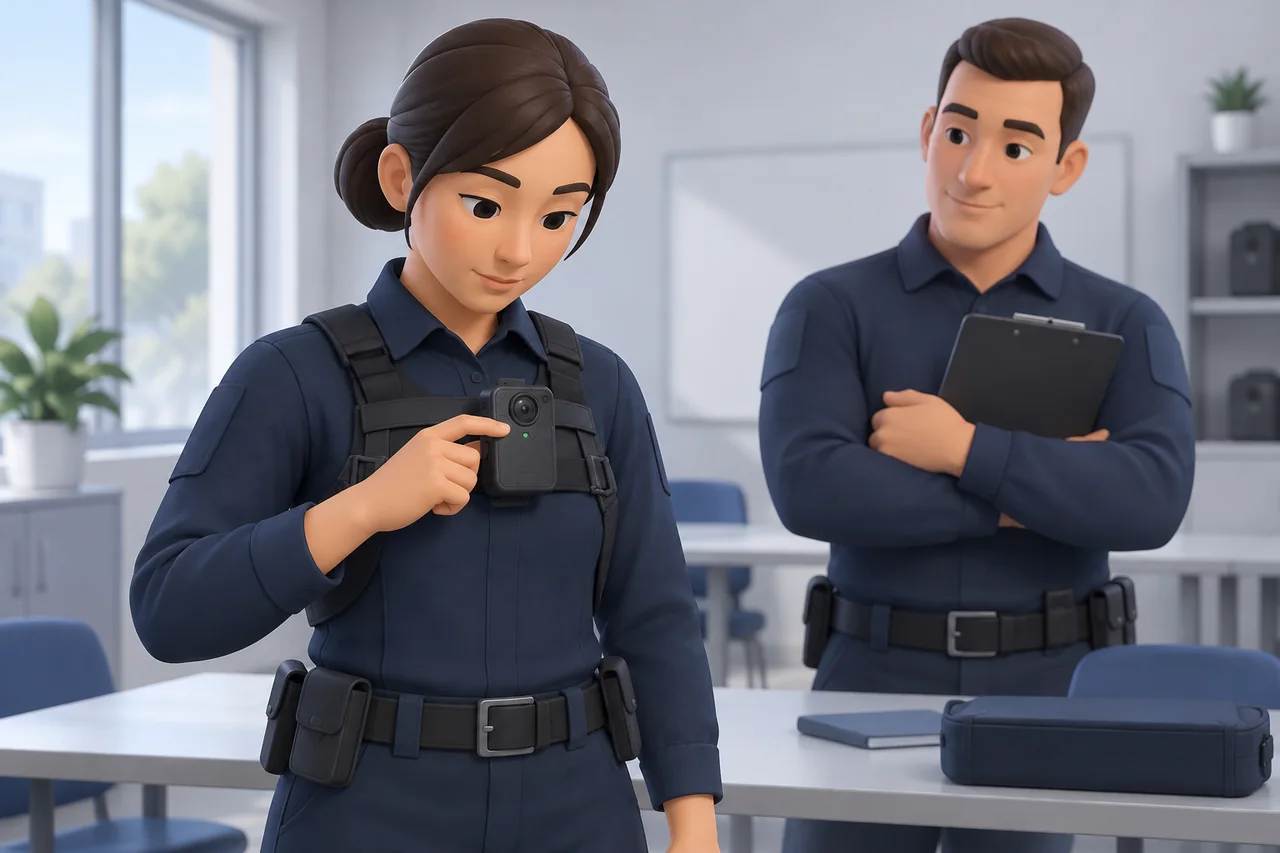
The employee’s objective is to operate the assigned equipment and recognize its actual state. The trainer should demonstrate powering the device, starting recording, checking the documented feedback, and stopping under the approved procedure. Distinguish “powered on” from “recording” using the model’s instructions.
Ask the employee to repeat the sequence while explaining what confirms each state. The observer notes repeated button presses, reliance on an assumed light color, or a confirmation step skipped while talking. Re-demonstrate the uncertain step and retry it while wearing the camera.
Respond to low power, a full device, or a missed start
Introduce one verbal fault prompt after the basic operation is familiar. Keep the exercise calm; operating a camera must not distract from the employee’s safety responsibilities.
| Error prompt | Observable employee response | Supervisor records |
|---|---|---|
| Low power warning | Recognize the actual warning and use the approved contact or replacement route | Warning understood; next action and contact identified |
| Recording storage unavailable | Report the condition and follow the approved fallback | Whether the employee avoided unauthorized deletion or formatting |
| Start was missed | State the known recording gap and report it through the agreed route | What was observed, what was missing, and who was informed |
| Status is uncertain | Check documented feedback; escalate if uncertainty remains | Any unsupported assumption about recording |
Practice accurate reporting without asking staff to reconstruct an incident for the camera. Do not promise that missed content can be recovered. After coaching, change the prompt and check the response again. A successful retry concerns that task; it does not establish that every possible fault has been covered.
Use Short Role-Plays and an Observer Checklist
Run a routine interaction and a privacy-sensitive situation
Use consenting colleagues, fictional details, and a controlled practice area. Avoid real incidents, unrelated members of the public, or sensitive personal information. The aim is to rehearse recording decisions and communication within the job, alongside the organization’s separate safety procedures.
The trainer first models one complete interaction and explains the decision points. Then give the employee a role card without the answers. Another colleague plays the visitor, while the observer remains quiet unless intervention is needed. In the second exercise, introduce a sensitive-area boundary already defined by the organization.

| Suggested scenario | Expected demonstration | Observation record | Targeted retry |
|---|---|---|---|
| Routine visitor question | Apply the approved recording decision and communication | Exact action, timing, and words used | Repeat the missed decision or explanation |
| Transition toward a designated sensitive area | Recognize the boundary and follow the approved instruction | Boundary identified independently or after prompting | Change the approach and repeat the boundary decision |
| Uncertain recording status | Check feedback and use the reporting route | What was checked and whom the employee contacted | Repeat with a different status prompt |
Observe communication, recording decisions, and limitations
Use factual notes: “asked whom to contact after the supervisor prompted” is more useful than “lacks confidence.” Invite the employee to describe the sequence first. Compare that account with the observer’s notes and, where authorized, the practice clip.
Give one clear correction at a time. If the employee followed the instruction but the instruction was ambiguous, send it to the policy owner. If clothing blocked the view, revisit mounting. If the action was missed, demonstrate and repeat it. Do not turn every problem into another full role-play or treat this exercise as conflict-management training.
Rehearse File Handover with the Person Receiving the Footage
Use an authorized test clip and a mock incident reference
The objective is for the wearer and receiver to complete both ends of the approved workflow. Create a harmless test clip with a fictional incident reference. Confirm who may transfer, view, and receive it before starting.
Have the trainer and receiver demonstrate the actual cable, docking, or software process together. Use only functions supported by that configuration. Then ask the wearer to repeat their part while the receiver independently locates the expected material. Returning hardware to a charging point does not, by itself, demonstrate receipt.

| Training handover observation | Record |
|---|---|
| Test reference and assigned device | Fictional reference; equipment identifier used in the exercise |
| Wearer’s action | Transfer or return step completed; any help required |
| Receiver’s check | Expected file located and opened through the authorized route |
| Known gap or pending step | Missing material, unclear association, or incomplete transfer |
| Retry owner and confirmation | Person responsible; observed result after correction |
Confirm receipt and follow the approved retention process
Ask each participant to explain when their responsibility ends and what happens if receipt cannot be confirmed. The observer should check that a pending transfer remains visible, with an owner and next action. Coach and repeat whichever side of the handover failed.
Keep practice material under the organization’s approved storage and retention arrangements. Successful playback is an operational observation, not a certification of evidentiary integrity or admissibility. Use the existing security guide for daily handover records, and review storage and subscription questions when selecting the underlying workflow.
Check Competence and Plan Targeted Refresher Training
Ask the employee to demonstrate without prompting
After coached practice, ask for an independent demonstration against the outcomes agreed at the start. Explain the assessment task without supplying its sequence. The observer records prompts separately from actions completed independently.
Getac’s 2021 training article discusses equipment, policy, storage, and different training roles. The observation rubric here is a suggested internal tool, not a vendor certification or validated proficiency standard.
| Outcome | Observation to record | Next action |
|---|---|---|
| Readiness and mounting | Checks completed; actual uniform used | Revisit a missed check or unresolved fit |
| Recording decision and control | Policy explanation; operation; status confirmation | Clarify the decision or rehearse the control |
| Exception reporting | Accurate description and correct contact | Repeat with another fault prompt |
| File handover | Wearer’s step and receiver’s confirmation | Retry the incomplete part with its owner |
Record gaps and repeat only the affected task
For each outcome, record Demonstrated, Needs practice, or Not applicable, with a reason and the relevant observation. Record equipment limitations or policy questions separately rather than assigning them to employee performance.
The trainer then demonstrates the missed action, the employee repeats it, and the observer records the new result. Keep the original observation so the improvement is understandable. Review training when duties, instructions, equipment, or the receiving workflow change, or when repeated errors reveal a gap. Set timing around those needs and applicable organizational requirements. An internal sign-off records what was demonstrated under the stated conditions; it does not promise future performance.
Use Training Findings to Review a Small Team Pilot
Track recurring questions, equipment friction, and file-retrieval issues
Use training records to explain what needs attention during the wider pilot. The existing security guide already provides equipment and handover checks. Add the learning evidence: which action required prompting, what the trainer changed, and whether the employee could repeat it independently.
The pilot lead should demonstrate how to turn an observation into an actionable issue. Ask the supervisor or receiver to draft the next entry, then review it together. Capture the conditions that matter, such as uniform layer, assignment, configuration, and receiving role, without storing unnecessary personal information.
| Finding | Owner | Condition to verify | Closure evidence |
|---|---|---|---|
| Recording feedback repeatedly misunderstood | Training lead | Same device and approved settings | Independent status confirmation after revised demonstration |
| Jacket obstructs the agreed view | Equipment lead | Actual approved clothing and attachment | Authorized movement clip reviewed; limitation resolved or recorded |
| Receiver cannot locate the test reference | Workflow owner | Intended receiving account and process | Receiver retrieves the correct test material |
Close unresolved tasks before expanding the rollout
Review whether each issue needs coaching, a policy decision, configuration work, or supplier information. The observer checks that the entry names both an owner and a verifiable result; rewrite vague entries such as “staff need more training.”
Repeat the affected exercise after the change and retain the result. Essential unresolved tasks need a decision before expansion. Bring equipment questions to a security team pilot discussion, using the observed conditions rather than assuming a completed training session proves suitability for every role.
Answer Common Training Questions Before Sign-Off
Is an equipment tutorial the same as a certified training course?
An equipment tutorial explains operation. Certification depends on an identified scheme and its requirements. This guide offers internal practice tools and does not award a qualification. Have the responsible organization verify any licensing, course, or competency requirements relevant to the actual role and location.
How long should training take, and who should attend?
Allocate enough time for demonstration, employee practice, questions, observation, and retry. The appropriate duration depends on the tasks and participants; this checklist sets no universal hours. Camera users need operating practice, supervisors need observation and escalation practice, and receivers need retrieval and receipt practice. Include replacements and temporary staff who will perform those tasks.
What if our camera or software workflow changes?
Identify which learning outcomes changed. Have the trainer demonstrate the revised task, ask each affected person to repeat it, and record what the observer saw. If the result is incomplete, assign the specific retry before internal authorization.
| Internal sign-off question | Confirmation needed |
|---|---|
| Are the assignment’s recording rules approved and understood? | Current instruction and responsible owner |
| Have the relevant tasks been demonstrated independently? | Observation record for each affected role |
| Can staff recognize and report an exception? | Observed response and named contact |
| Has the authorized receiver confirmed the test handover? | Located, readable test material; pending steps recorded |
| Does every unresolved item have an owner and decision? | Next action, review point, and any deployment restriction |
Record the reviewer, date, assignment, and configuration with the internal decision. Revisit unresolved conditions before applying that decision to another site or role.
Build your next team discussion around the work employees must demonstrate. Bring the assignment, team size, uniform and mounting needs, expected recording pattern, receiving workflow, and unresolved training observations. Ask for the exact equipment documentation and configuration details needed to plan a controlled trial. SPIKECAM’s team page provides a place to discuss the proposed setup; your organization retains responsibility for its policy, staff training, and internal authorization. Discuss Your Team Pilot.
Sources
- Bureau of Justice Assistance — Implementation, Body-Worn Camera Toolkit. Law-enforcement background, including historical implementation examples.
- ASU Center for Violence Prevention and Community Safety — Body-Worn Camera Training Guide. Law-enforcement reference materials; the landing page describes their intended scope.
- Getac — Comprehensive Body-Worn Camera Training Determines Success. Vendor article, June 14, 2021; referenced for topic coverage.
Sources reviewed October 15, 2026. The workplace exercises, tables, and observation approach in this article are suggested adaptations for employer review.
Related articles
Body Cameras for Security Guards: What to Look For
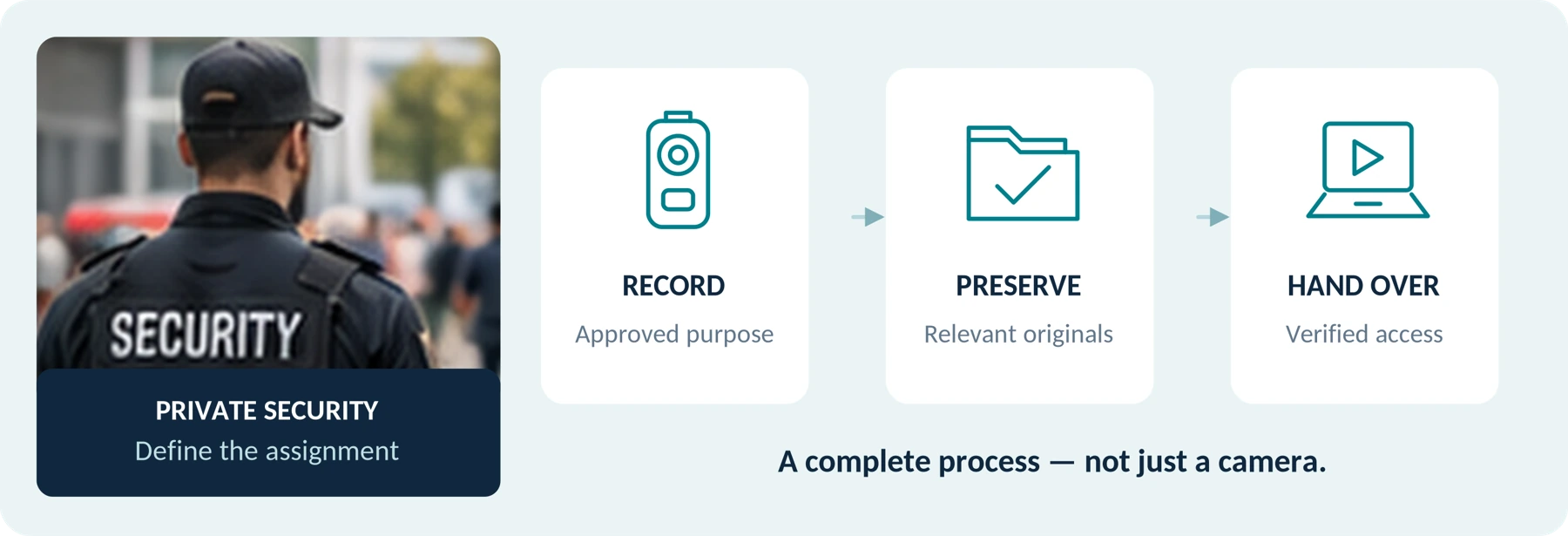
Plan around the security assignment, approved recording process and handover of incident footage.
Body Camera Buying Guide: How to Choose the Right One
Choose a camera around recording controls, battery life, file access and your actual working routine.
Do Body Cameras Require a Subscription? Fees Explained
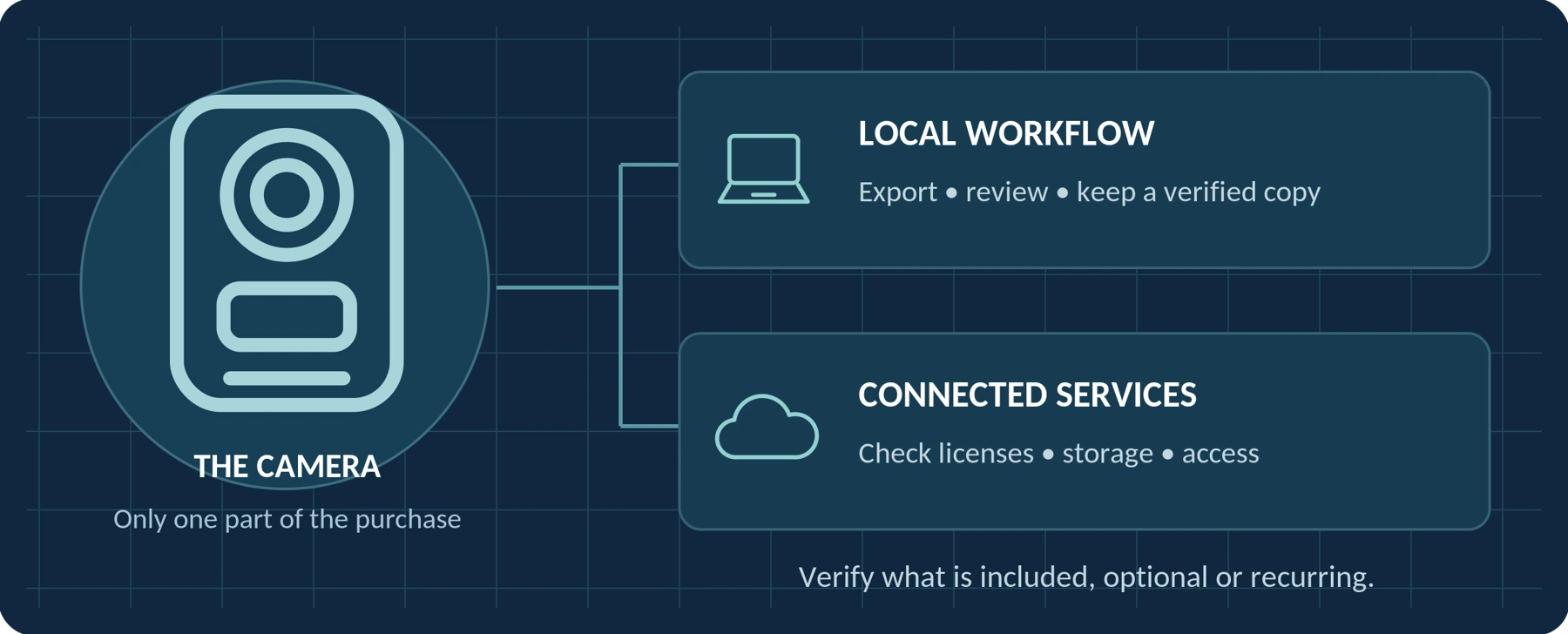
Understand local recording, software licenses, cloud subscriptions and access to your recordings.
